




Getting started with your
XPPen Deco 01 V3 Pen Tablet.
1/9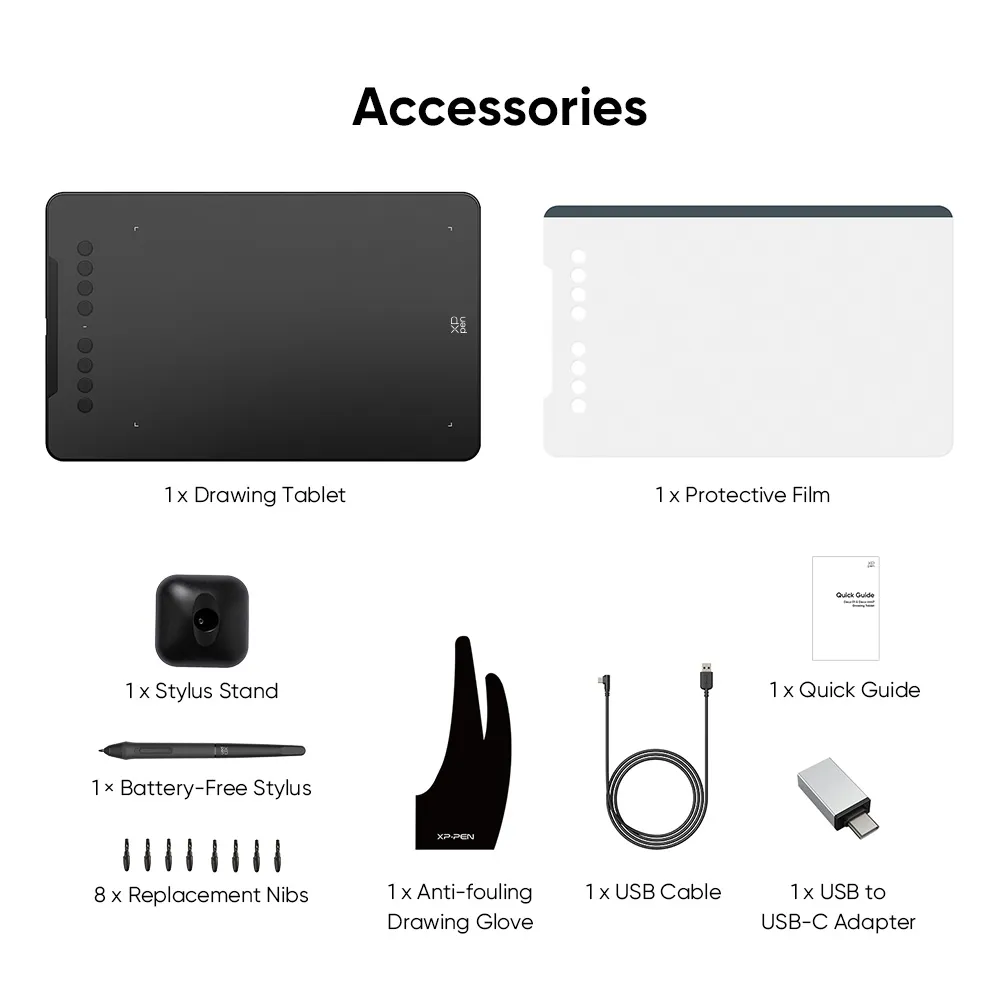
![https://resource.xp-pen.com/Uploads/goods/20241120/OurXvaCKONkA7VCX0VRx_500_500.webp]()
![https://resource.xp-pen.com/Uploads/goods/20241120/GBy9OgLyQyn5ZbffueTA_500_500.webp]()
![https://resource.xp-pen.com/Uploads/goods/20241120/UVEhoTqkv6Rc7sY4bPPt_500_500.webp]()
![https://resource.xp-pen.com/Uploads/goods/20241120/mMhDKb1IXpnlDfZR9FZC_500_500.webp]()
![https://resource.xp-pen.com/Uploads/goods/20241120/QMUNYnzMz1exbH8abQaW_500_500.webp]()
![https://resource.xp-pen.com/Uploads/goods/20241120/E6JEOUDEK0W2thvbRAU1_500_500.webp]()
![https://resource.xp-pen.com/Uploads/goods/20241120/sWT4ckBuR31ZP5KZh8Bi_500_500.webp]()
![https://resource.xp-pen.com/Uploads/my/goods/20210503/52c739cf263d06a17780c630f74ca045_500_500.webp]()
Deco 01 V3 16K Pen Pressure
16K Pen Pressure, 10x6 inch, 60 degrees Tilt function, Supports with Android, MacOS & Windows
RM188RM279
LIGHTNING_ENDS
> Mainly shipped from Selangor warehouse.
> 2-4 days deliver to West Malaysia.
> 18 months warranty.
Colors:
Black
ESSENTIAL_ACCESSORIES
QUANTITY:
TOTAL
RM0








ESTIMATED:
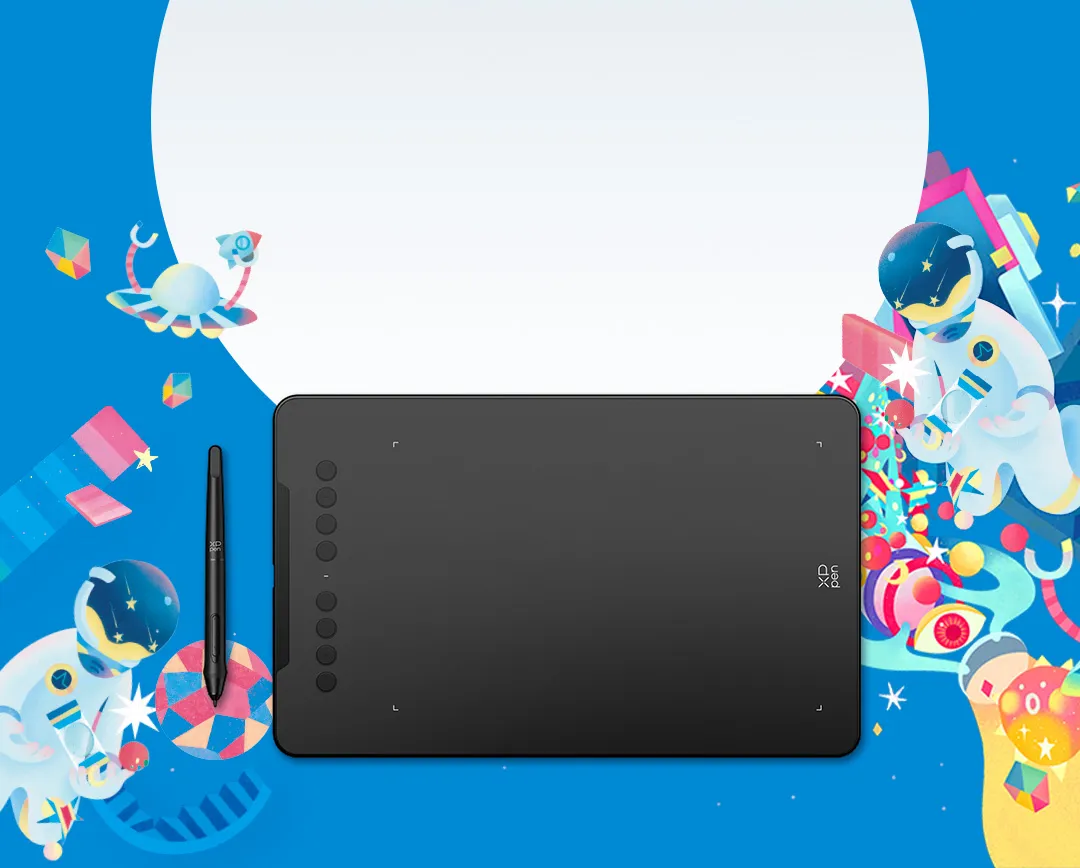
Deco 01 V3
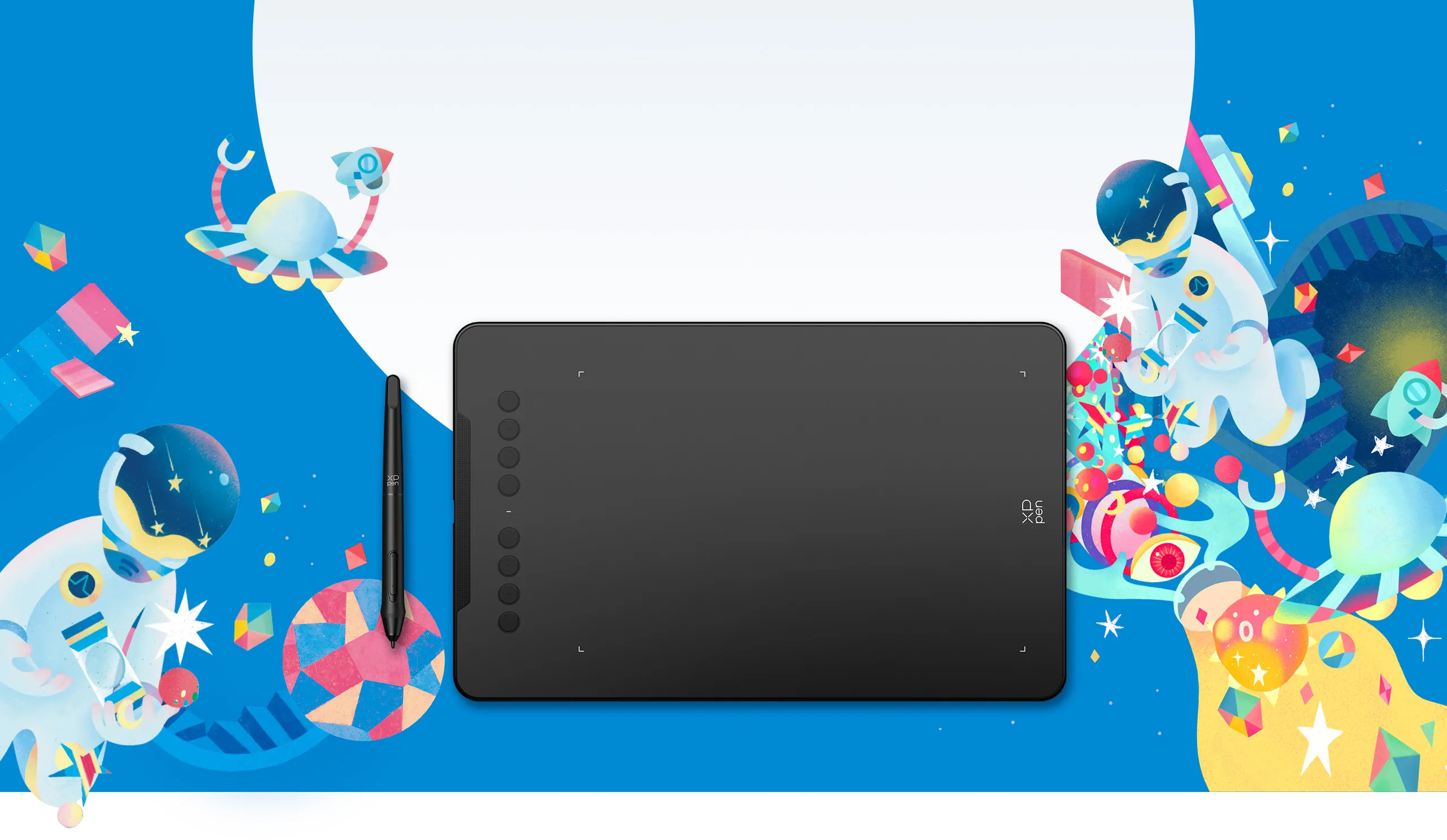
New compatibility, new potential.
More color, more brilliance.
Black
Green
Pink
Enjoy a smoother and more
natural drawing experience
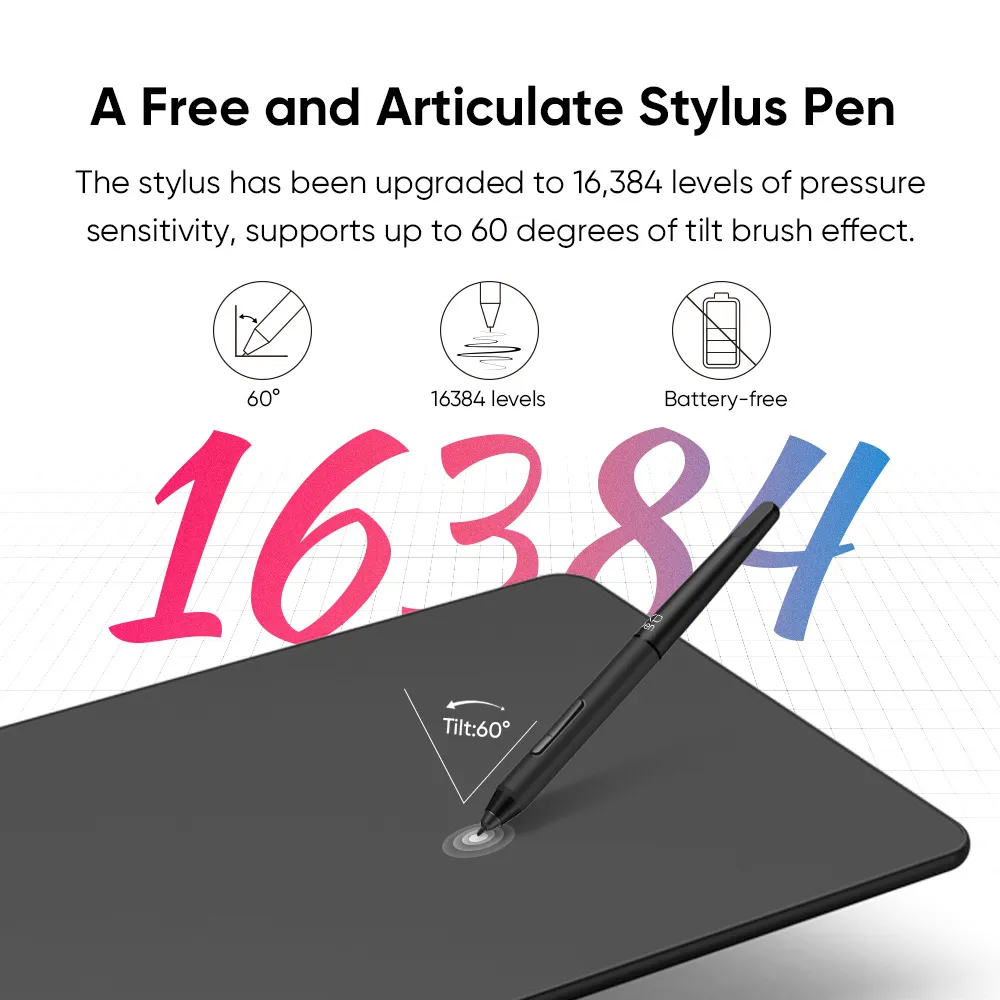
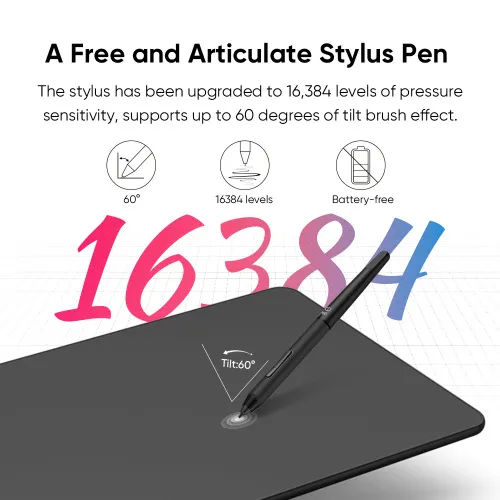
The stylus has been upgraded to 16,384 levels of pressure sensitivity, supports up to 60 degrees of tilt brush effect and delivers smoother lines and strokes, as well as the ability to add shading to your creations for a more natural writing and drawing experience.
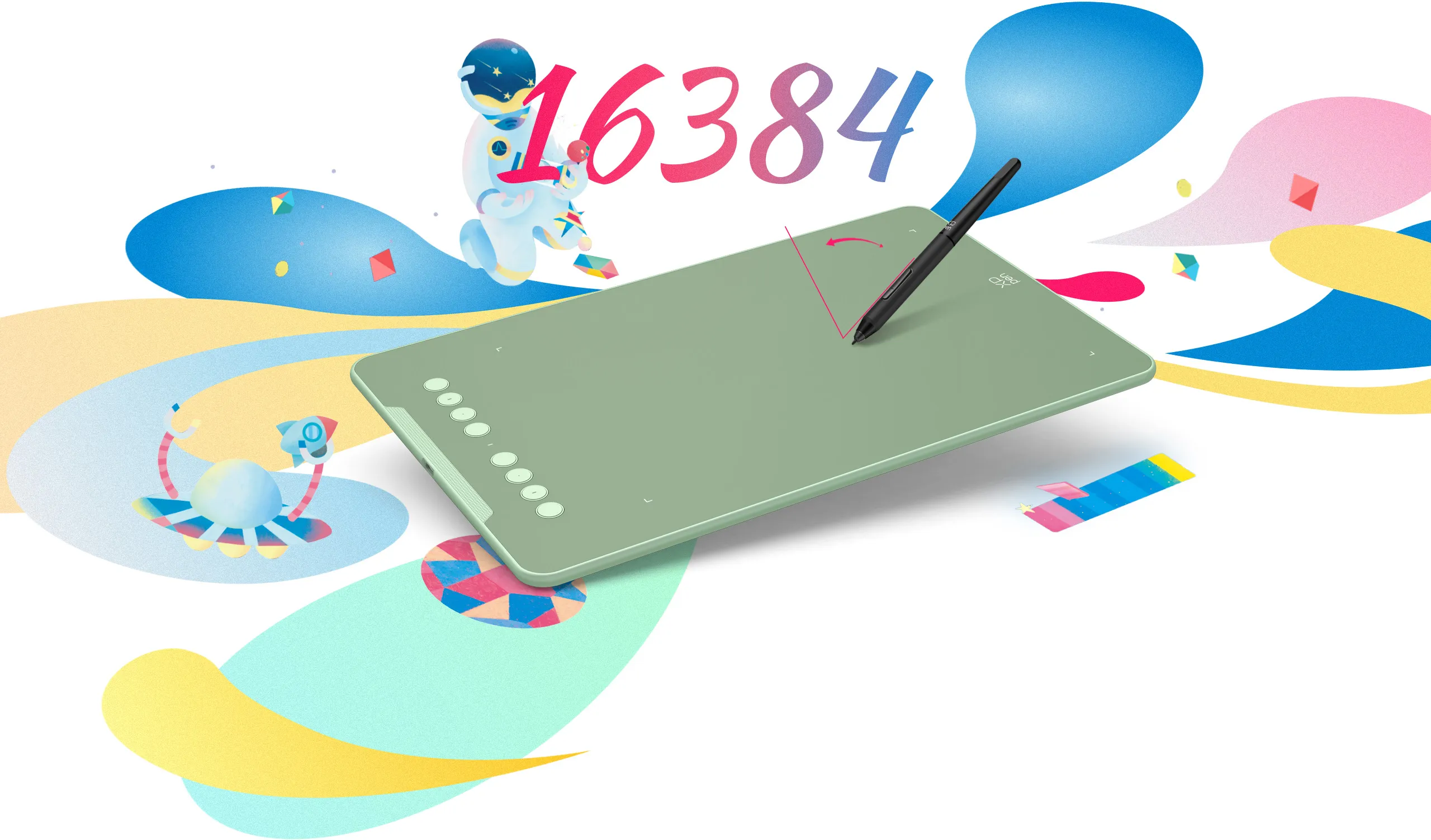
Tilt:60°
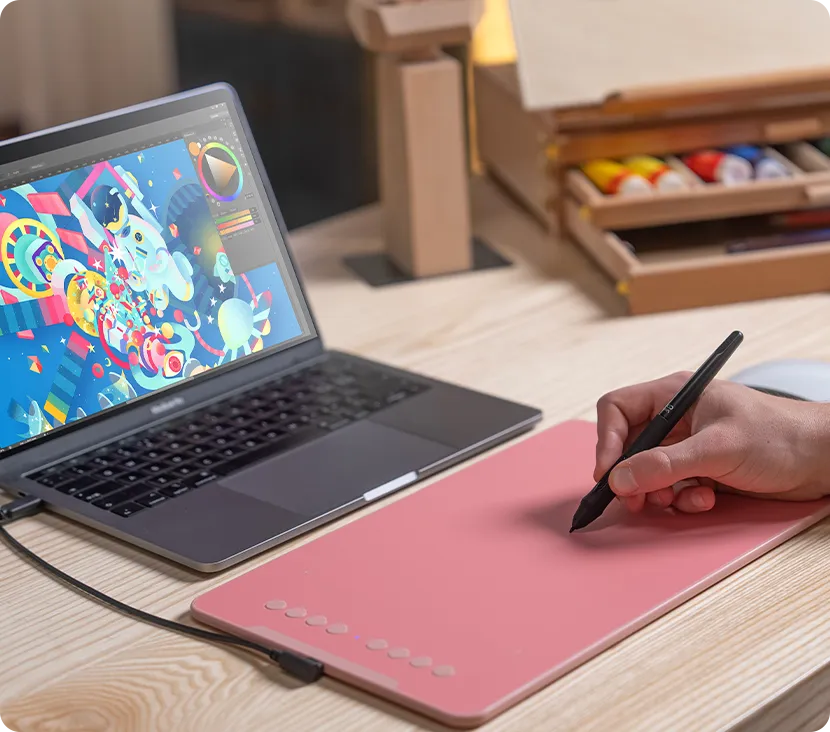
Expand your world.
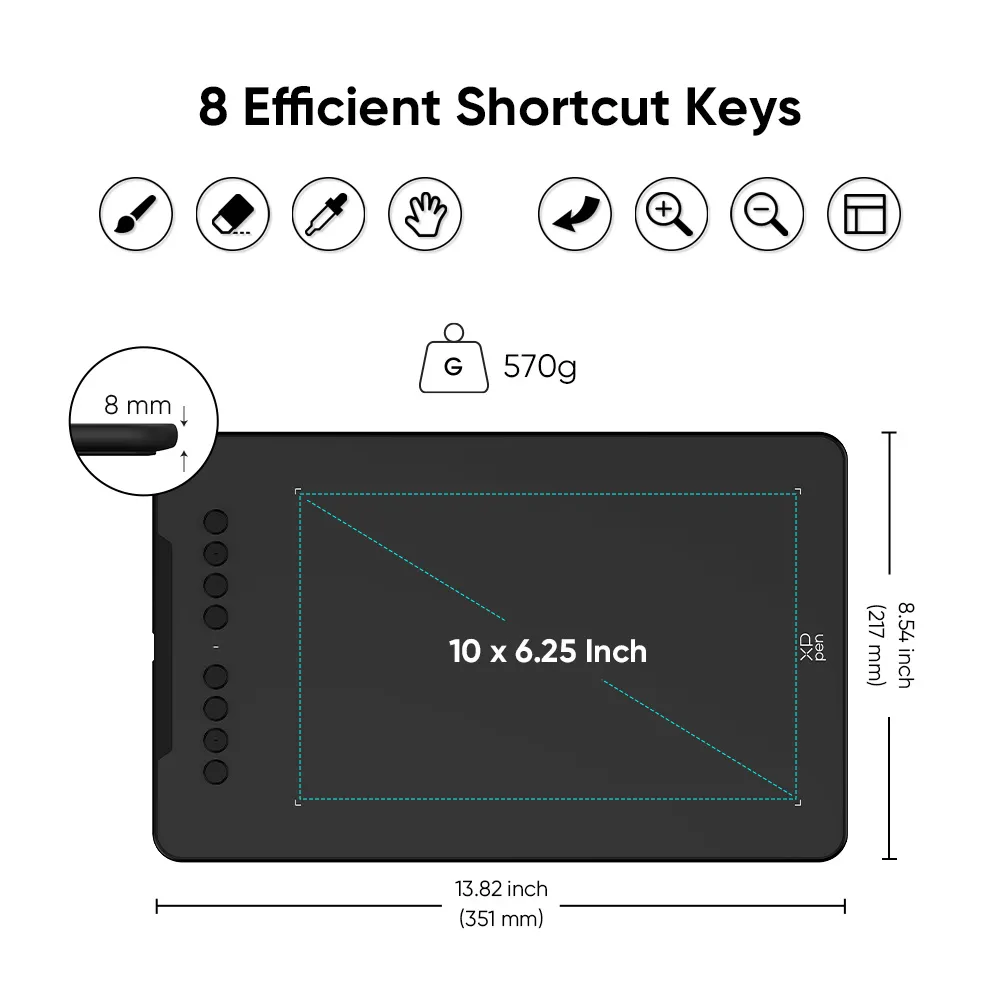
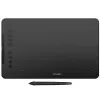
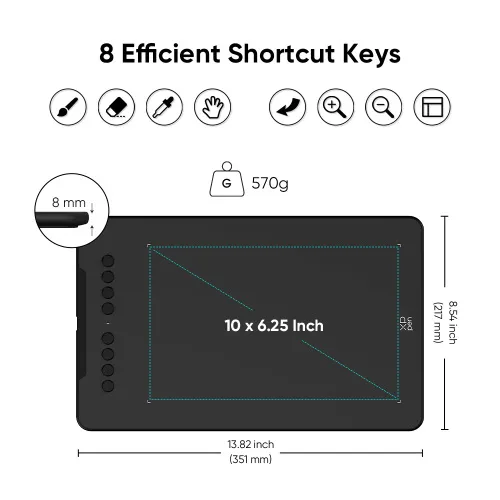
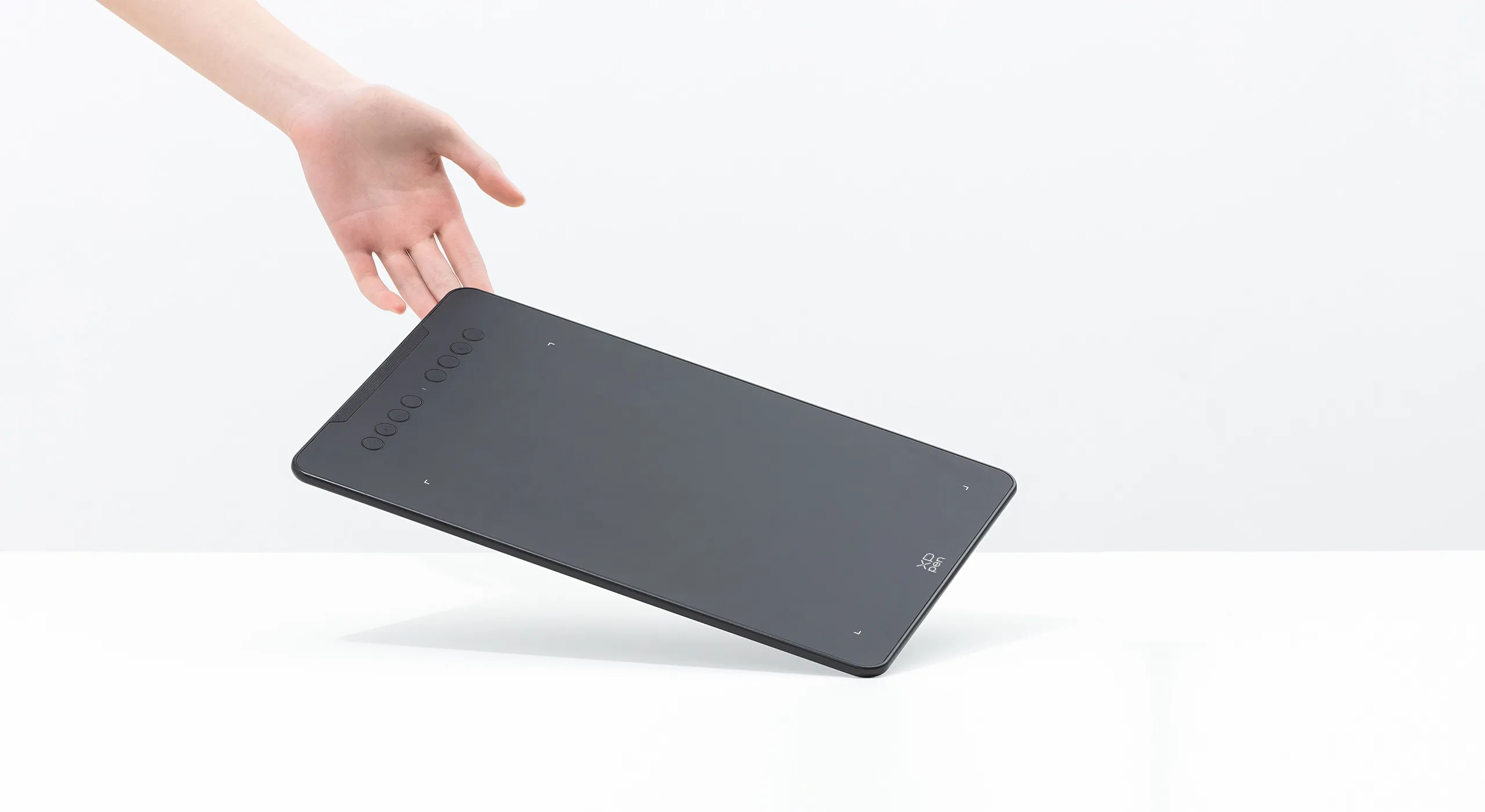
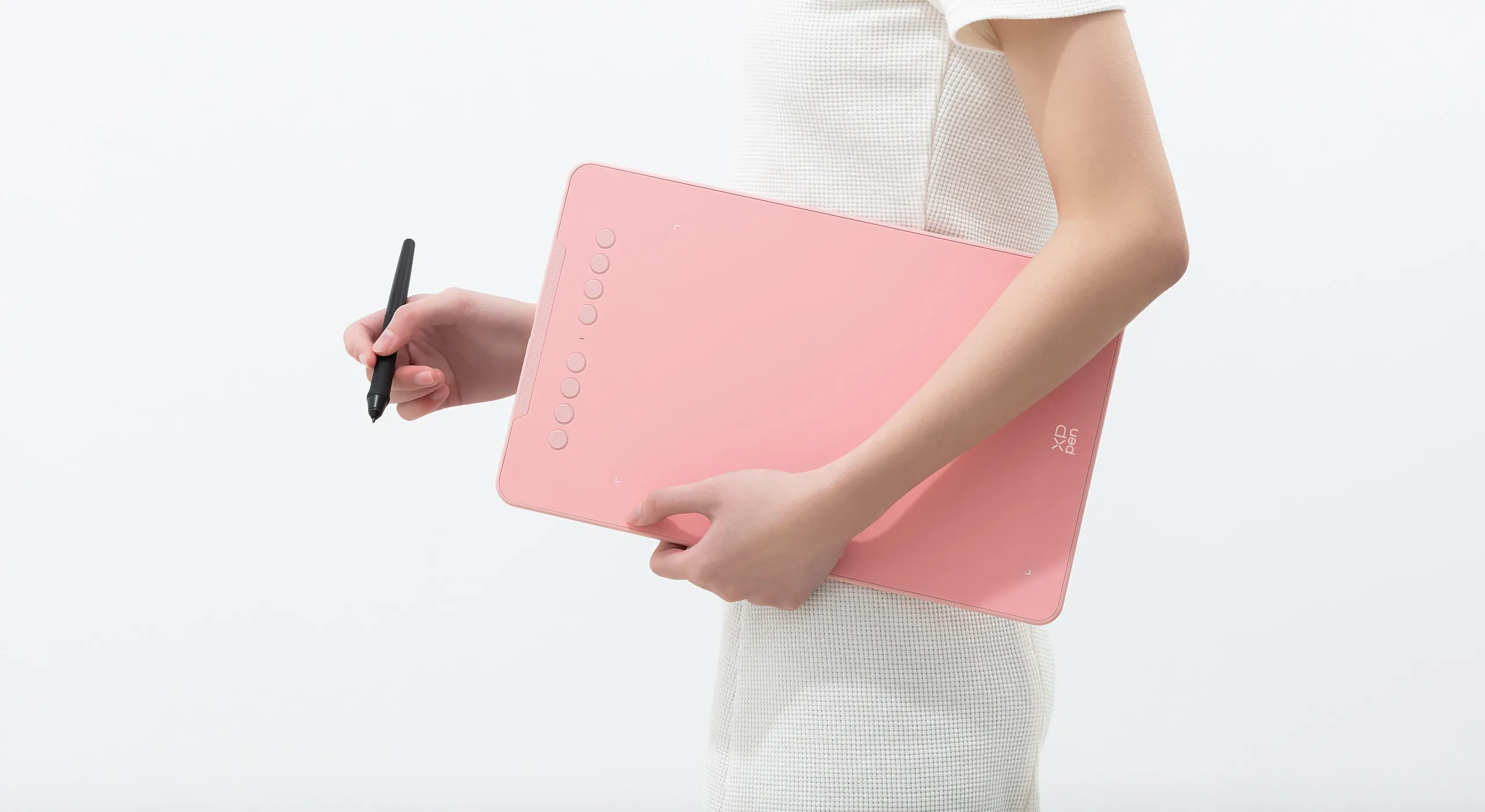
The Deco 01 V3’s expansive tablet is big and brilliant! It comes with a 10 x 6.25 inch working area so you have more space to create and get work done. But with only 8 mm thickness, you can take it anywhere without the burden of lugging around a heavy tablet!
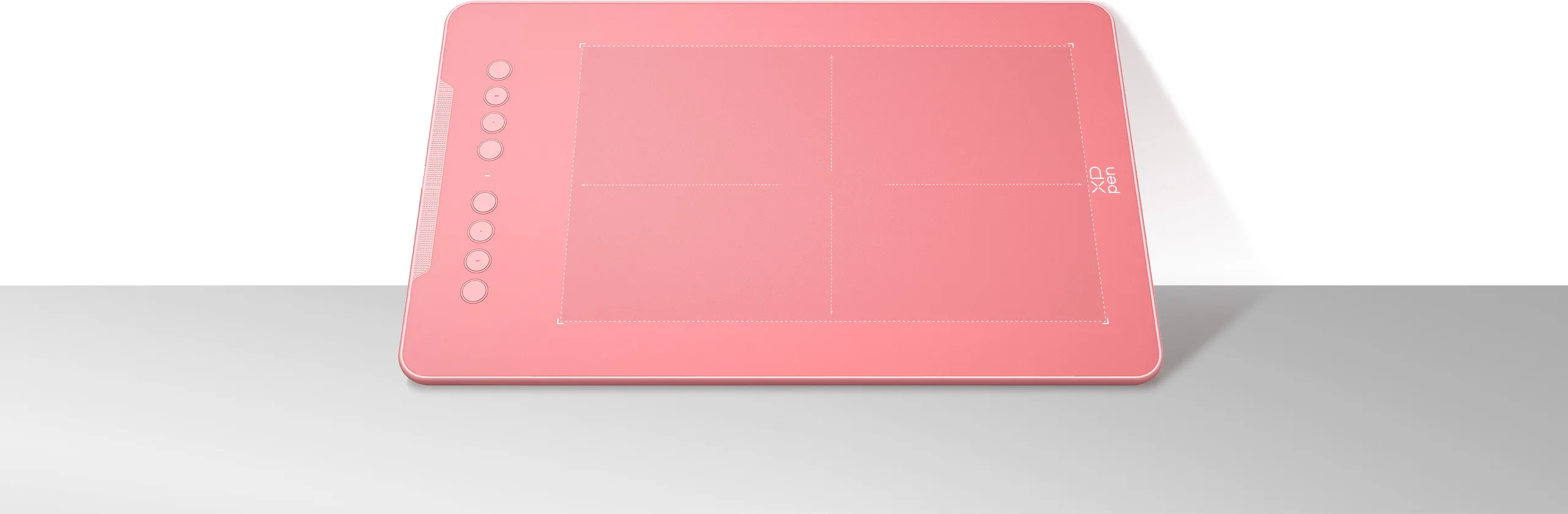
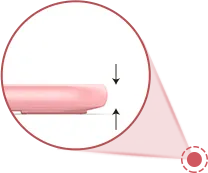
8 mm
10 x 6.25 Inch
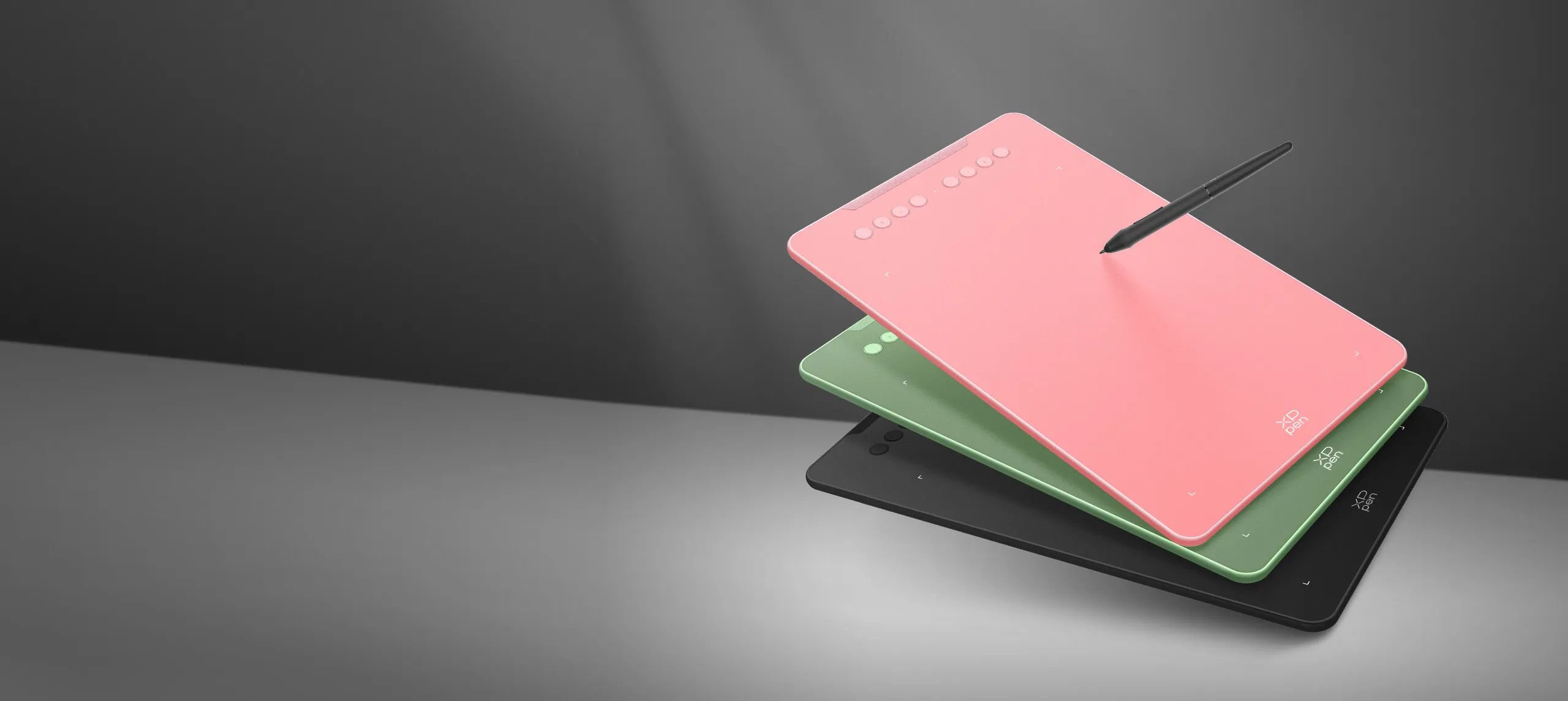
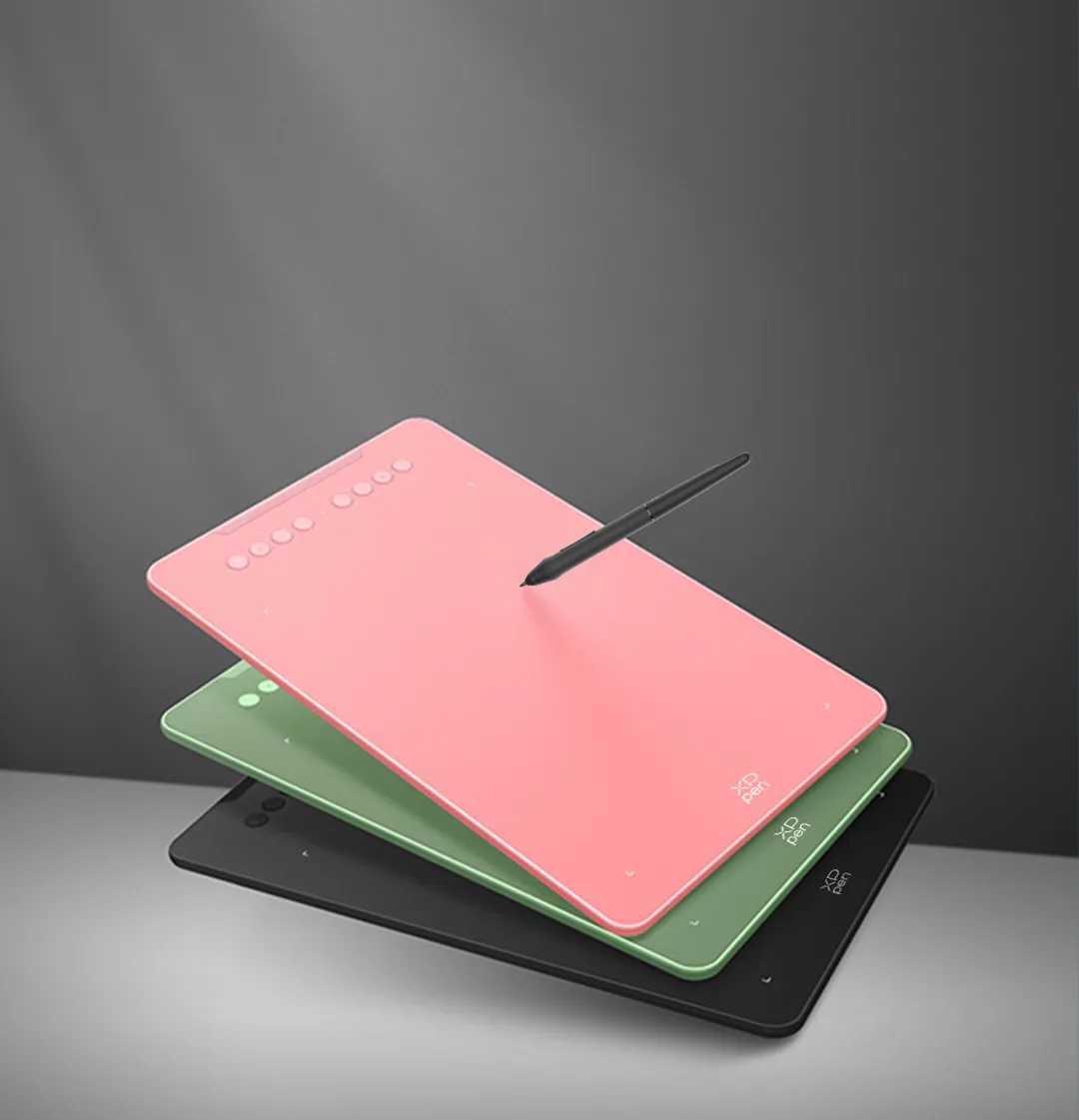
Three vibrant colors,
for creative inspiration.
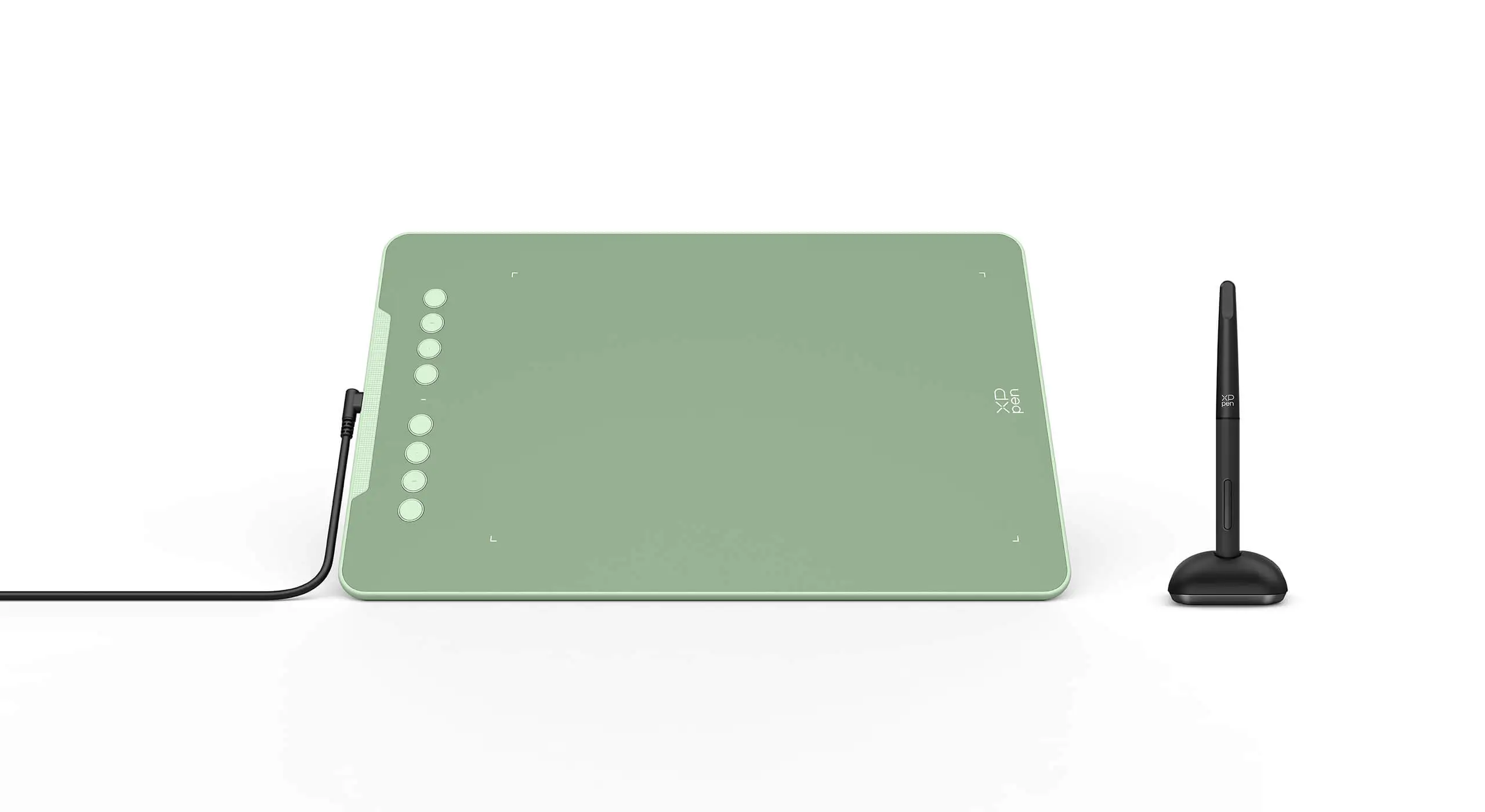
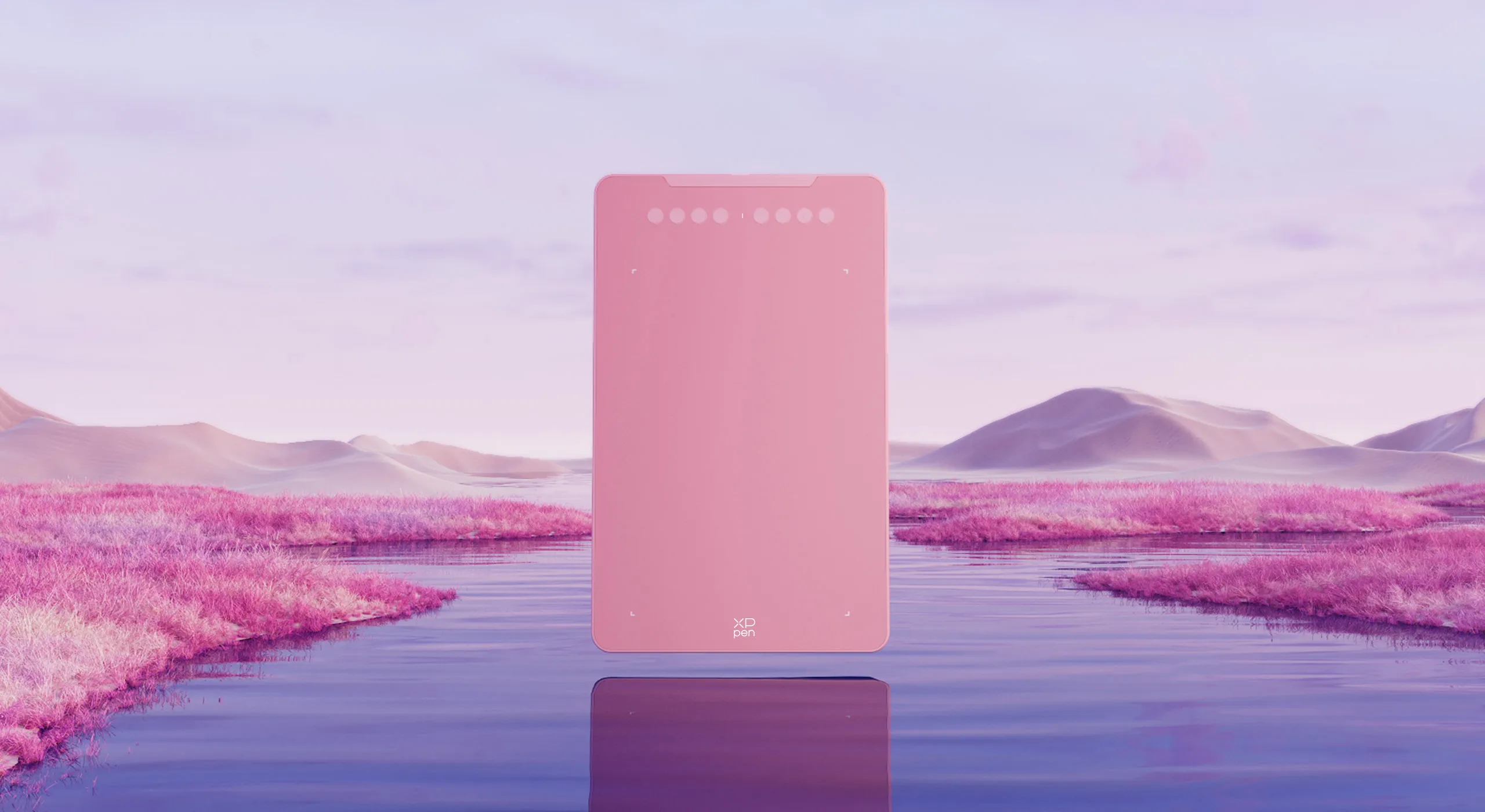
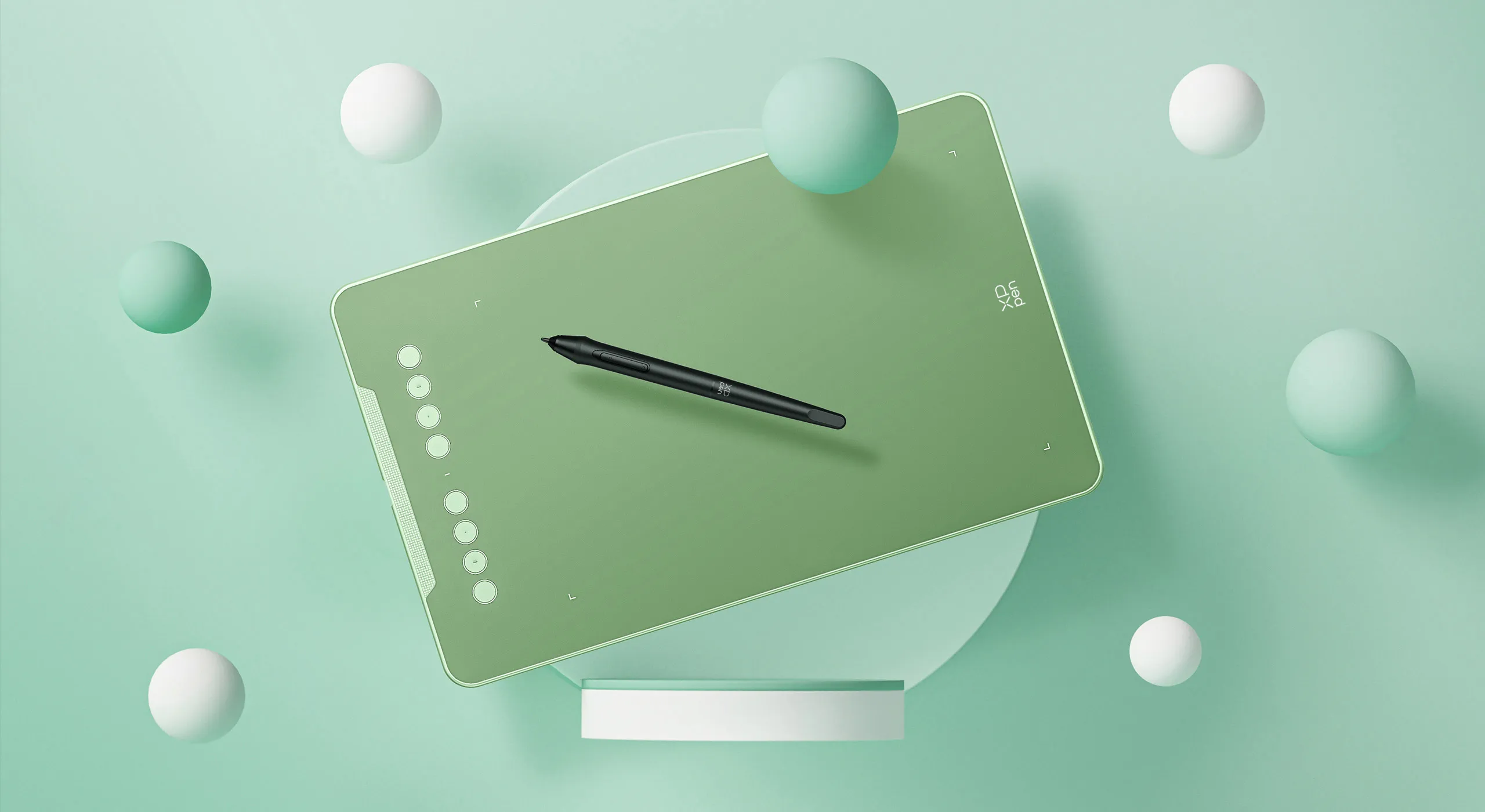
Deco 01 V3 now is available in three vibrant colors. Choose your color, personalize your style, and show your unique creativity.
Pink
Green
Black
Versatility
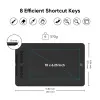
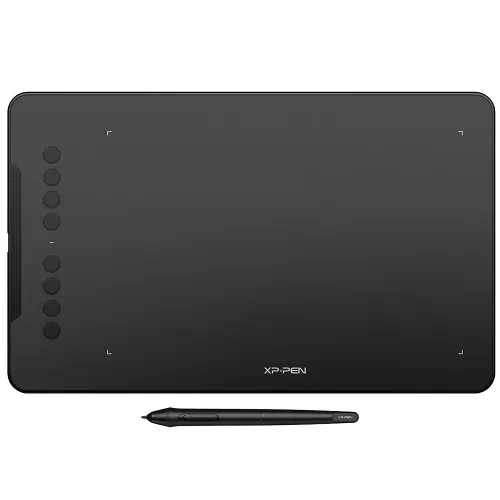
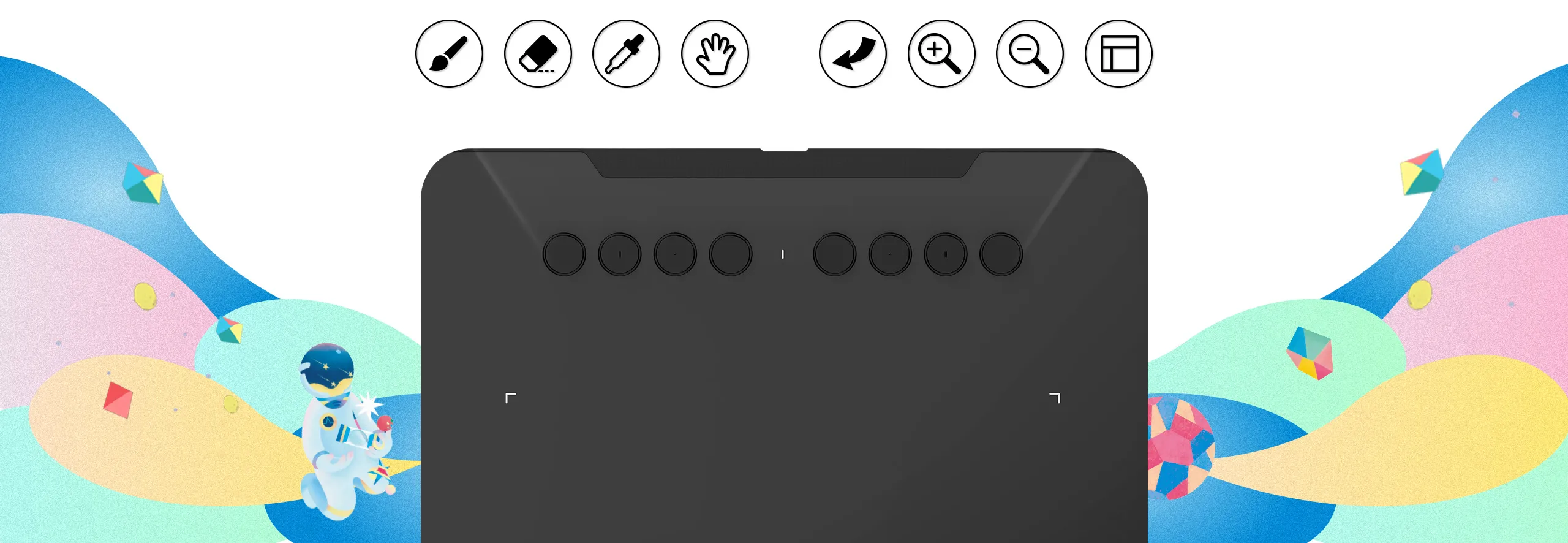
The Deco features eight, round, customizable express keys that fit easily to your fingertips. With its blind spot reduction design, you can find the position of your express keys efficiently and the shortcut keys can be programmed to many different software programs.

Ultra-thin. Ultra-portable.
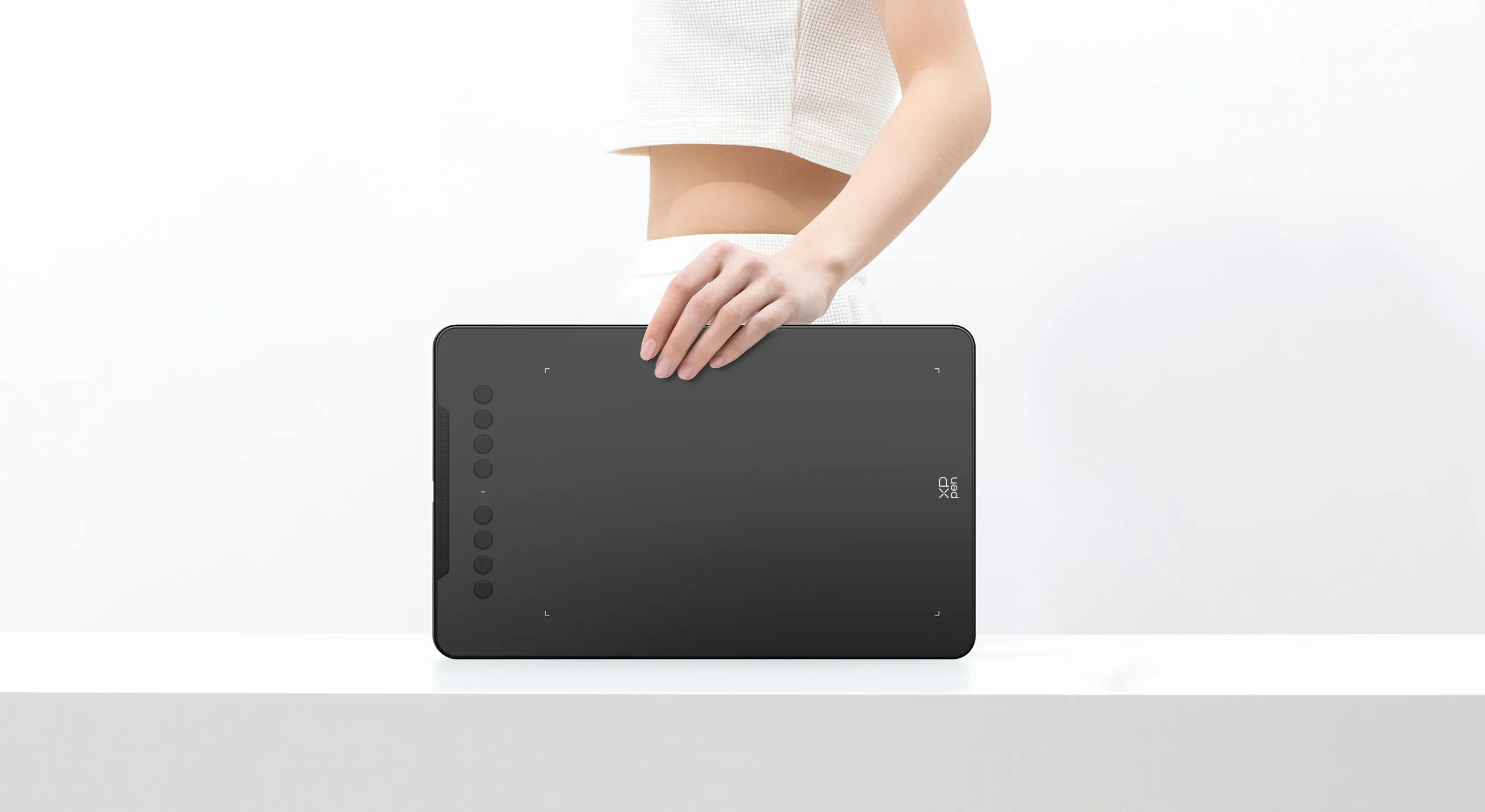
Only 8 mm thinness of the Deco 01 V3 tablet, more lightweight and portable. Slip it into the back of your backpack for a moment of inspiration.


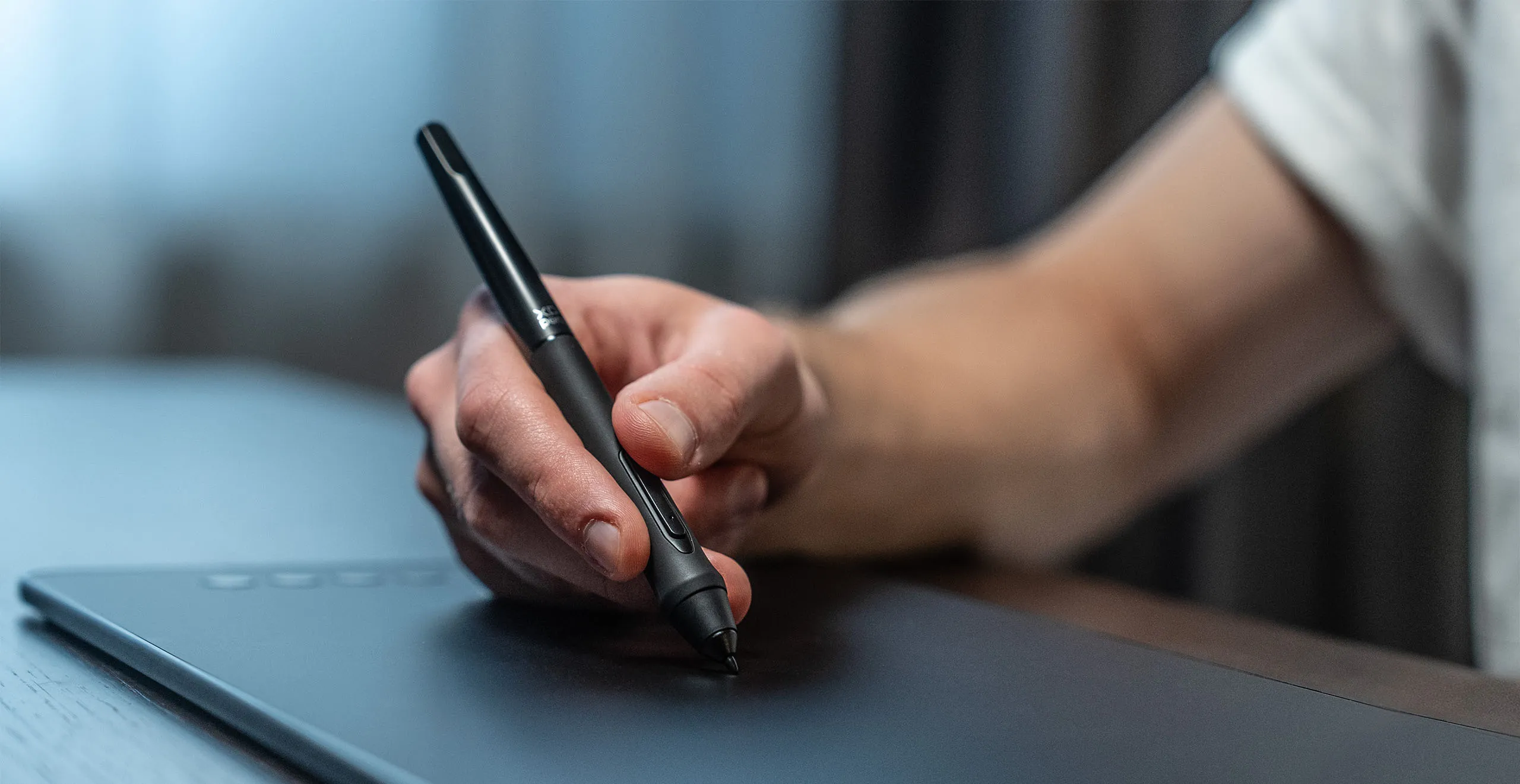

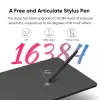
A free and articulate stylus pen.
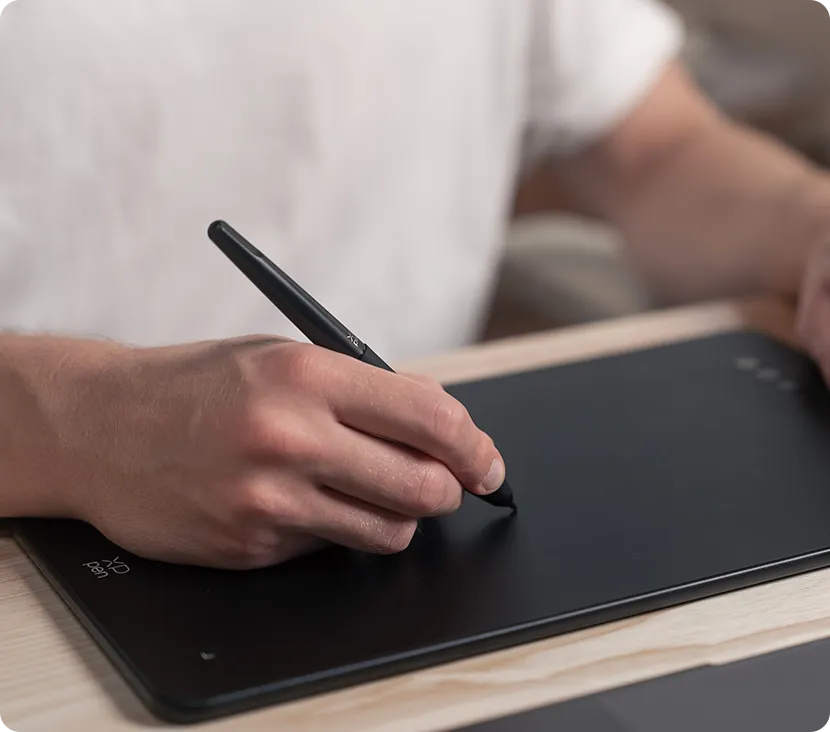
The stylus works just like a real pen, no battery and no charging required! The stylus is true-to-life with 16,384 levels of pressure sensitivity, giving it the intelligence to modify, navigate and create with a full pallet of brush and pens.
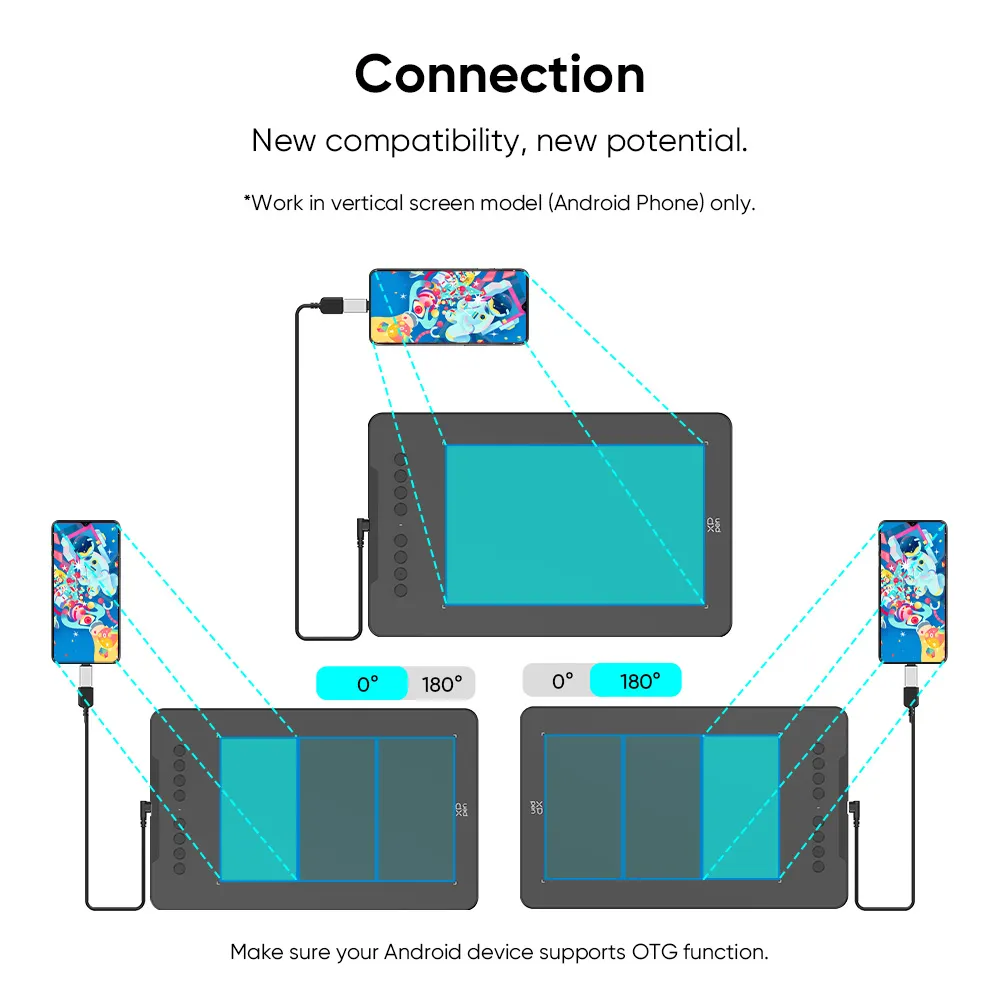
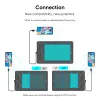
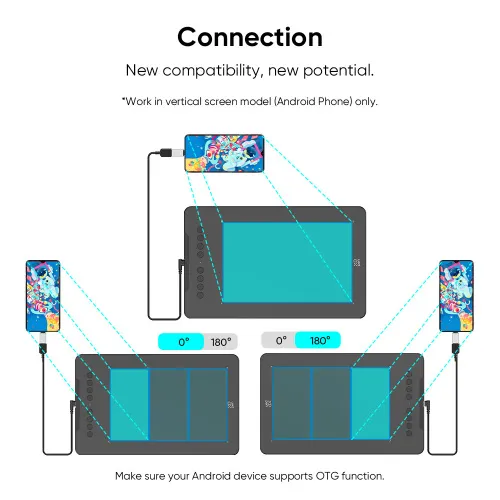
New compatibility, new potential.
The XPPen Deco 01 V3 supports connections with Android devices 10.0 and above. Recommend downloading: "XPPen tools" Android application.
Adapts to the aspect ratio of your smartphone screen, ensuring accurate mapping. Supports mapping on Android screens with different aspect ratios in portrait mode.
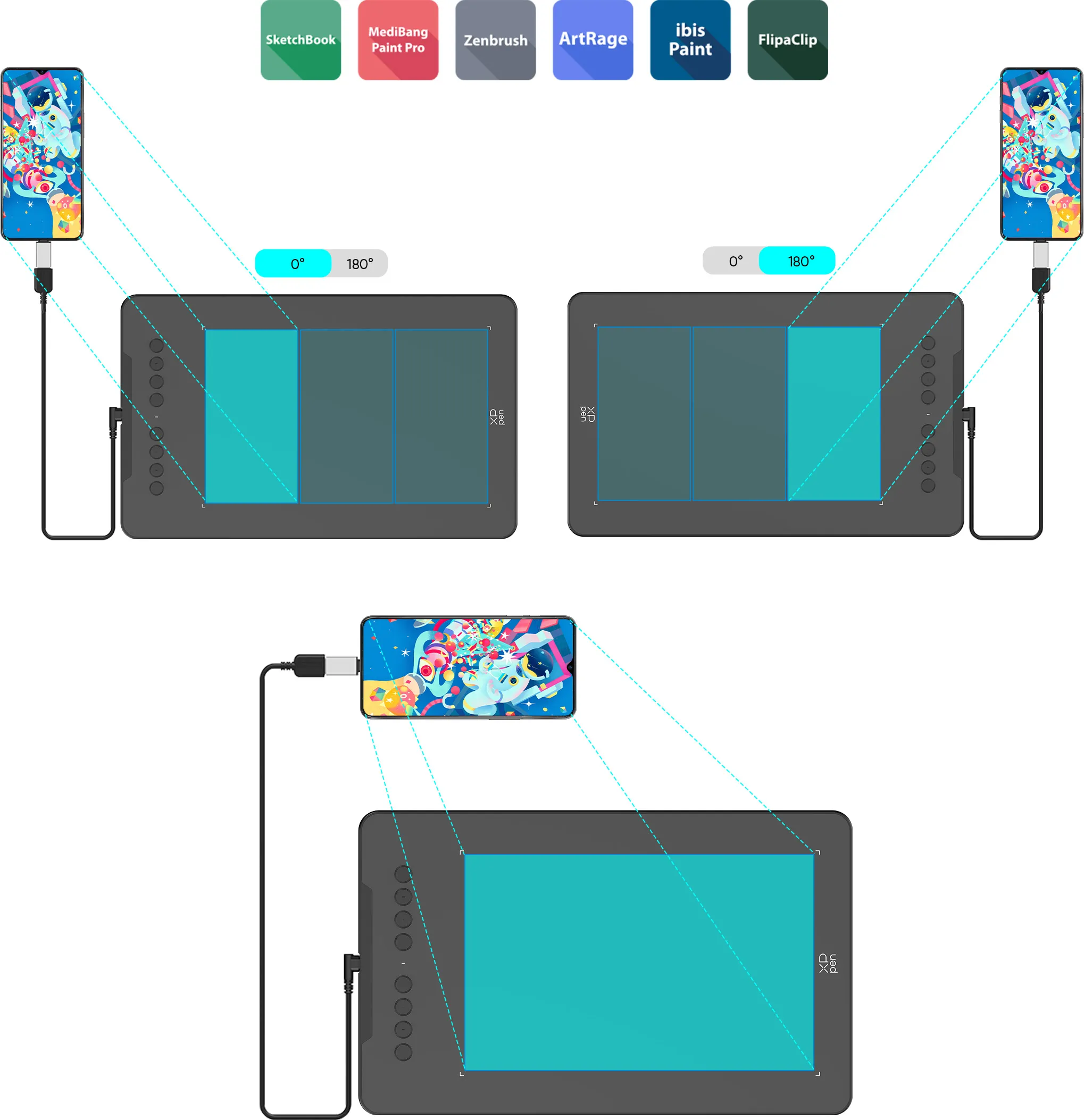
*Not compatible with foldable smartphones
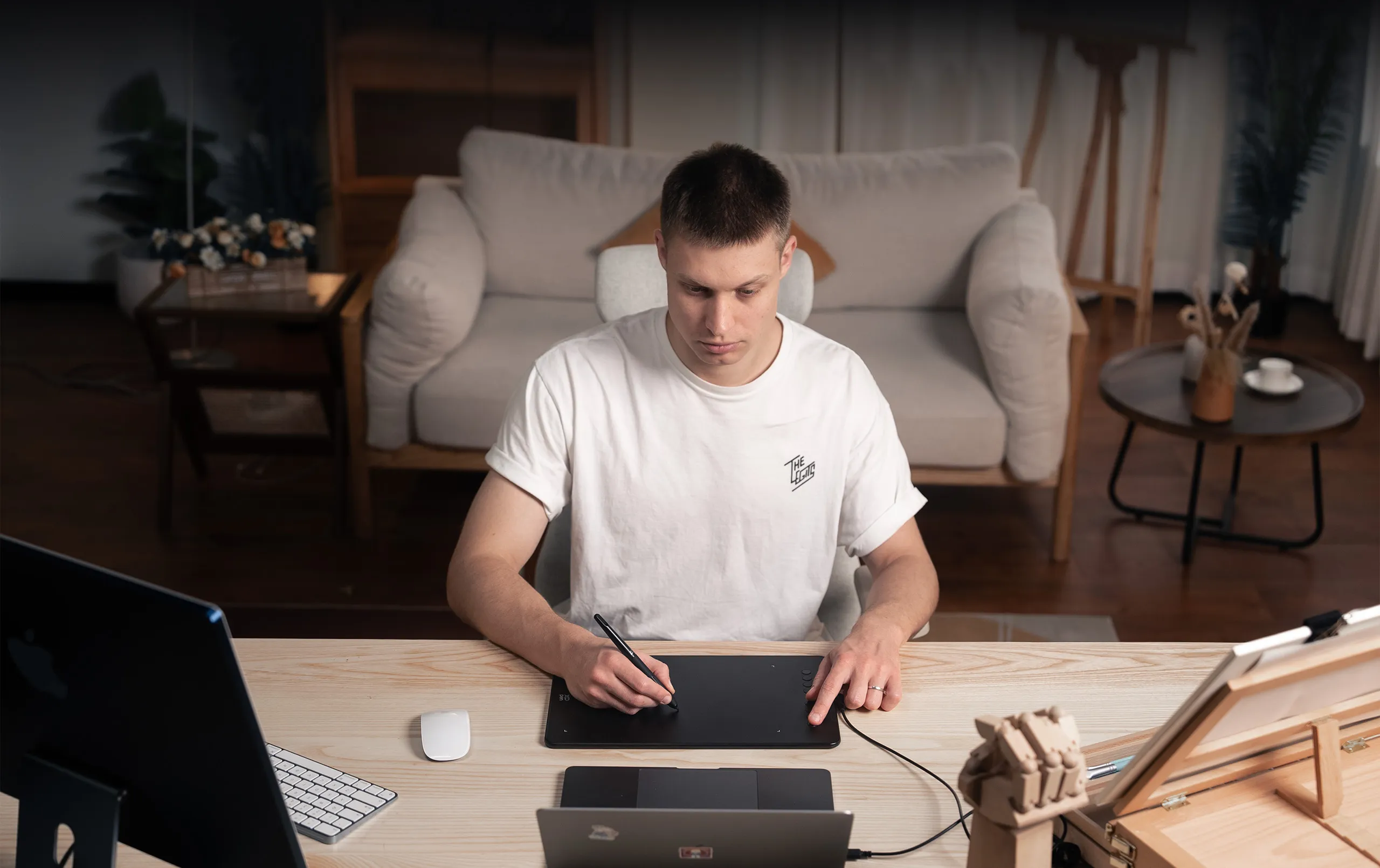

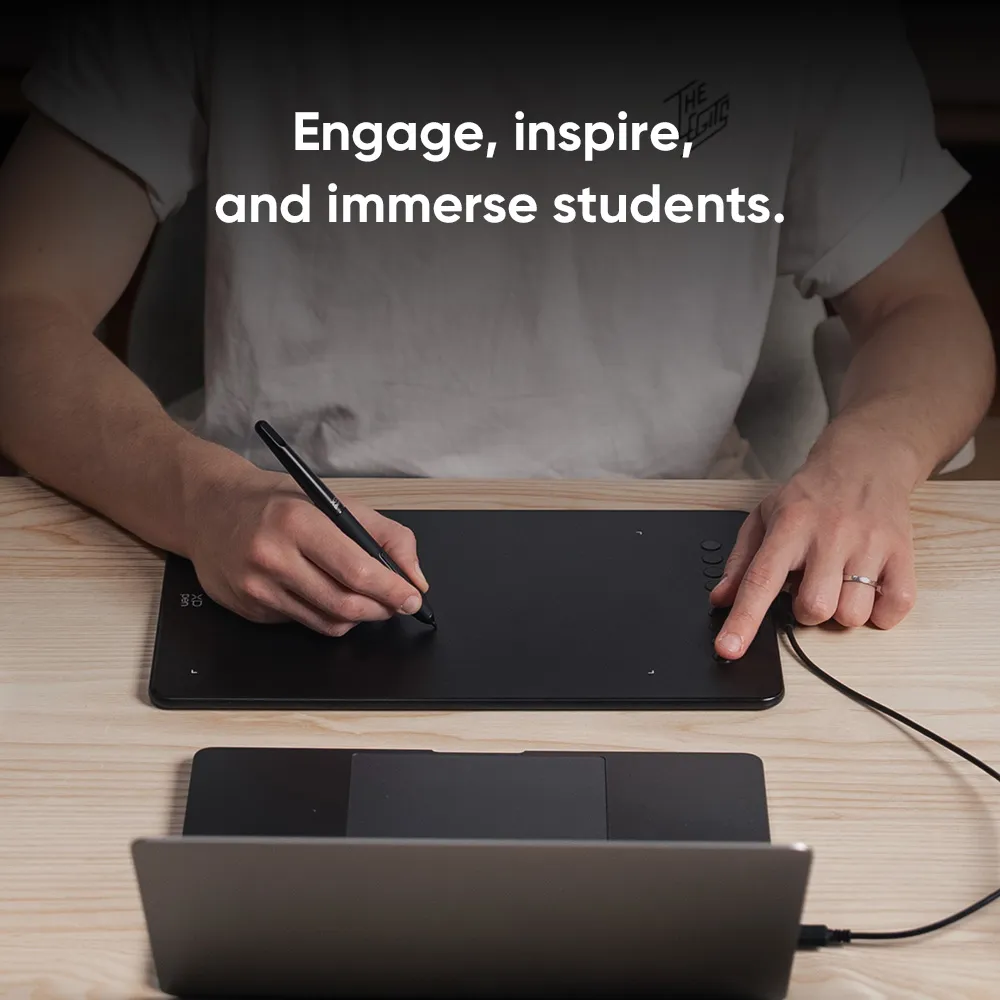
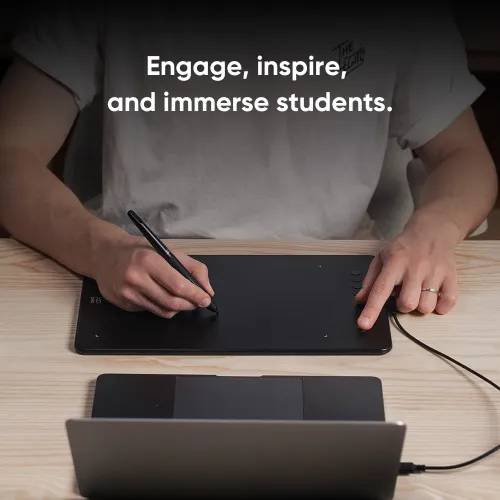
Engage, inspire, and immerse students and attendees like never before.
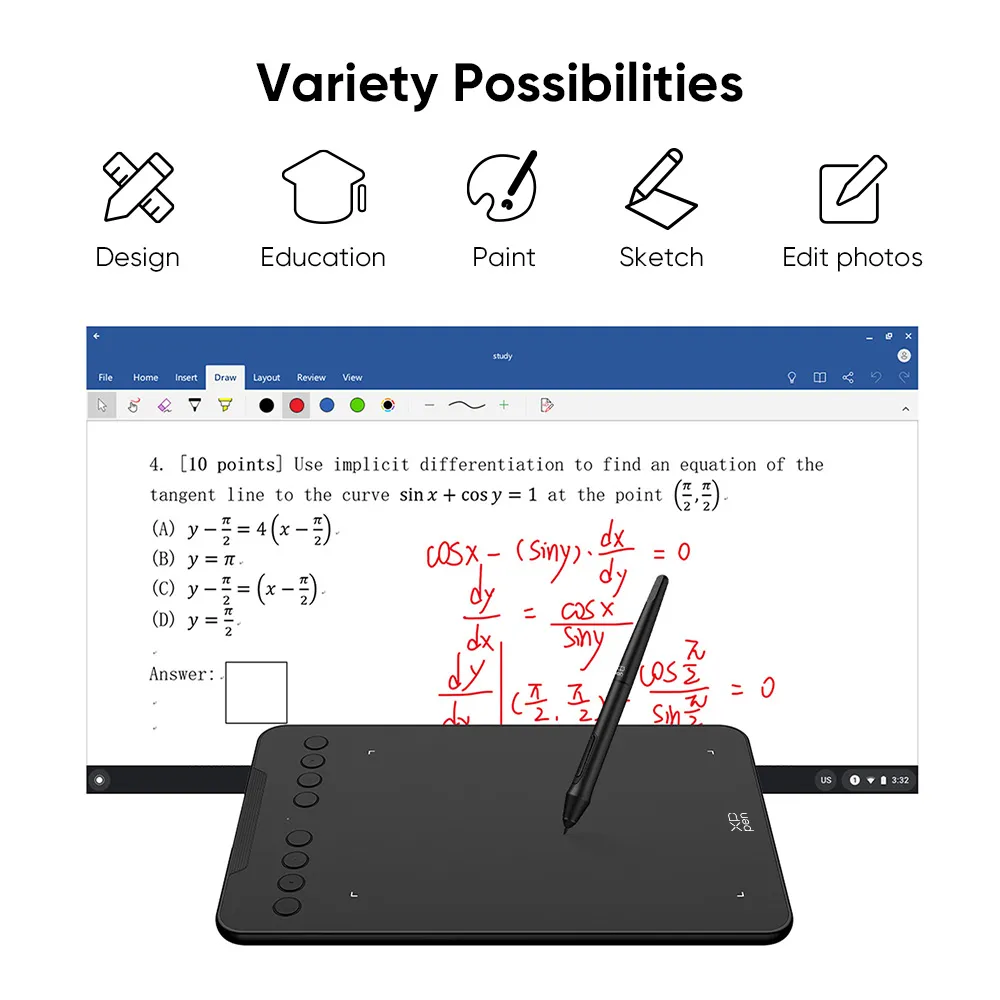
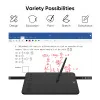
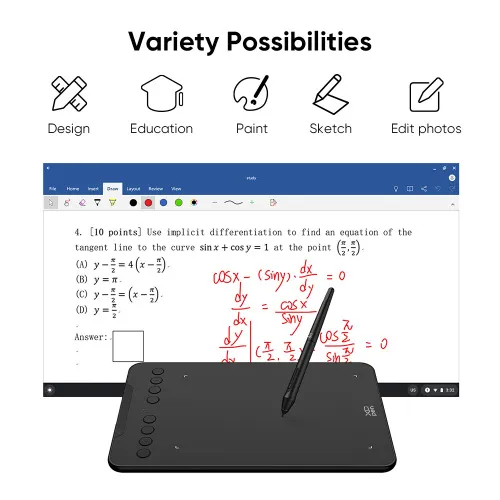
Sketch, paint, design, and edit photos on your tablet. A unit powerful enough to help you take your ideas even further, annotating directly in files and sharing their screen in real time while streaming, broadcasting, or web conferencing.
This flexibility allows the flow of creative ideas and the problem-solving process to be presented intuitively and efficiently.
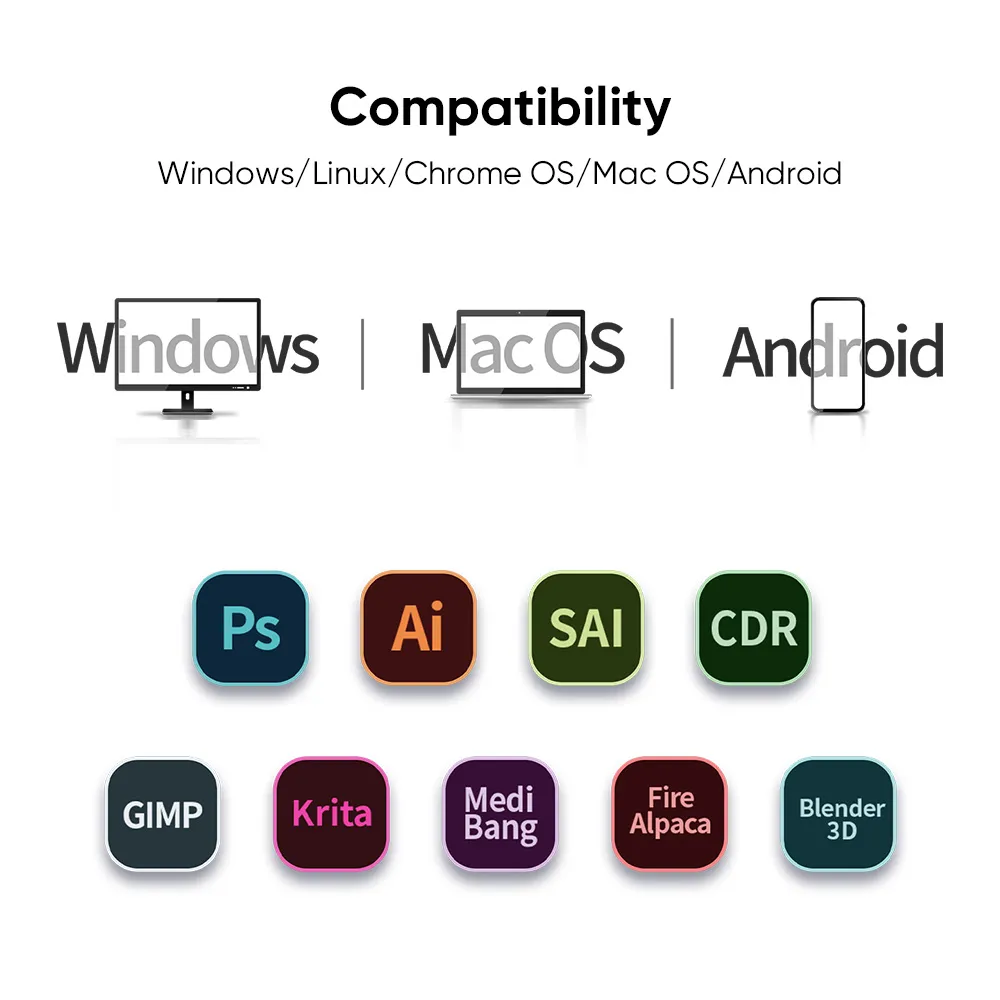
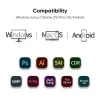
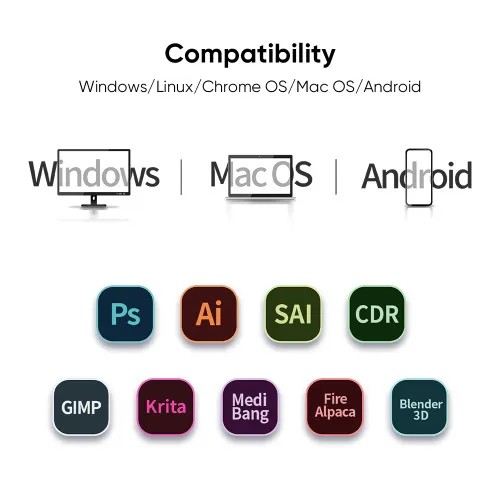
Extensive compatibility.
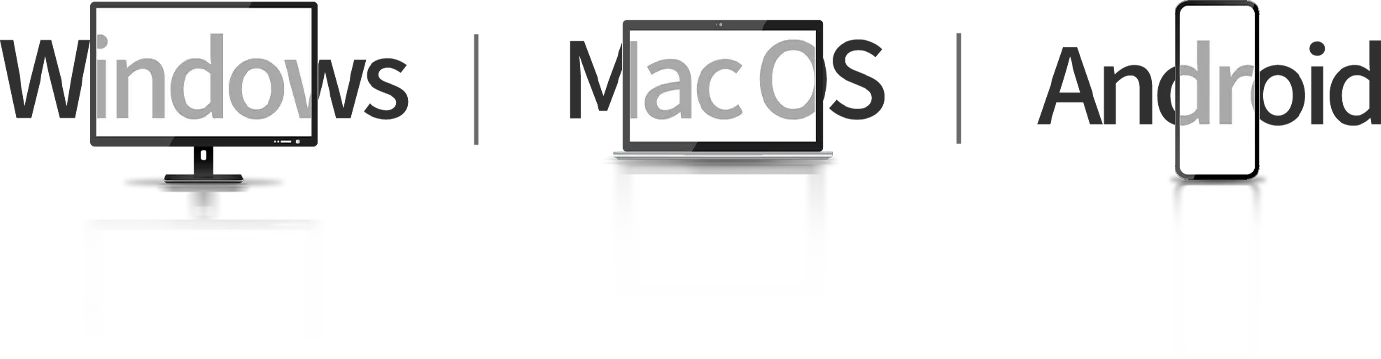
Compatible with Windows 7 (or later), Android 10.0 (or later), macOS 10.13 (or later), Chrome OS 88 (or later) and Linux (Detailed versions).
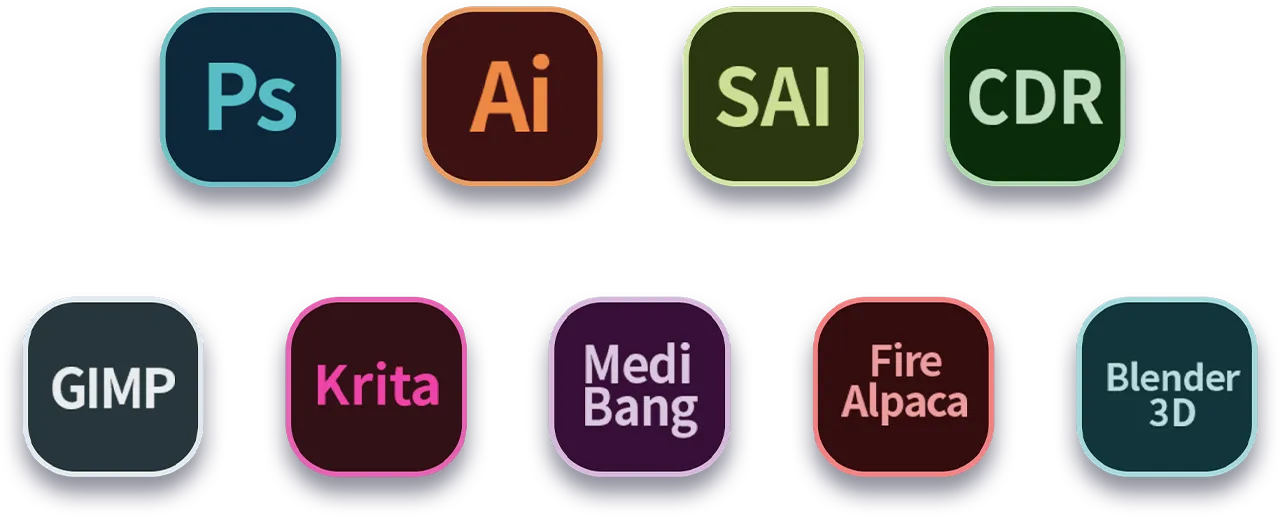
Also compatible with many major designer software such as Photoshop, SAI, Painter, Illustrator and Clip Studio, etc.
* Please update your Windows to version 11 or macOS to version 12 first.
Product Gallery



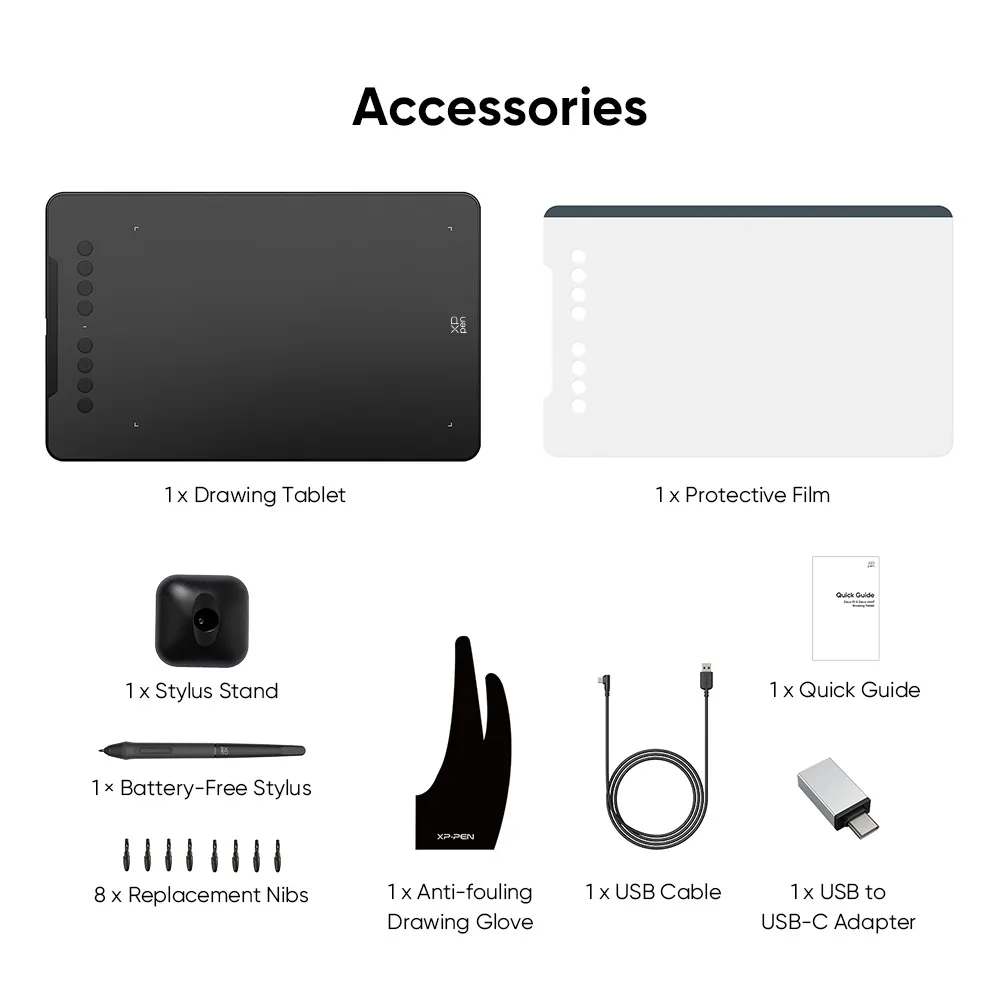
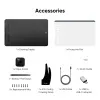
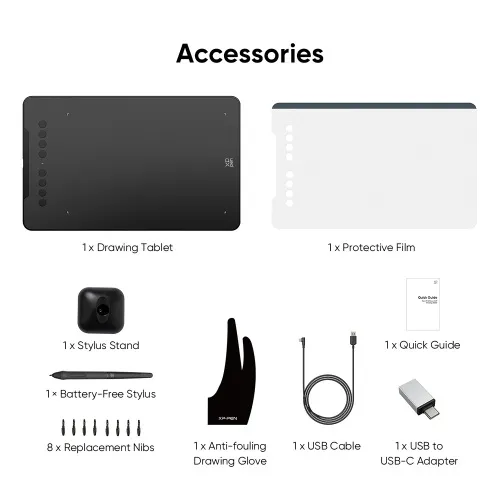
Package Includes:
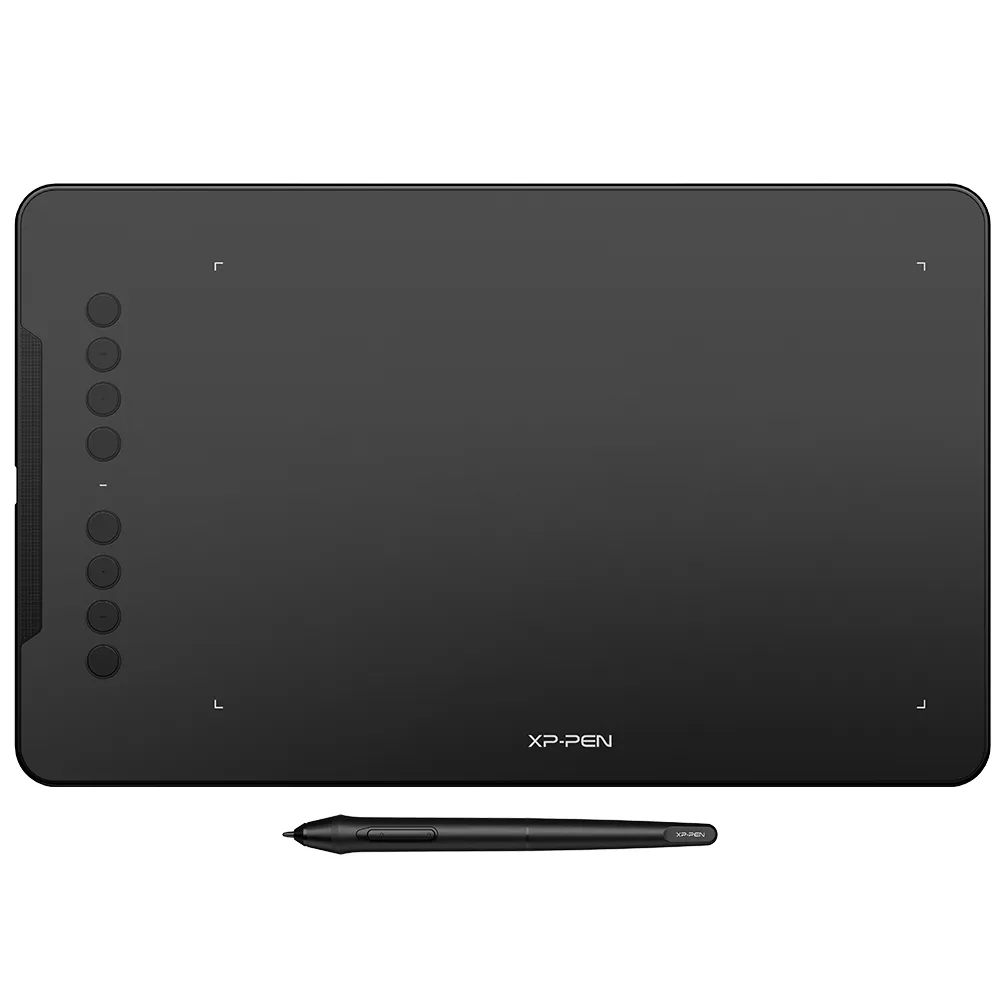
1 x Drawing Tablet
1 x Battery-free Stylus
1 x Stylus Stand
1 x USB Cable
8 x Replacement Nibs
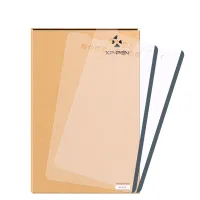
1 x Protective Film
1 x USB to USB-C Adapter
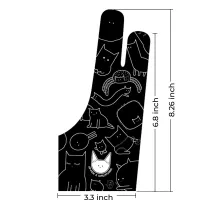
1 x Anti-fouling Drawing Glove
1 x Quick Guide
Specifications
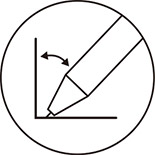
60° tilt
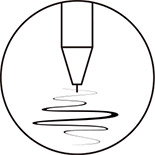
16384 levels
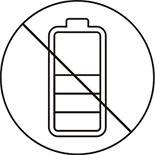
Battery-free EMR stylus
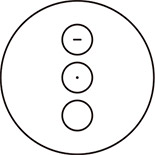
Customizable shortcut keys
Windows / Mac / Android / Chrome OS / Linux
Show More
| Linux OS | Version | Package Format | Supported Software |
| Arch | Arch Linux2019.12.01(64-bit) | .deb, .sh | GIMP, Krita |
| Centos | Centos7.0(64-bit) | .rpm, .sh | GIMP |
| Centos8(64-bit) | .rpm, .sh | GIMP, Krita | |
| Debian | debian-9.5.0-amd64-netinst(64-bit) | .deb, .sh | GIMP, Krita |
| elementary OS | elementary OS 5.0(64-bit) | .deb, .sh | GIMP, Krita |
| ezgo Linux | ezgo14(64-bit) | .deb, .sh | GIMP, Krita |
| Fedora | Fedora32(64-bit) | .rpm, .sh | GIMP, Krita |
| Mageia | Mageia-7.1(64-bit) | .rpm, .sh | GIMP, Krita |
| Manjaro | manjaro-xfce-20.1.2-201019(64-bit) | .deb, .sh | GIMP |
| Mint | linuxmint-18.2-cinnamon-64bit | .deb, .sh | GIMP, Krita |
| OpenSUSE | openSUSE-Tumbleweed(64-bit) | .rpm, .sh | GIMP, Krita |
| Pop!_OS | pop-os_19.10(64-bit) | .deb, .sh | GIMP, Krita |
| Red Hat | Red Hat7(64-bit) | .rpm, .sh | GIMP |
| Ubuntu | Ubuntu14.04(64-bit) | .deb, .sh | GIMP, Krita |
| Ubuntu16.04(64-bit) | .deb, .sh | GIMP, Krita | |
| Ubuntu17.04(64-bit) | .deb, .sh | GIMP, Krita | |
| Ubuntu18.04(64-bit) | .deb, .sh | GIMP, Krita | |
| Ubuntu19.04(64-bit) | .deb, .sh | GIMP, Krita | |
| Ubuntu20.04(64-bit) | .deb, .sh | GIMP, Krita |
| Function | Krita 4.3.0 | Gimp 2.10.20 | Inkscape 0.92 |
| Pen Pressure Sensitivity | |||
| Tilt | |||
| Mouse Function | |||
| Eraser Button (Stylus:PH01, P06) | |||
| Switch between Pen and Eraser Modes | |||
| *If you have any further queries, please do not hesitate to contact us at service@xp-pen.com. | |||
Linux OS
Arch
Version
Arch Linux2019.12.01(64-bit)
Package Format
.deb, .sh
Supported Software
GIMP, Krita
Centos
Version
Centos7.0(64-bit)
Centos8(64-bit)
Centos8(64-bit)
Package Format
.rpm, .sh
.rpm, .sh
.rpm, .sh
Supported Software
GIMP
GIMP, Krita
GIMP, Krita
Debian
Version
debian-9.5.0-amd64-netinst(64-bit)
Package Format
.deb, .sh
Supported Software
GIMP, Krita
elementary OS
Version
elementary OS 5.0(64-bit)
Package Format
.deb, .sh
Supported Software
GIMP, Krita
ezgo Linux
Version
ezgo14(64-bit)
Package Format
.deb, .sh
Supported Software
GIMP, Krita
Fedora
Version
Fedora32(64-bit)
Package Format
.rpm, .sh
Supported Software
GIMP, Krita
Mageia
Version
Mageia-7.1(64-bit)
Package Format
.rpm, .sh
Supported Software
GIMP, Krita
Manjaro
Version
manjaro-xfce-20.1.2-201019(64-bit)
Package Format
.deb, .sh
Supported Software
GIMP
Mint
Version
linuxmint-18.2-cinnamon-64bit
Package Format
.deb, .sh
Supported Software
GIMP, Krita
OpenSUSE
Version
openSUSE-Tumbleweed(64-bit)
Package Format
.rpm, .sh
Supported Software
GIMP, Krita
Pop!_OS
Version
pop-os_19.10(64-bit)
Package Format
.deb, .sh
Supported Software
GIMP, Krita
Red Hat
Version
Red Hat7(64-bit)
Package Format
.rpm, .sh
Supported Software
GIMP
Ubuntu
Version
Ubuntu14.04(64-bit)
Ubuntu16.04(64-bit)
Ubuntu17.04(64-bit)
Ubuntu18.04(64-bit)
Ubuntu19.04(64-bit)
Ubuntu20.04(64-bit)
Ubuntu16.04(64-bit)
Ubuntu17.04(64-bit)
Ubuntu18.04(64-bit)
Ubuntu19.04(64-bit)
Ubuntu20.04(64-bit)
Package Format
.deb, .sh
.deb, .sh
.deb, .sh
.deb, .sh
.deb, .sh
.deb, .sh
.deb, .sh
.deb, .sh
.deb, .sh
.deb, .sh
.deb, .sh
Supported Software
GIMP, Krita
GIMP, Krita
GIMP, Krita
GIMP, Krita
GIMP, Krita
GIMP, Krita
GIMP, Krita
GIMP, Krita
GIMP, Krita
GIMP, Krita
GIMP, Krita
Function
Pen Pressure Sensitivity
Krita 4.3.0
Gimp 2.10.20
Inkscape 0.92
Tilt
Krita 4.3.0
Gimp 2.10.20
Inkscape 0.92
Mouse Function
Krita 4.3.0
Gimp 2.10.20
Inkscape 0.92
Eraser Button(Stylus:PH01, P06)
Krita 4.3.0
Gimp 2.10.20
Inkscape 0.92
Switch between Penand Eraser Modes
Krita 4.3.0
Gimp 2.10.20
Inkscape 0.92
*If you have any further queries, please do not hesitate to contact us at service@xp-pen.com.
4.6


BASE_ON_REVIEWS
89%(8)

0(0)
0(0)
0(0)
11%(1)
christian
Jul 06 ,2021 AM 11:49 Deco 01 V3 16K Pen Pressure
Amazing!
Bought this tablet for my daughter to get her started in digital art and she loves it!!! She would draw and paint for hours with this tablet !!!
Official mall
Jul 10 ,2021 PM 15:53
Thanks for your good feedback.
Hopeful your daughter enjoy the drawing. :)
USEFUL(0)+1
Laksni
Aug 11 ,2021 PM 15:32 Deco 01 V3 16K Pen Pressure
Happy to use it
The product is well packaged and no sign of shipping damages on the box. Super happy with it and as my first tablet, I love it. There are some issues that I've noticed though. The pen writes while hovering but I fixed it already by reinserting the nib and giving the pen a little tap (I found the solution online)
Official mall
Aug 13 ,2021 PM 17:38
Thanks very much for your confirmation.
If you have any further product issue, you may contact our online tech to solve it timly, thanks.
USEFUL(0)+1
Khalez
Aug 25 ,2021 AM 00:38 Deco 01 V3 16K Pen Pressure
My Personal Review
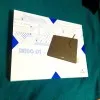
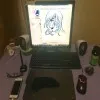
The 2 units Deco01V2 safely received on 20August2021. The built quality and the design is top notch. Their packaging is so neat and solid, and somehow i feel that all of XPPEN products can be used as Birthday present material because how good they looks overall.
Official mall
Aug 25 ,2021 PM 18:04
Dear Customer,
Thanks very much for your confirmation for our package.
We are so glad to make you receive the good product as Birthday present.
Enjoy the drawing with the product, thanks.
USEFUL(0)+1
LEARN_MORE
 NO_CONSULTING