






















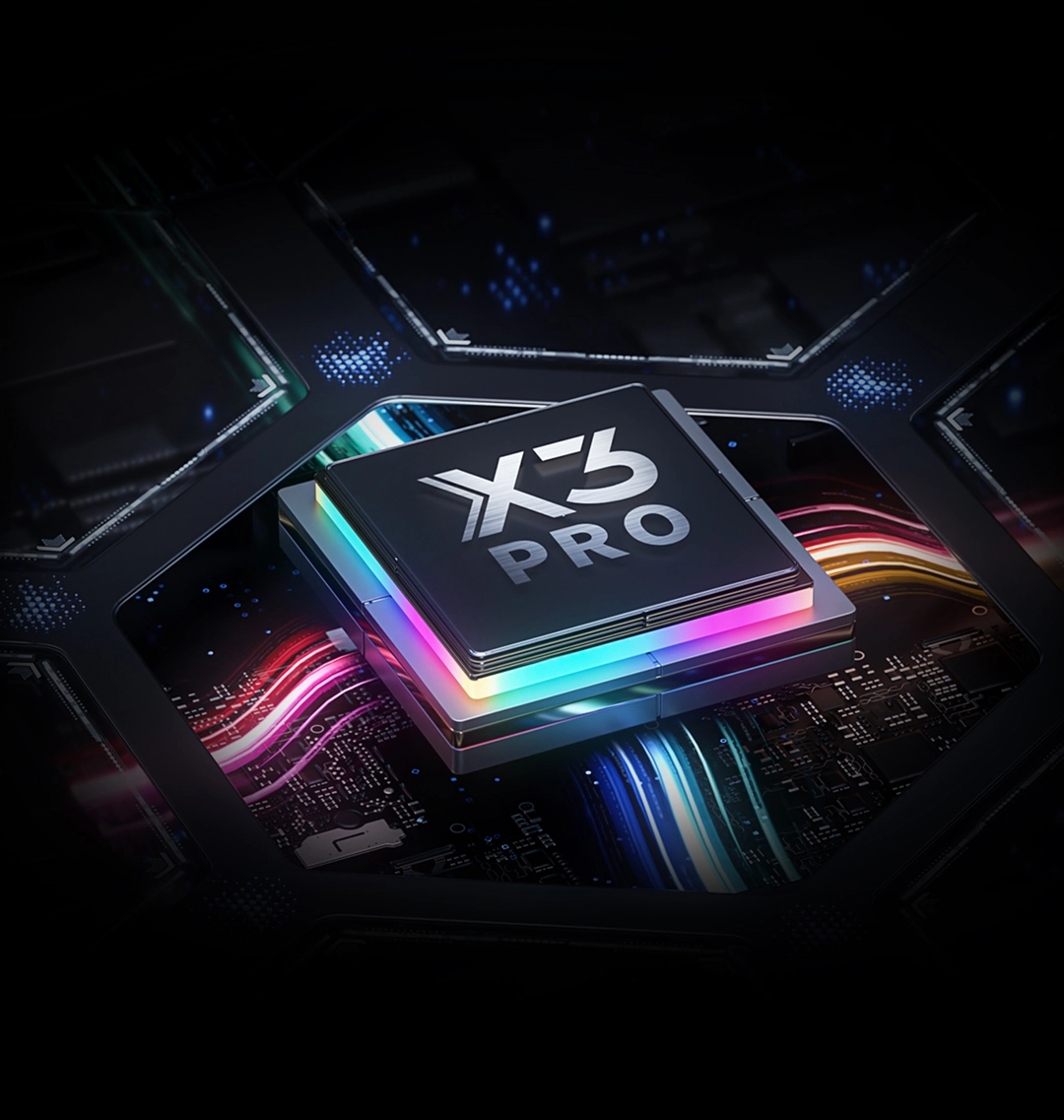
Pressure Level 100% Increase
16384
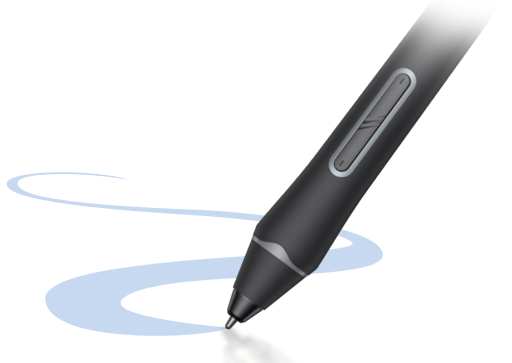
X3 Pro Smart Chip Stylus
8192
X3 Smart Chip Stylus
* This data was taken from a laboratory simulation test and may vary depending on the environment where the device is used.
22-inch High-Performance Drawing Display
Ignite All-round Performance
2.5K QHD | 16K Pressure Levels | Calman Verified
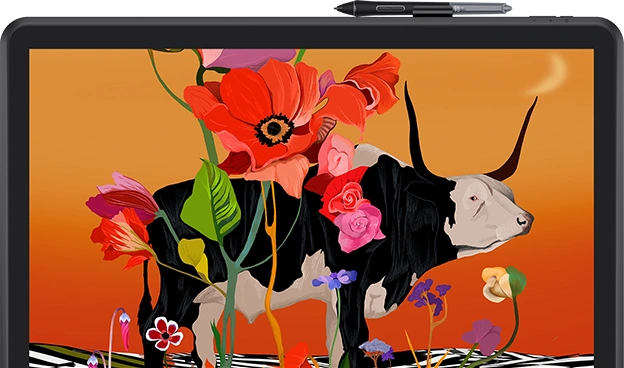
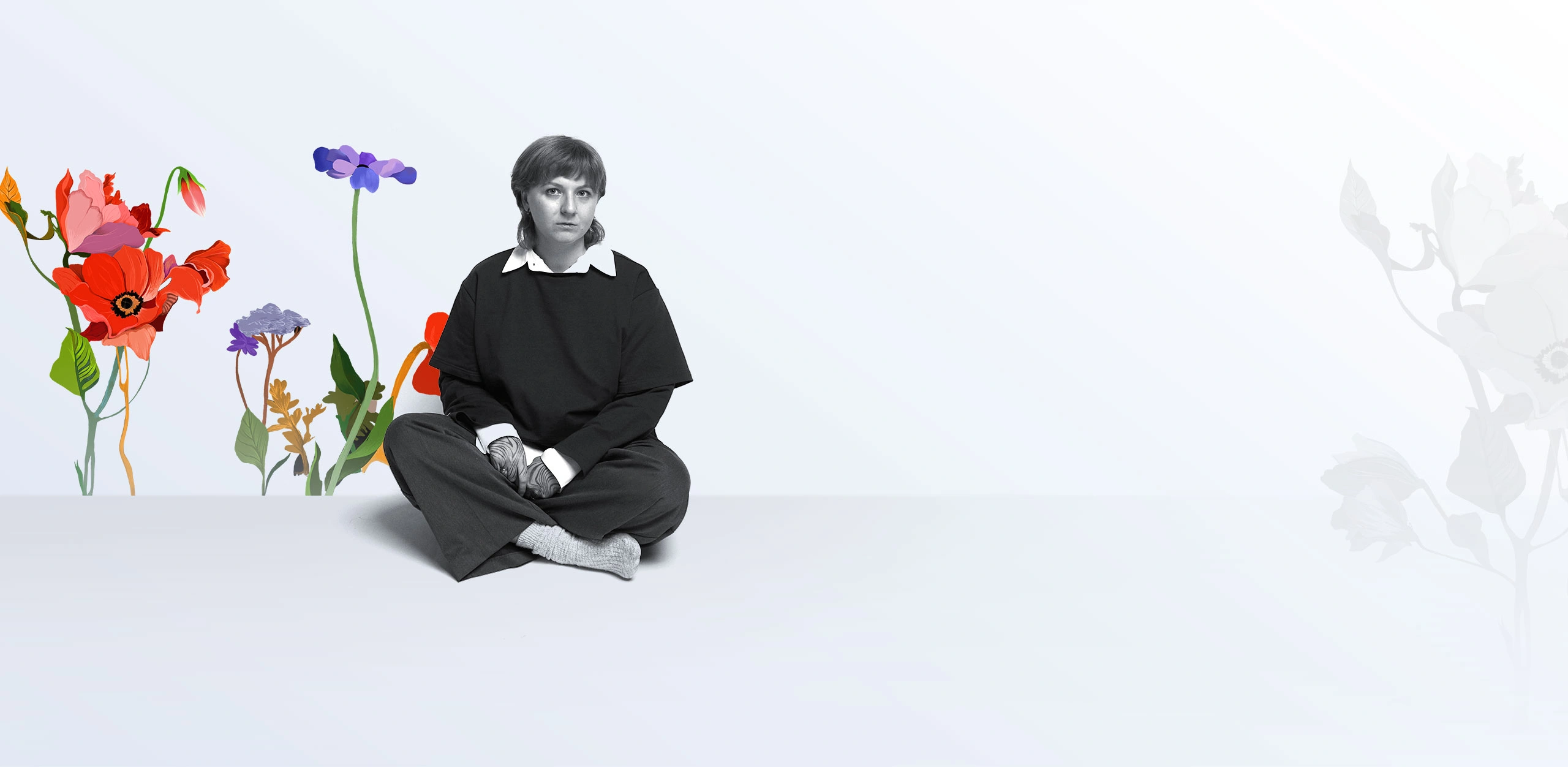
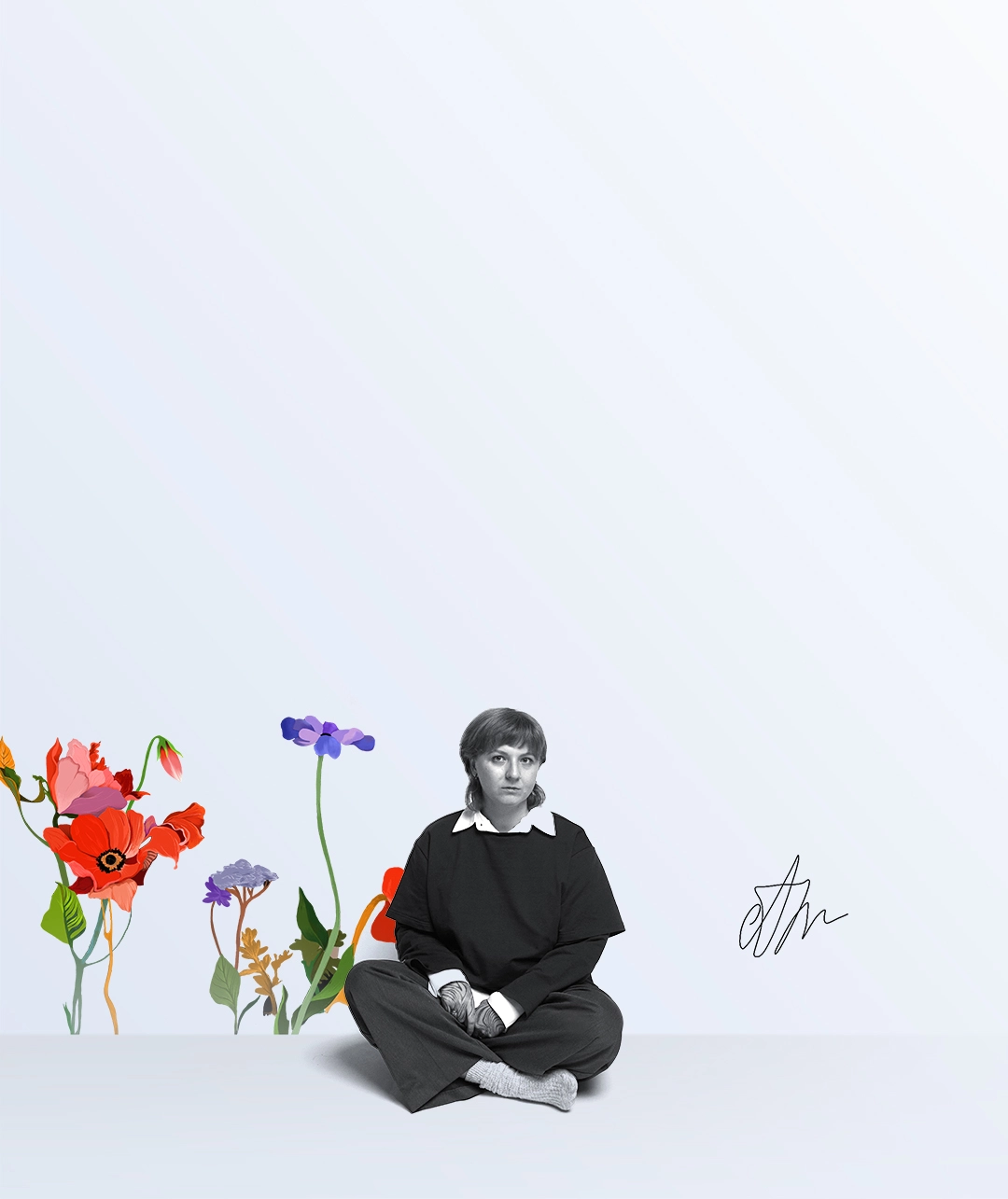
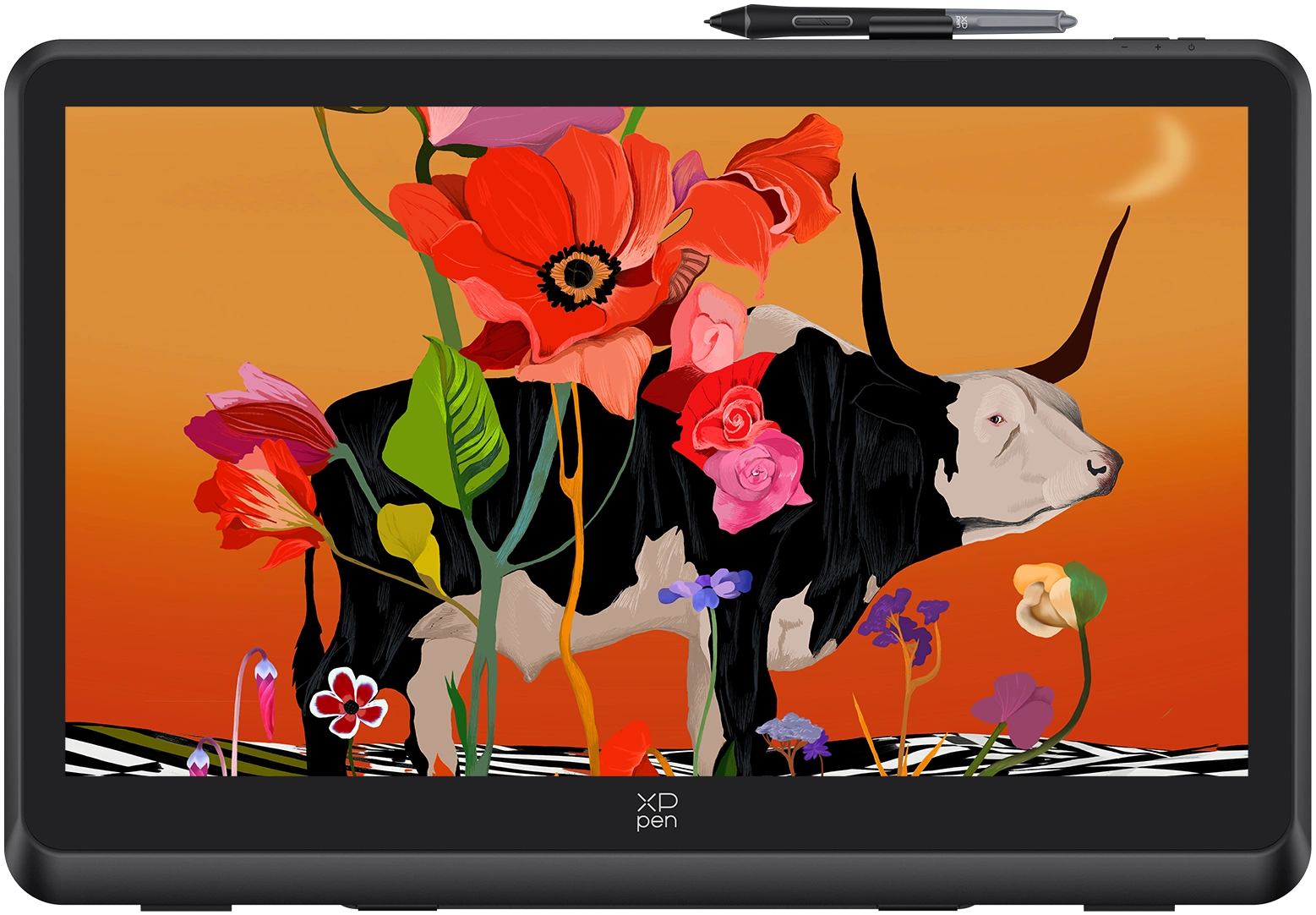
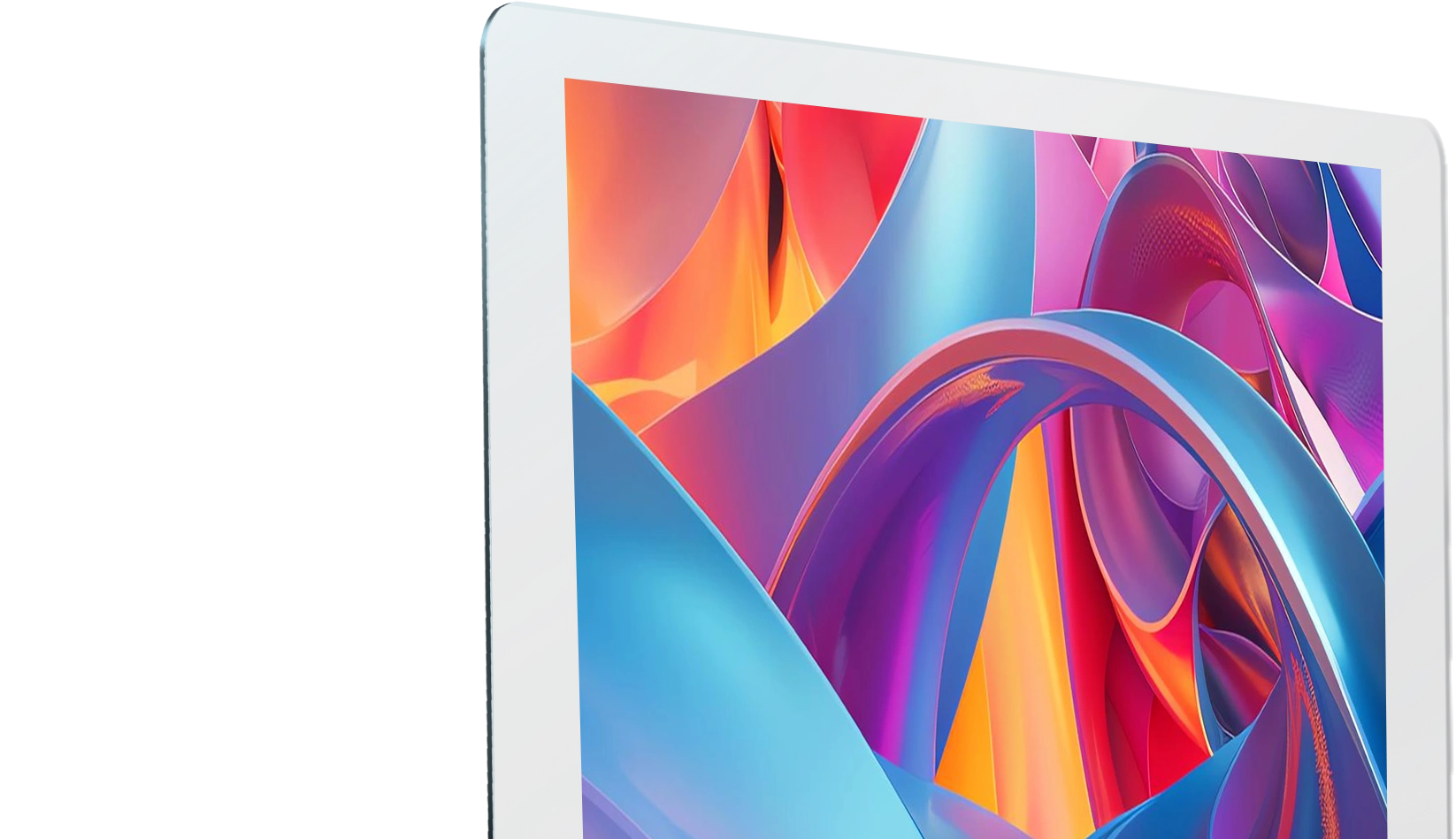
Artwork by world-renowned artist,
Sasha Fortova
When art intersects with technology, inspiration is meant to flourish.
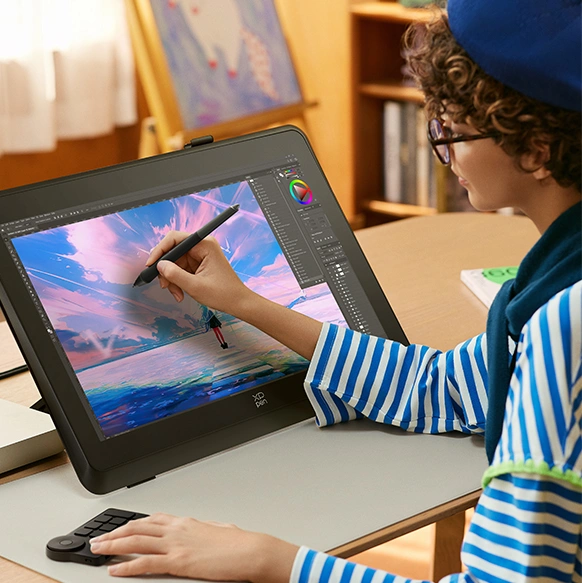
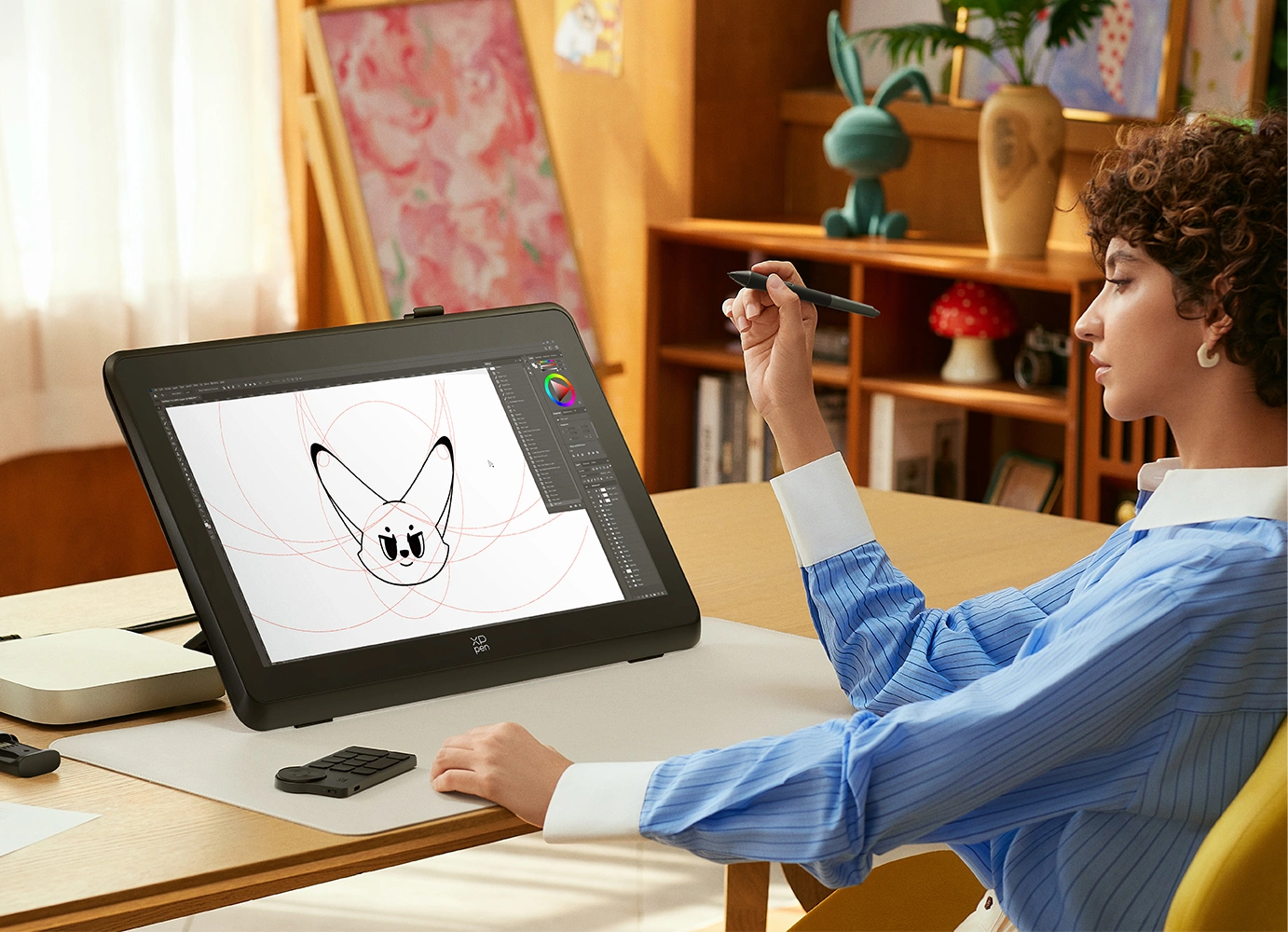
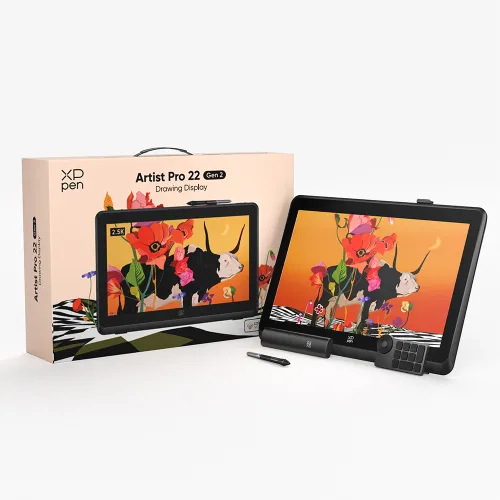
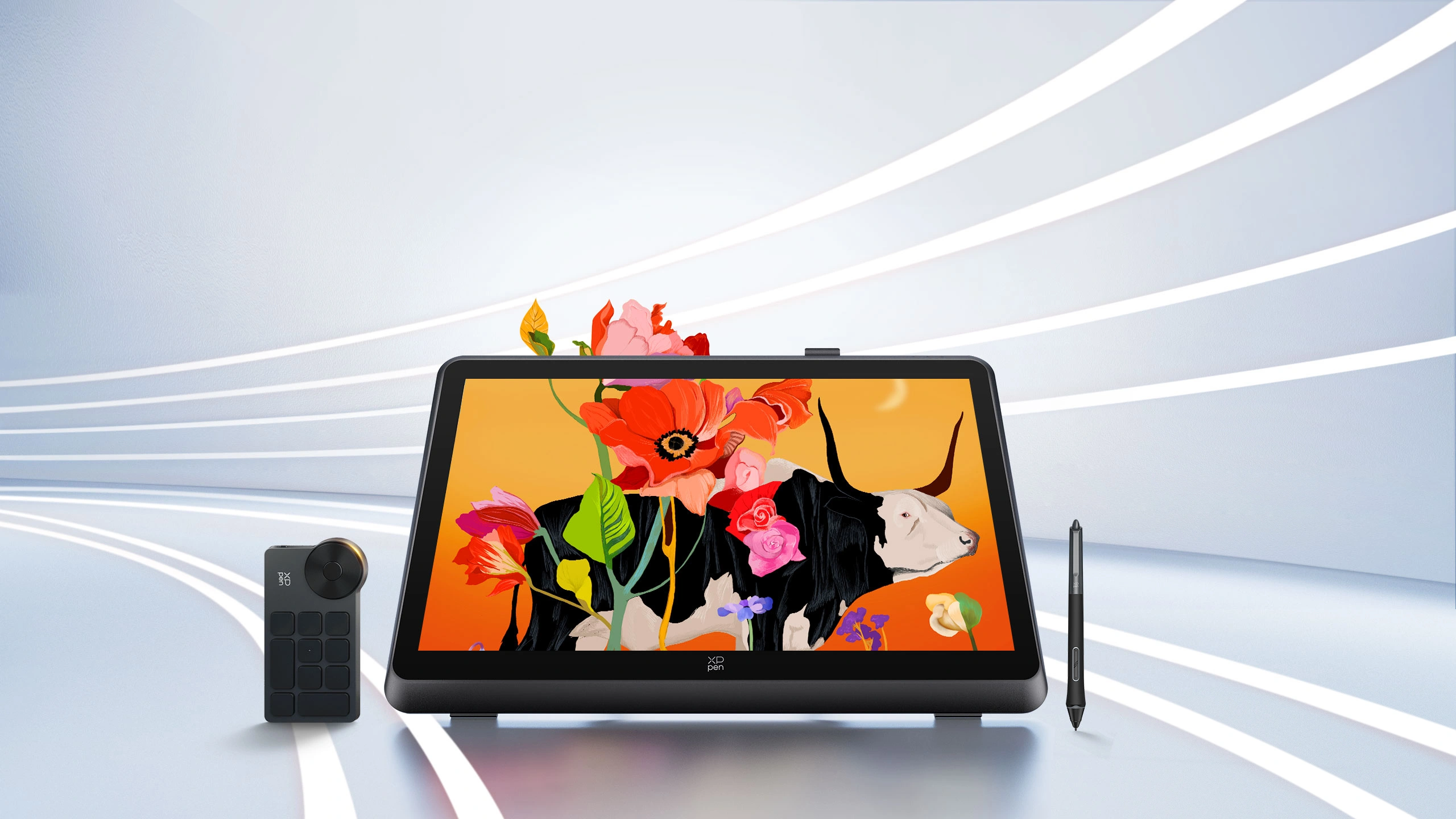
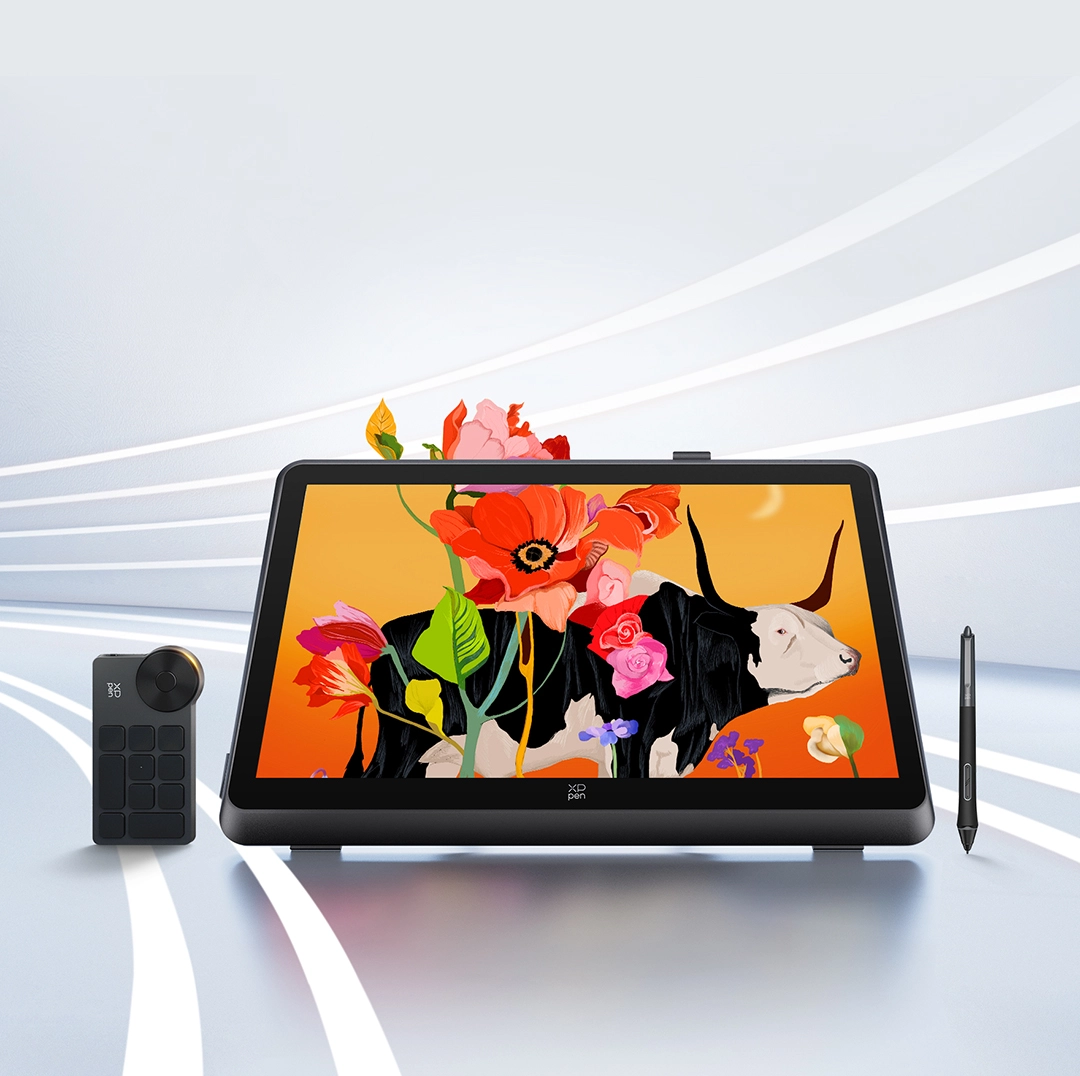
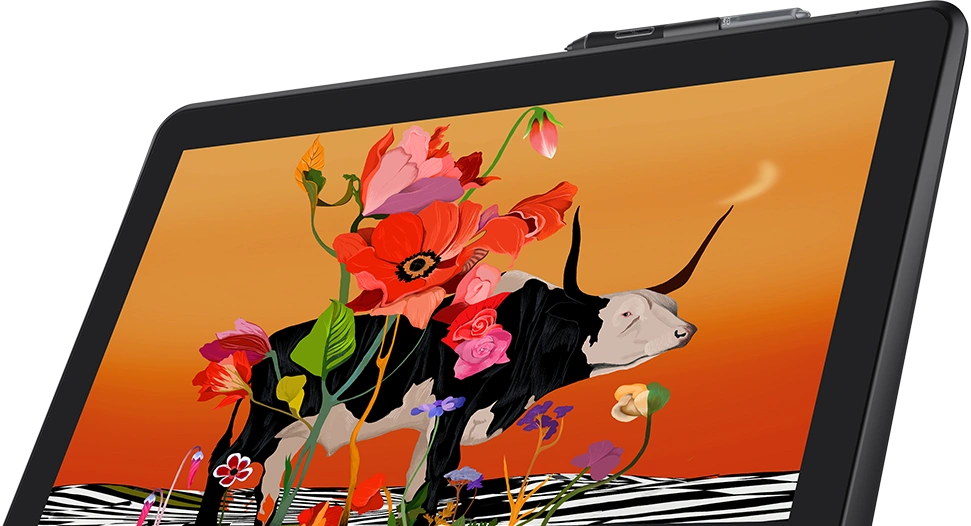
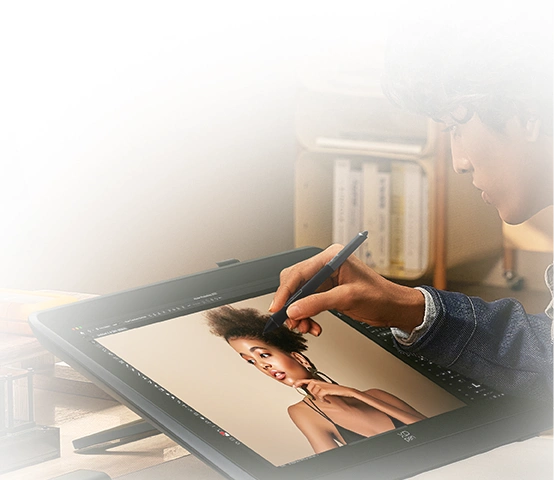
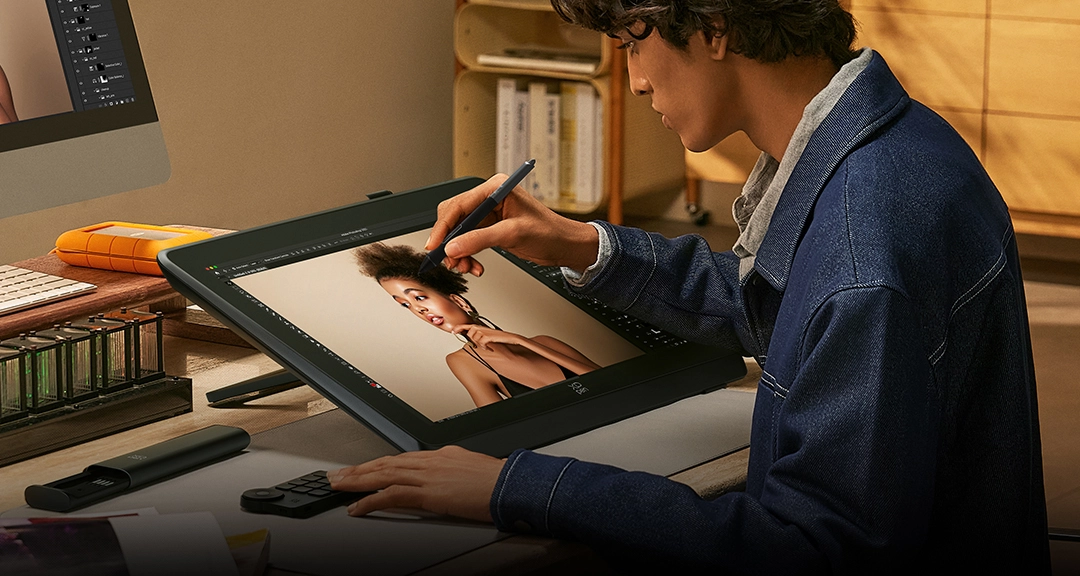
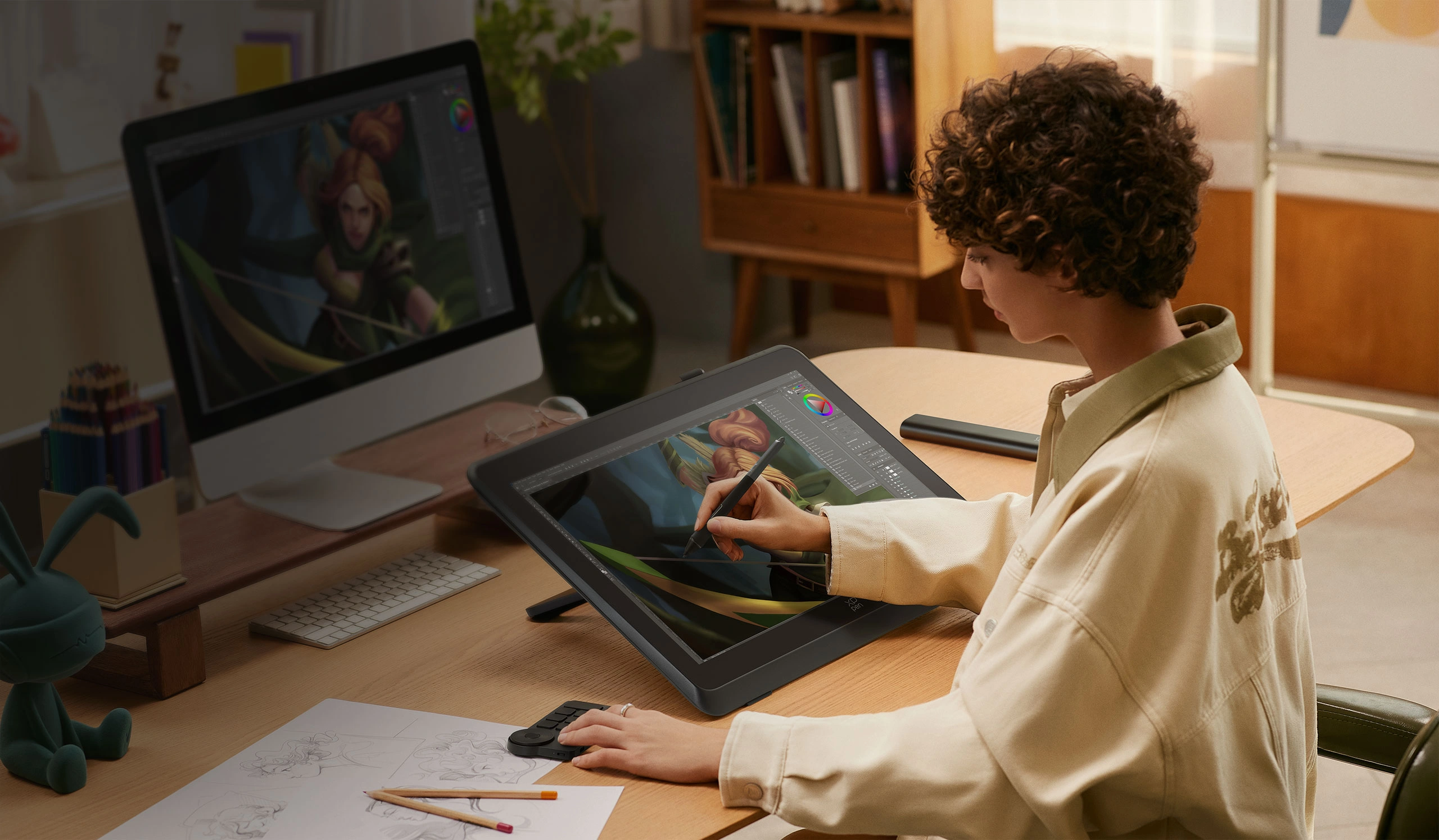
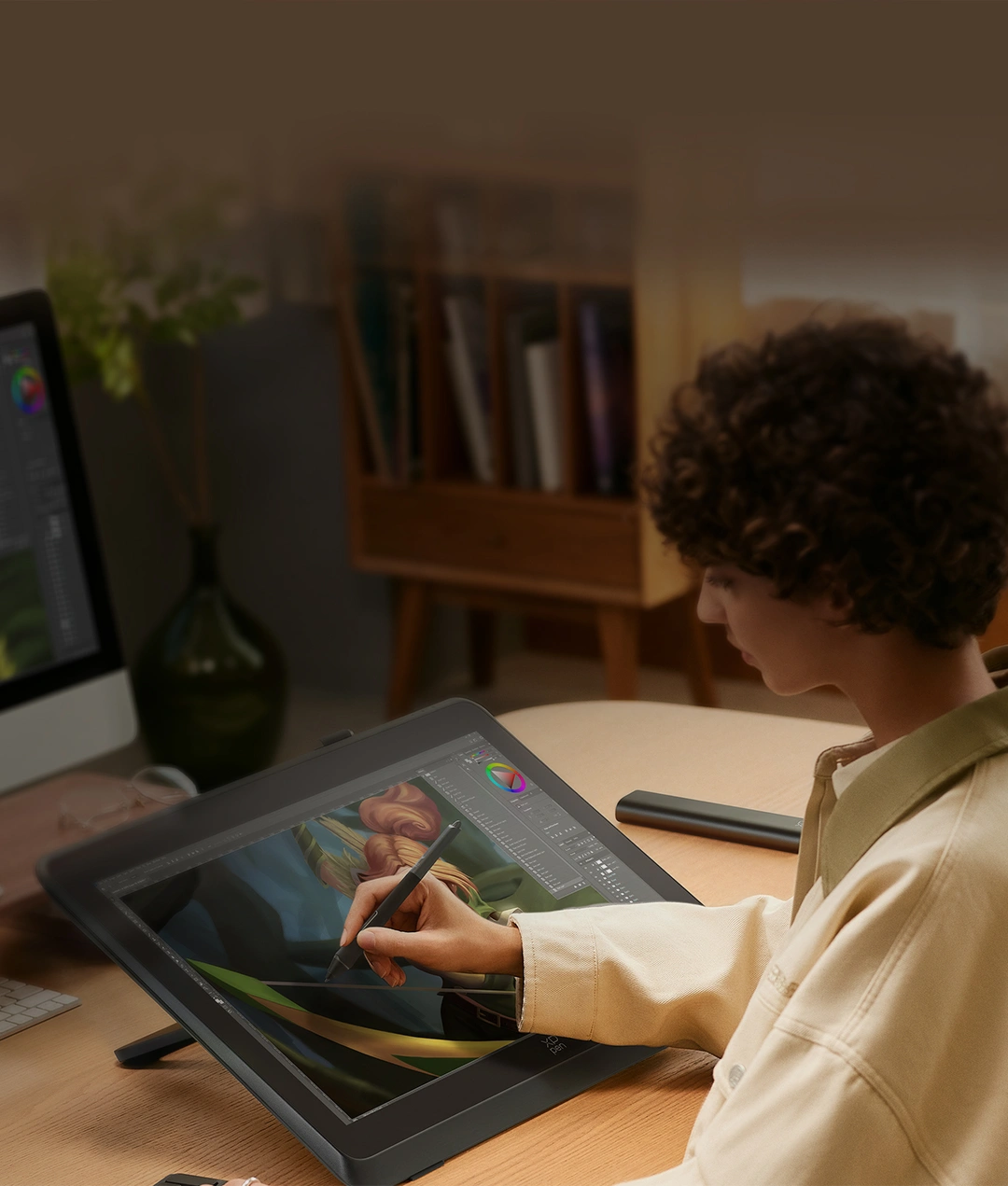
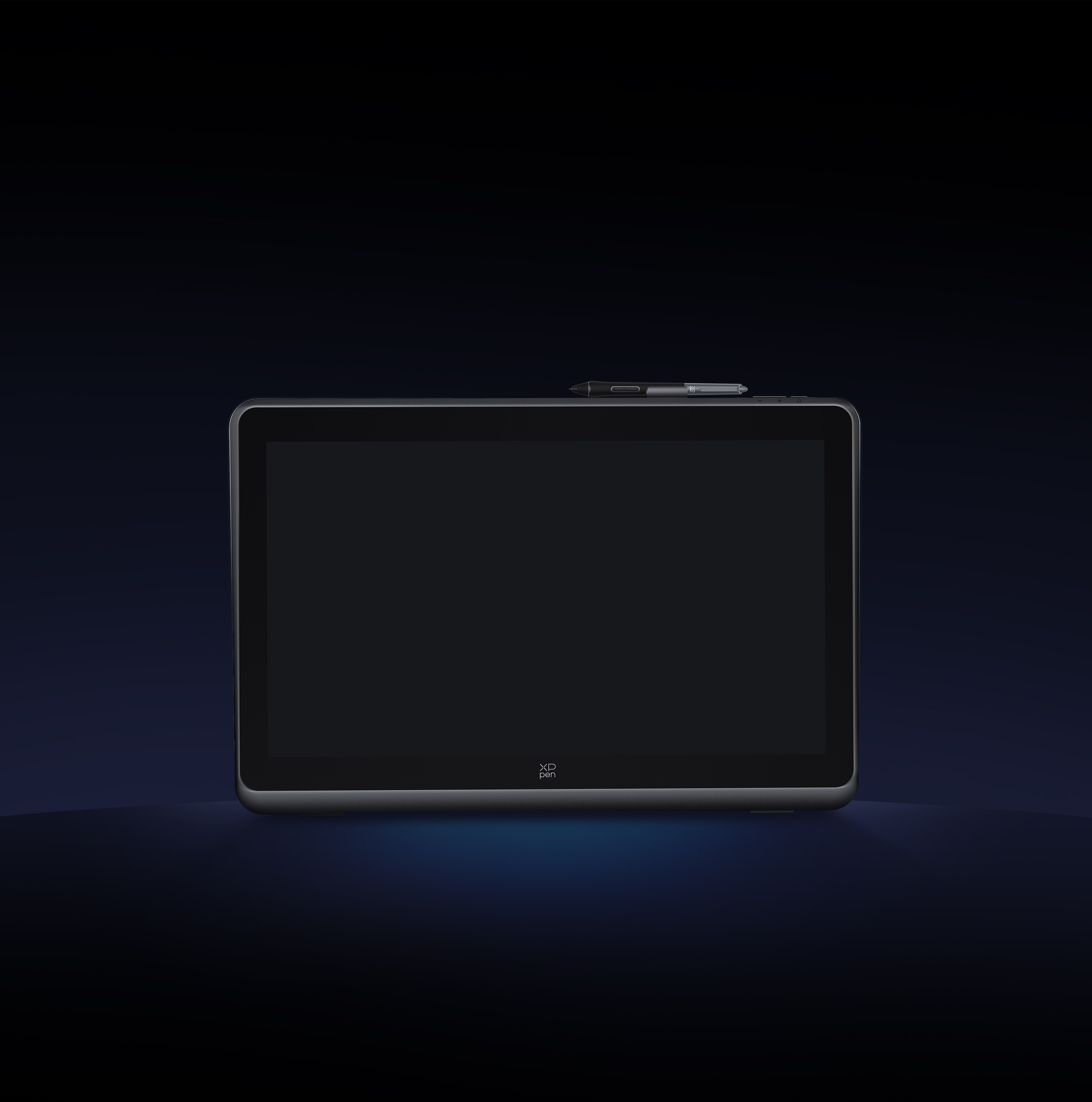
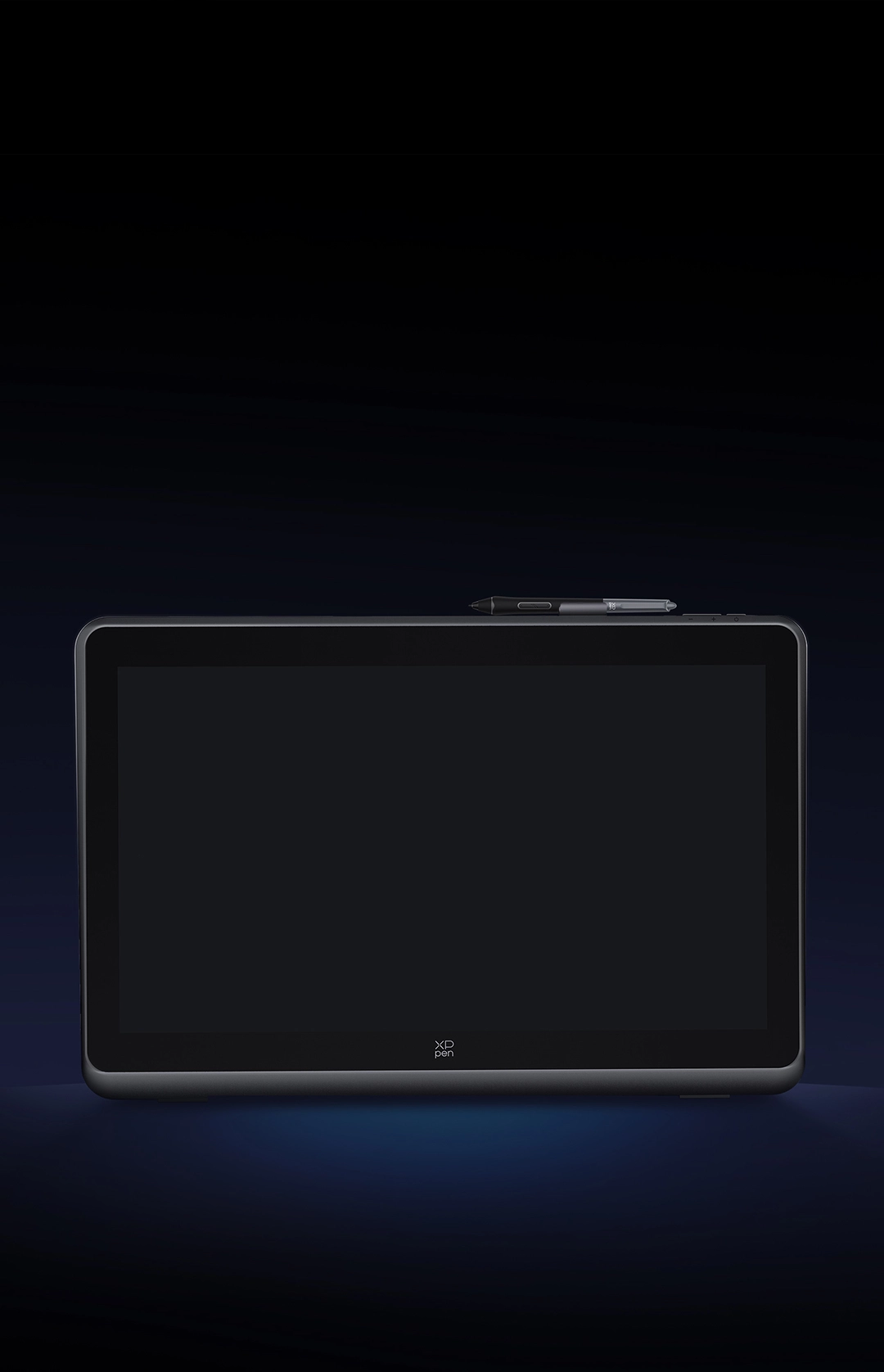
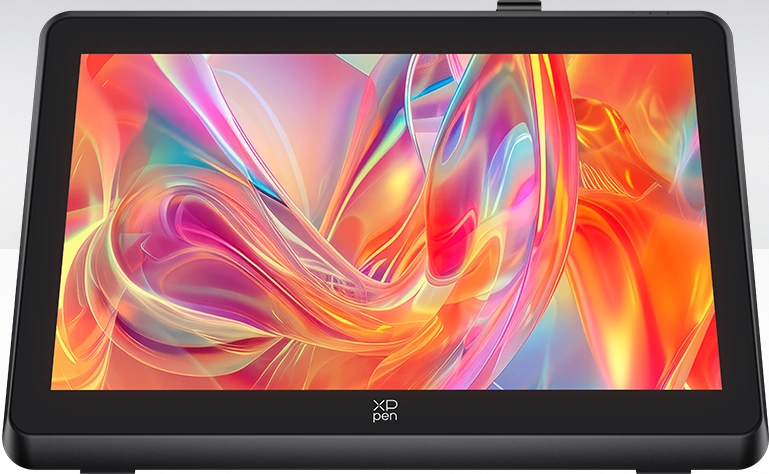
By exploring the forefront of technology, the XPPen Artist Pro 22 (Gen 2) is designed to inspire your creativity.
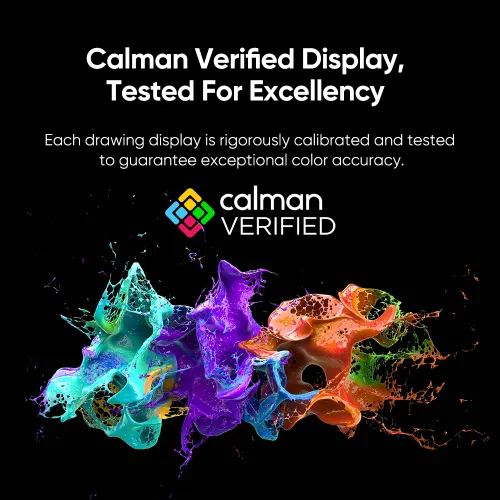
Its exceptional clarity, Calman Verified color performance,
and 16K stylus functionality work harmoniously to showcase the most intricate variations of
colors and lines, allowing for limitless creative expression.
Every inch of canvas is blooming with inspiration.
Every touch of drawing turns ordinary into extraordinary.
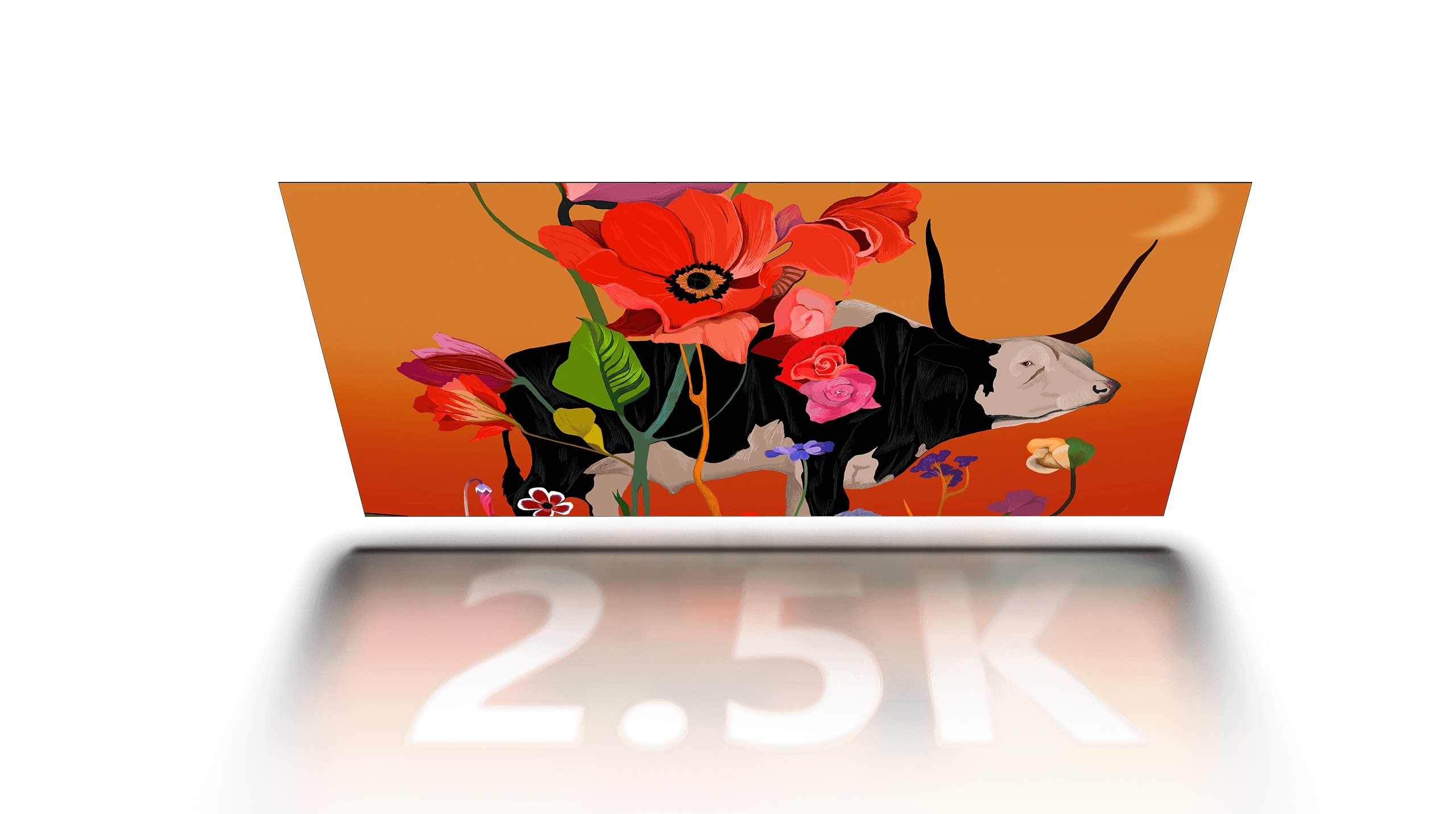
2.5K Clarity
Finest Details Preserved
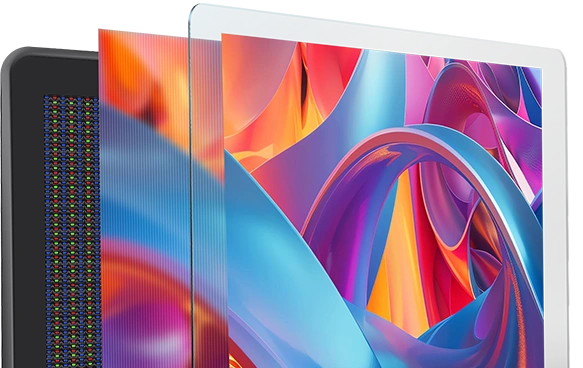
Full-laminated AG
Nano Etched Glass
Paper-like Drawing Experience
Calman Verified
True-to-Life Color Performance
99% Adobe RGB
High Color Gamut
Coverage Ratio
Delta E < 1
Restore the Beauty of Color
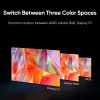
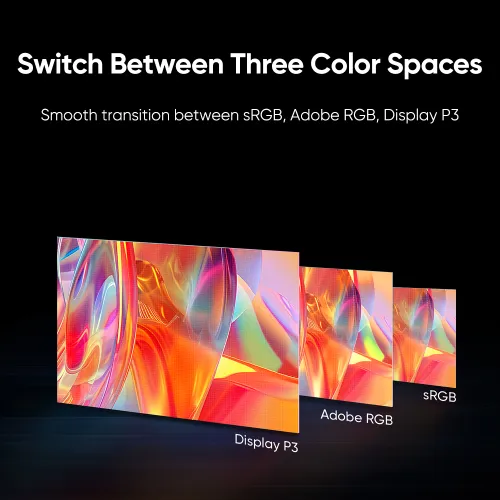
Switch Between
Three Color Spaces
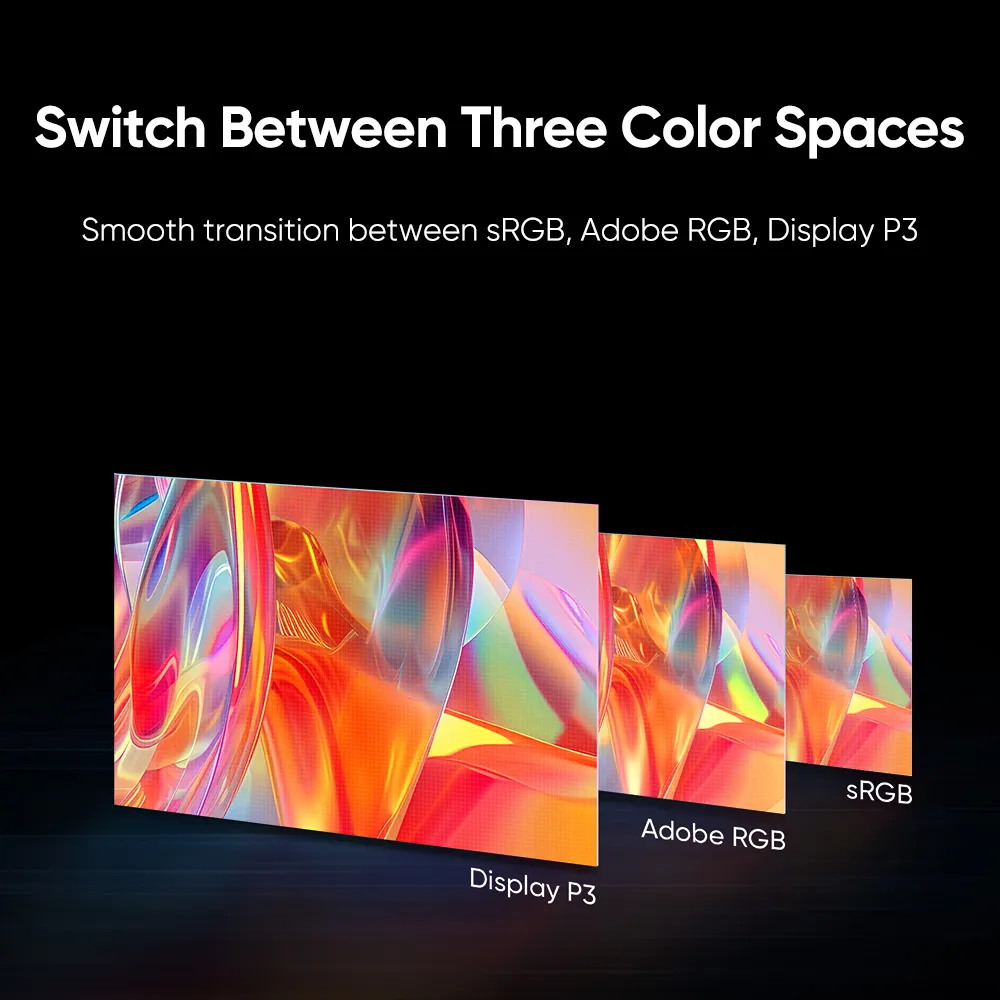
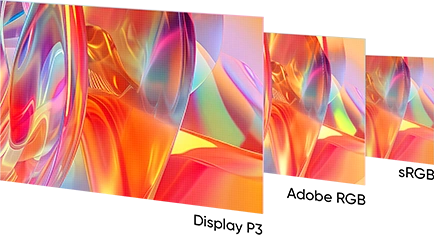
sRGB / Adobe RGB / Display P3
X3 Pro Smart
Chip Stylus
16K Pressure Levels, Double the Smoothness
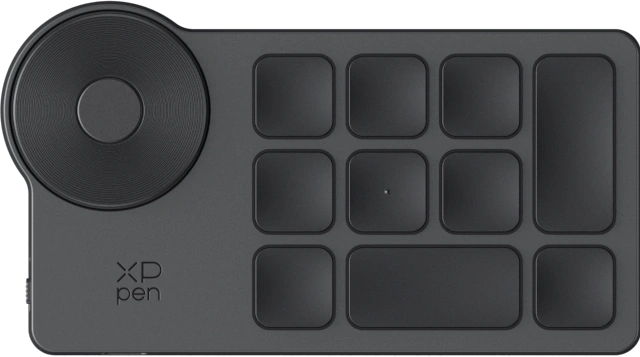
ACK05 Shortcut
Remote
Smoother Creation, Faster Pace
ACS02 Adjustable
Stand
Flexible Angle Adjustment
Being a world-renowned artist, illustrator, and textile designer, Sarah Fortova is a five-time winner of the Première Vision Trends Award. Her creative style is unique and diverse, characterized by her adept use of rich colors to depict imaginary animal and plant forms from unconventional perspectives, reflecting her distinctive understanding and concern for nature. She has collaborated with brands and fashion agencies, including Vogue, AD Magazine, and Puma.
XPPen has partnered with Sasha Fortova to showcase the collision of humanity and technology, unveiling the new Artist Pro 22 (Gen 2) drawing display.
Artwork by world-renowned artist, Sasha Fortova
Artwork by world-renowned artist, Sasha Fortova
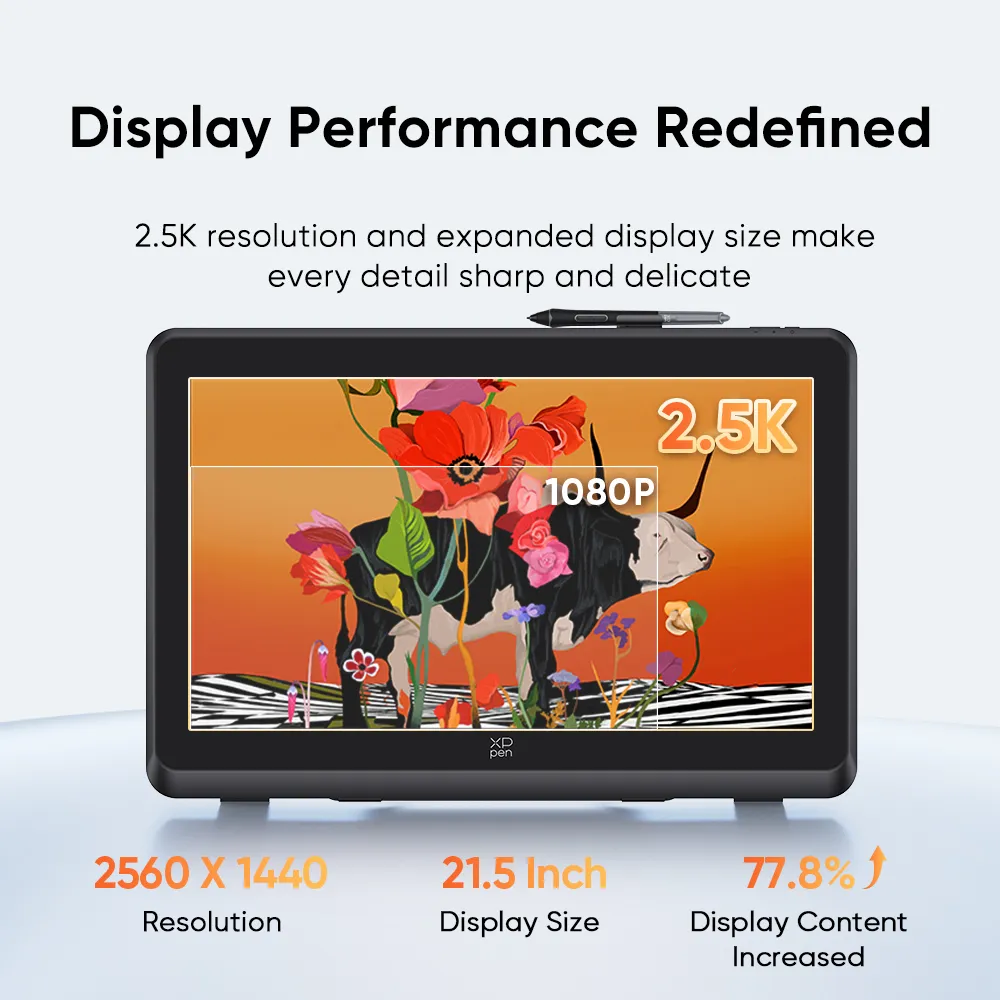
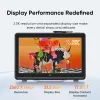
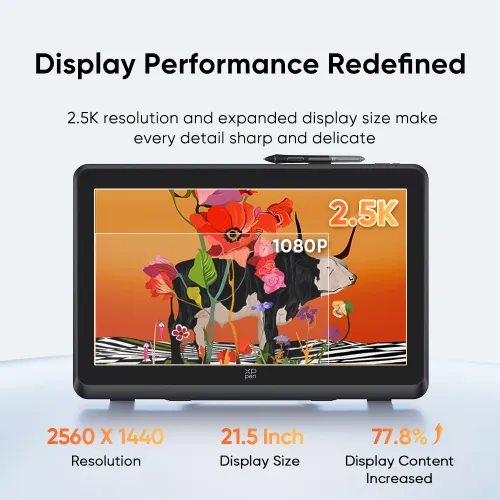
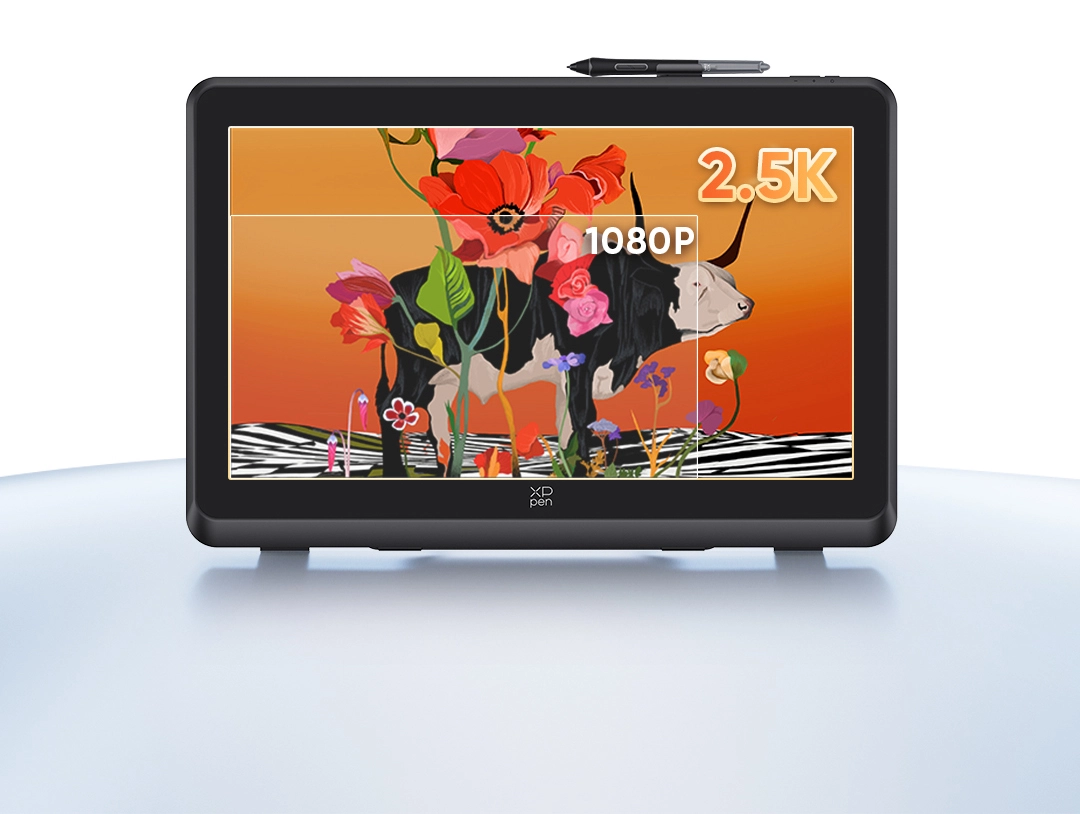
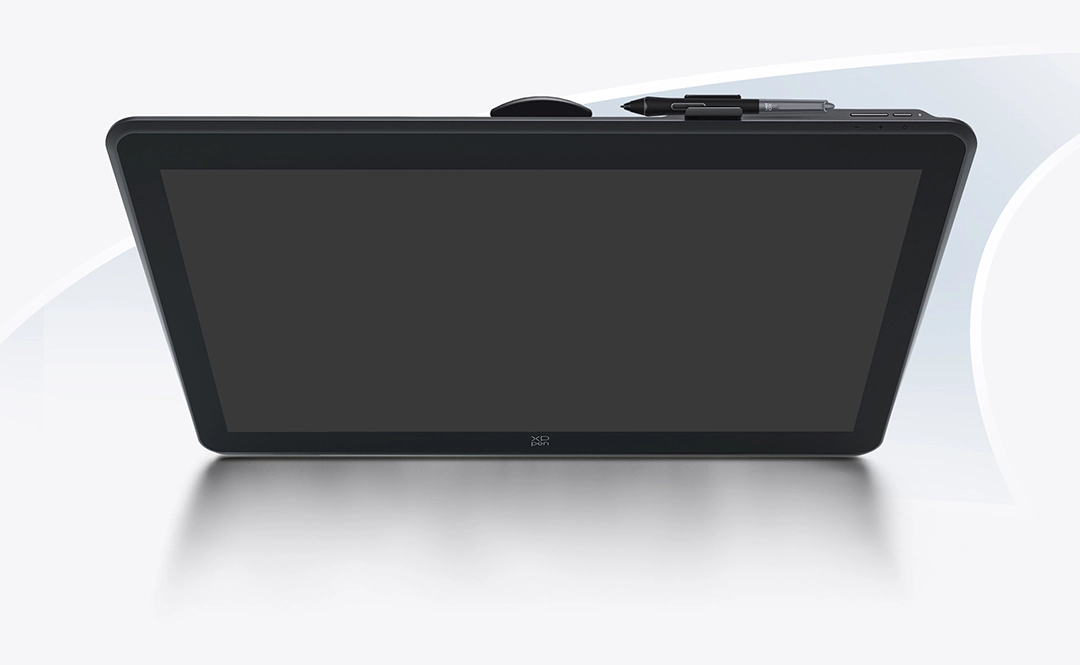
Clear visuals are essential for your artwork. The enhanced 2.5K display significantly elevates your drawing experience with a 21.5-inch display size, allowing every stroke to be displayed with accuracy, sharpness, and fine details.
2560 X 1440
Resolution
21.5 Inch
Display Size
16:9
Aspect Ratio
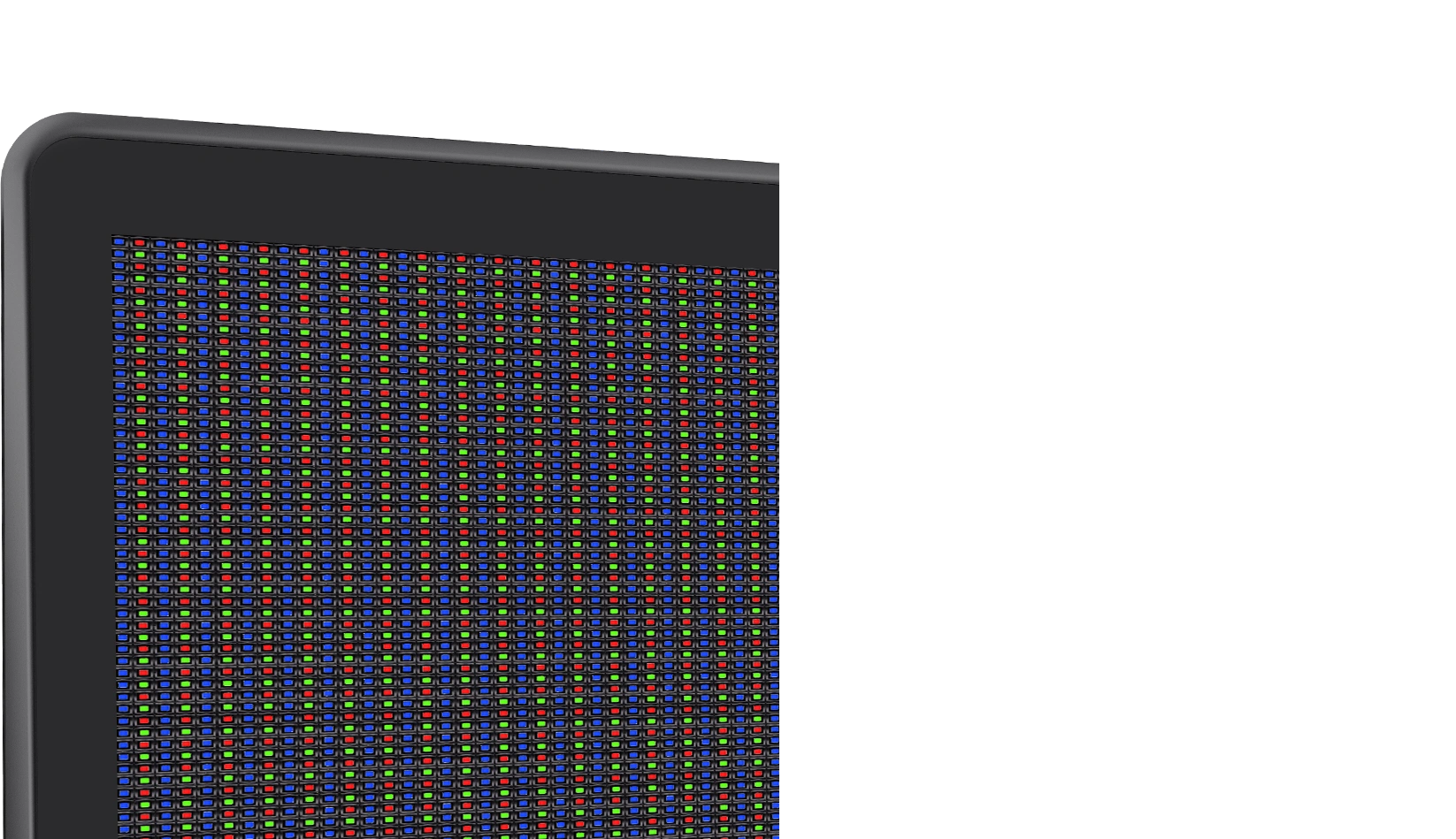
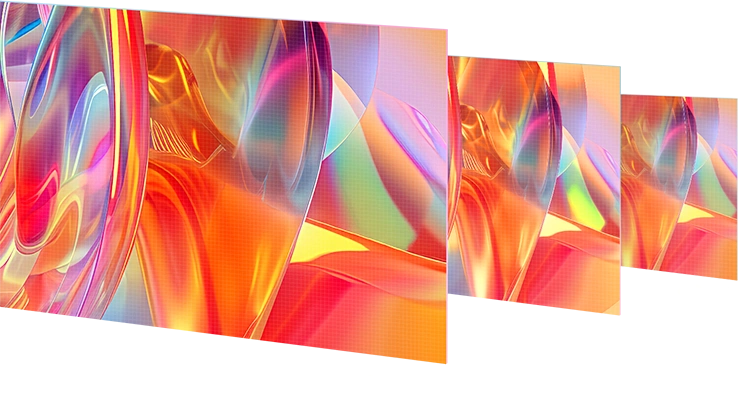
The 2.5K resolution has significantly enhanced image quality. It offers 1.7 times the content of a FHD display and boasts a 33% increase in pixel density. With a pixel density of 137 PPI, it is compatible with various systems, providing a clear visual experience without the need to scroll between interfaces.
33% Increased
PPI
77.8% Increased
Display Content
178°
Viewing Angle
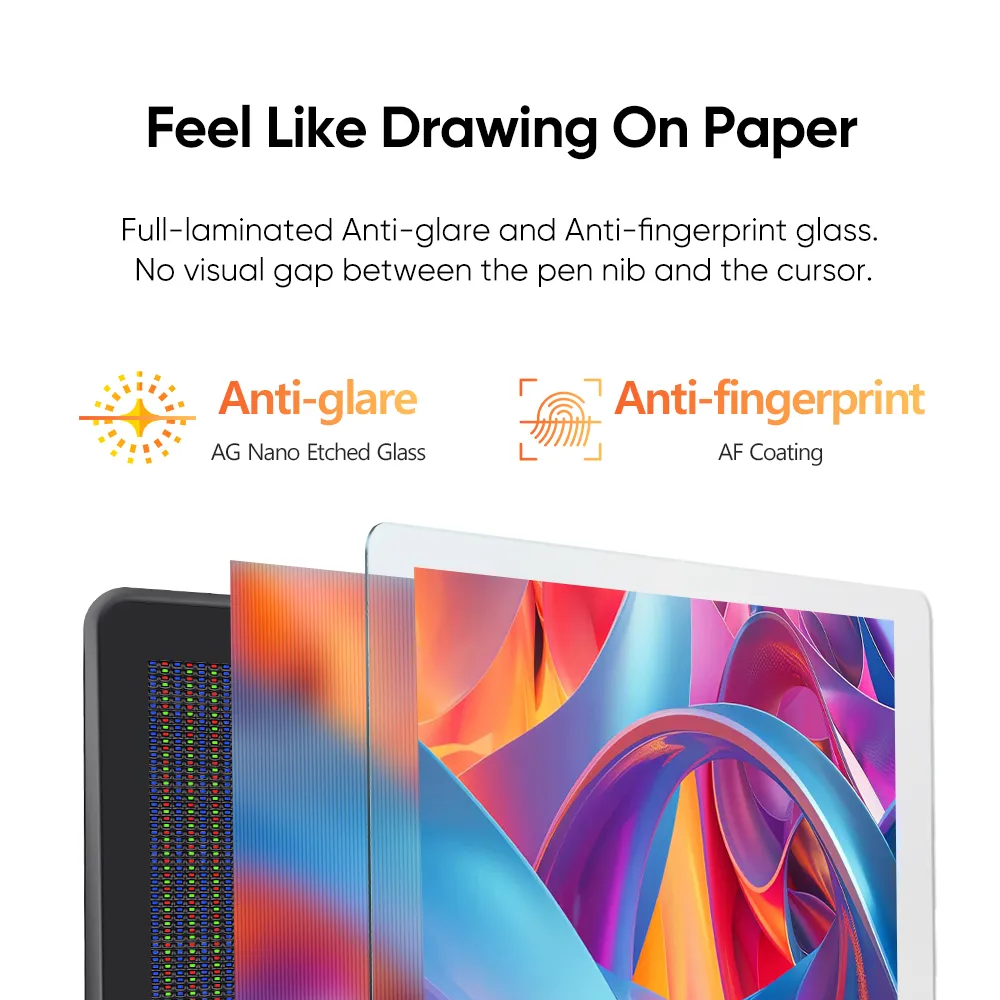
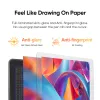
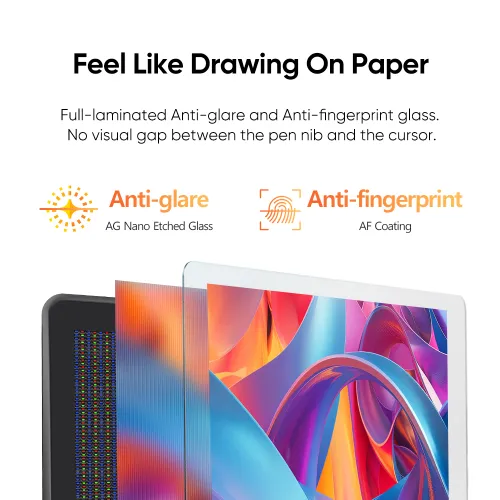
AG Nano Etched and AF Coating glass minimizes glare, flicker, and fingerprints. The full-laminated display decreases the distance between the pen tip and the cursor. The frosted matte surface makes drawing just feel like a piece of paper.
AG Nano Etched Glass
Anti-glare
AF Coating
Anti-fingerprint
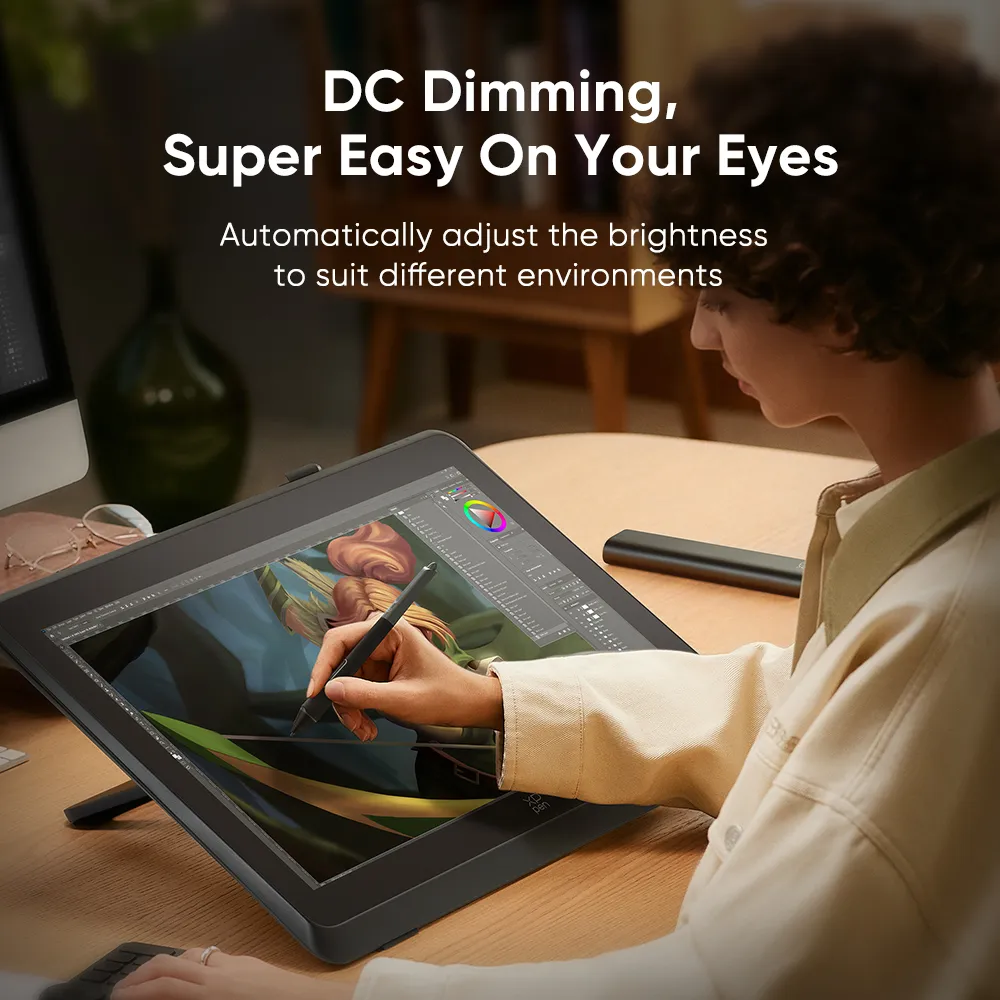
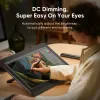
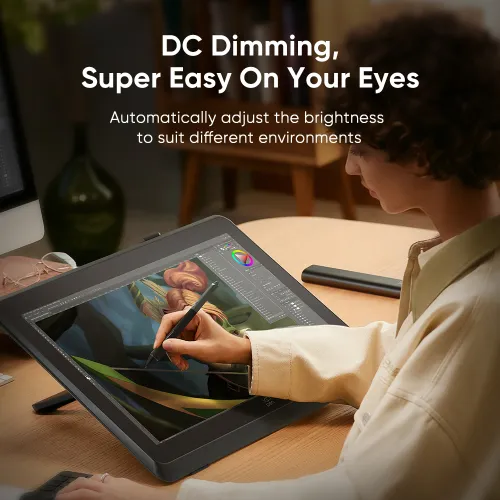
By utilizing DC dimming, This feature is also super friendly to your eyes, even during extended use.
250cd/m²
Peak Brightness
1000:1
Contrast Ratio
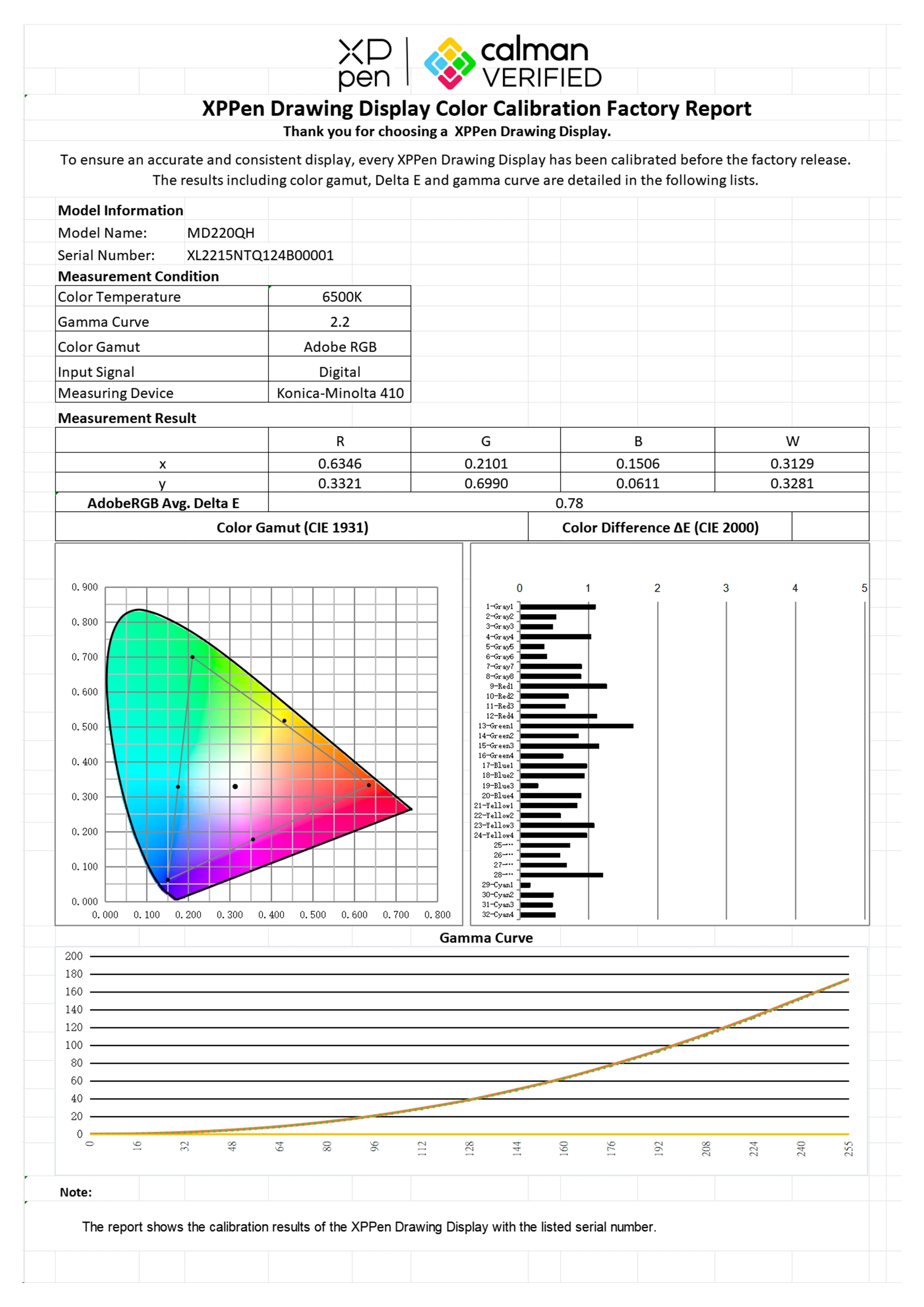
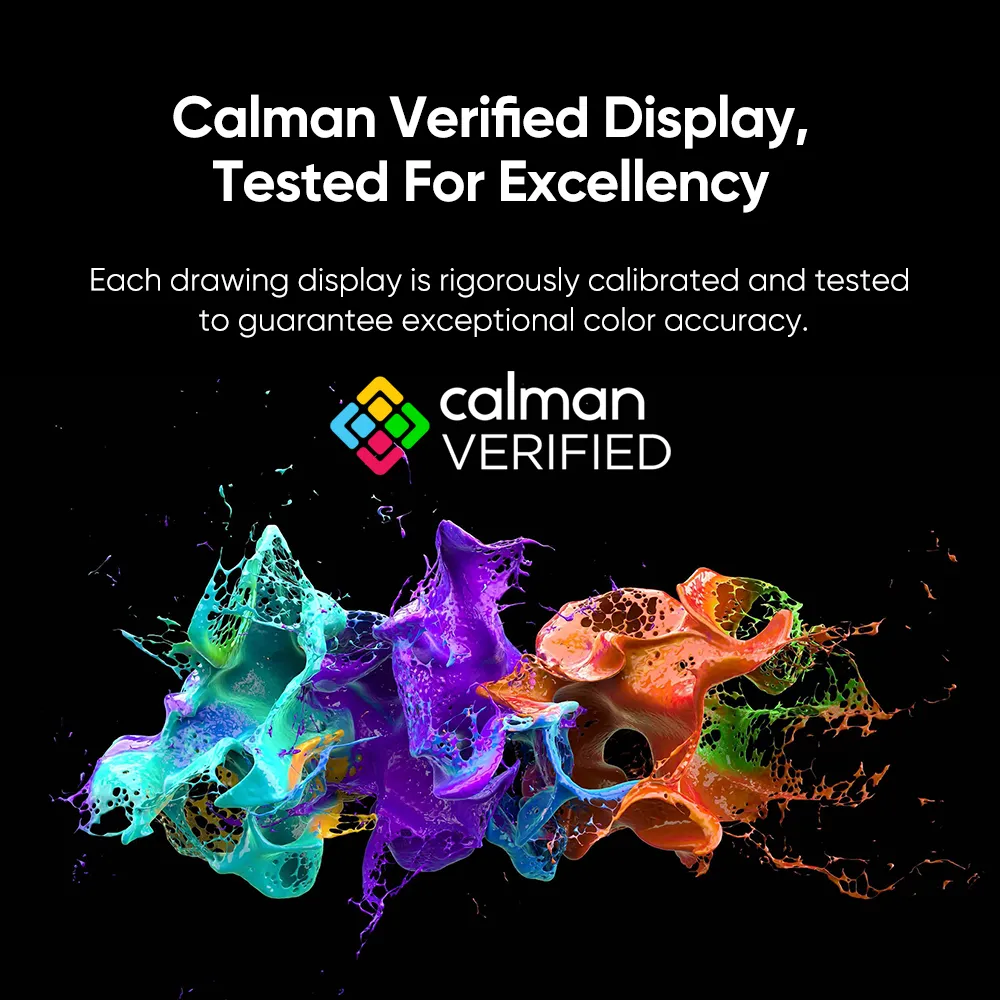
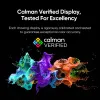
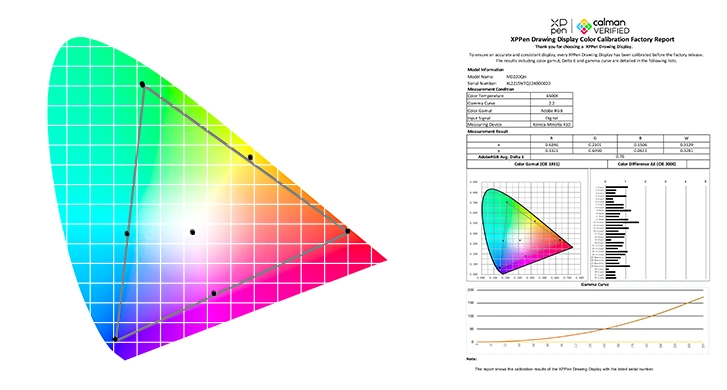
Artist Pro 22 (Gen 2) drawing display has obtained Calman verification, representing its color accuracy is recognized by authority organization. Each Artist Pro 22 (Gen 2) undergoes rigorous calibration and testing using a 3D LUT stereoscopic space to ensure color accuracy. Moreover, every display comes with its own Calman verified report.
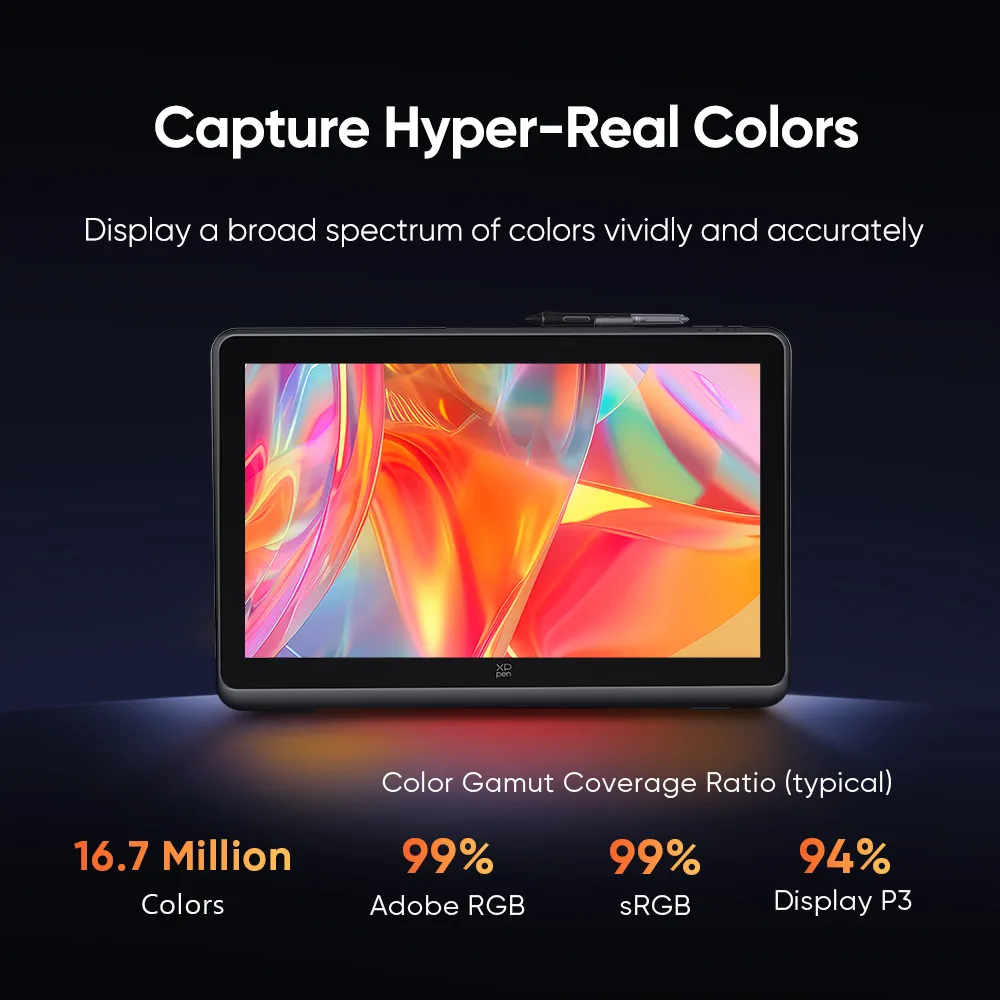
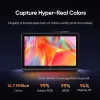
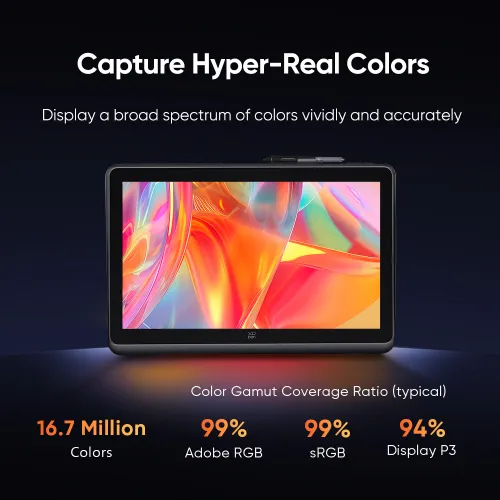
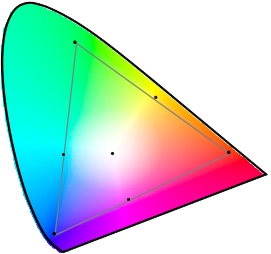
The display offers an impressive 99% Adobe RGB color gamut coverage ratio and is able to present as many as 16.7 million colors, allowing it to showcase a wide range of colors both vividly and accurately.
16.7 Million
Colors
Color Gamut Coverage Ratio (typical)
16.7 Million
Colors
99%
Adobe RGB
99%
sRGB
94%
Display P3
The color accuracy has reached a new level. Delta E < 1 color accuracy ensures the alignment on different devices and environments. Precise color matching facilitates the creation of exceptional artwork and brings your most imaginative concepts to life as tangible art.
*This data is average and applies only to Adobe RGB.
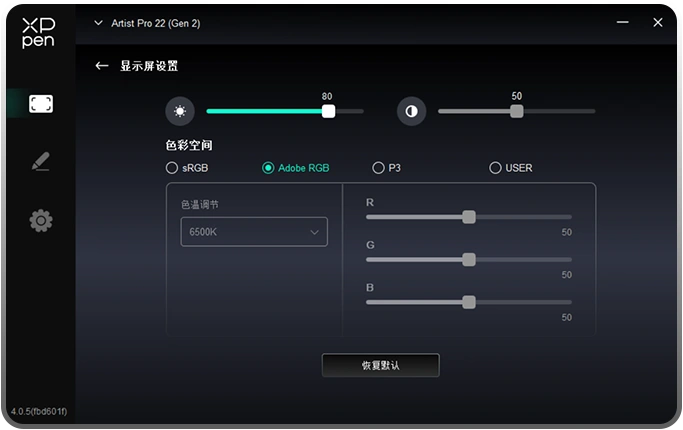
By facilitating the transition between sRGB, Adobe RGB, and Display P3, colors are displayed consistently across different devices. Every color in your artwork appears true to life.
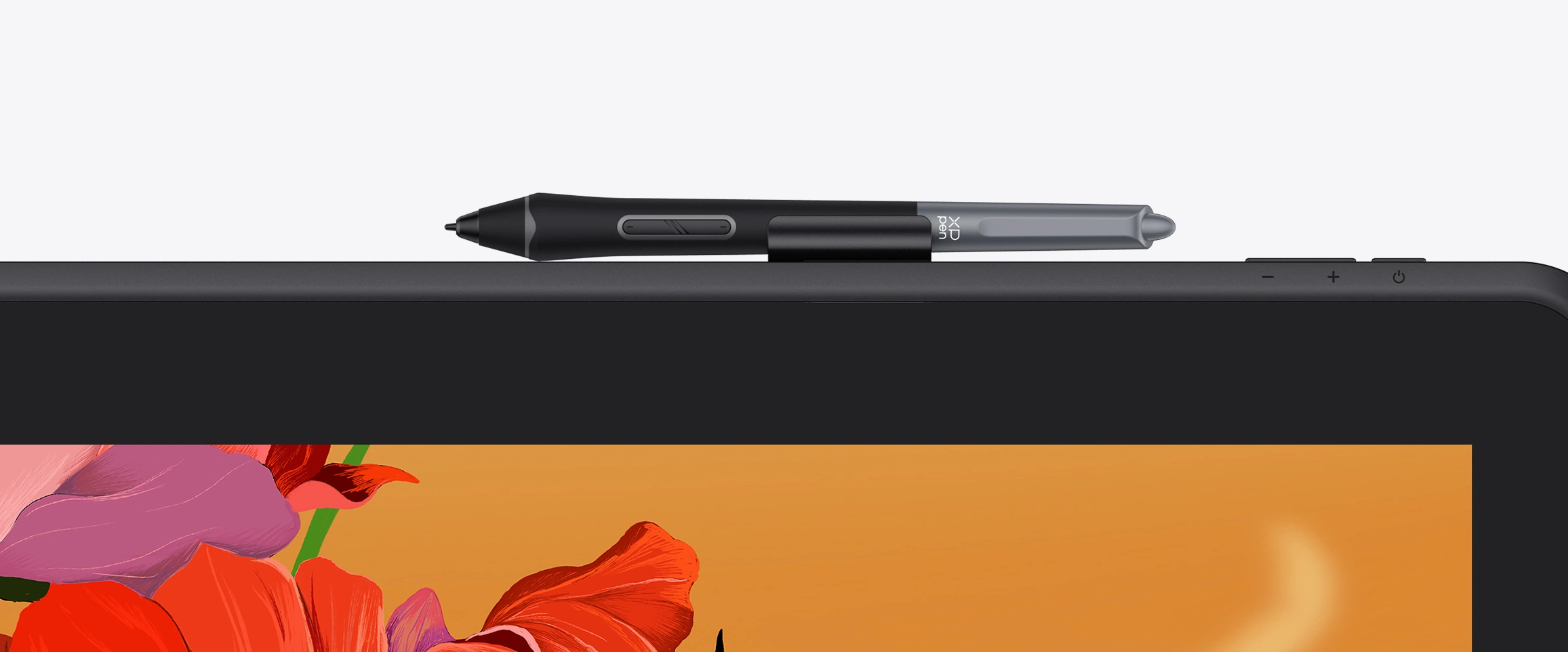
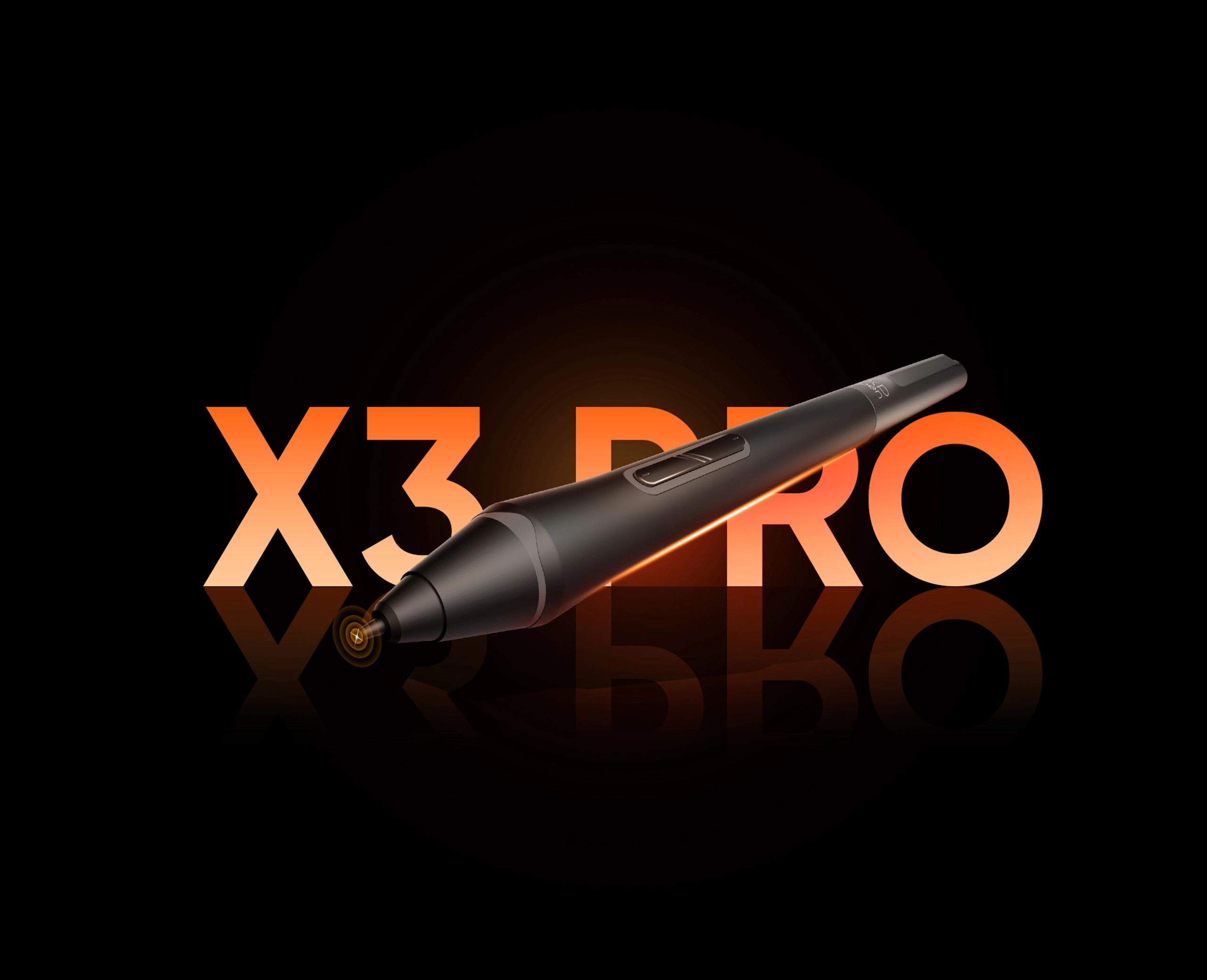
Equipped with the X3 Pro smart chip, the stylus offers 16K pressure levels sensitivity for a realistic drawing experience. The felt nibs replicate the sensation of drawing on paper. Additionally, the stylus includes two shortcut keys and a digital eraser, improving its functionality for artists while providing comfort through its silicone grip.
*Artist Pro 22 (Gen 2) is compatiable with X3 Pro Smart Chip Stylus series.
Pressure Level 100% Increase
X3 Pro Smart Chip Stylus
X3 Smart Chip Stylus
* This data was taken from a laboratory simulation test and may vary depending on the environment where the device is used.
X3 Pro Smart Chip Stylus supports 60° tilt. Creating shaded strokes and diverse line variations is as intuitive as drawing on paper.
3g*
IAF
0.6mm*
Retraction
Distance
60°*
Tilt
* This data was taken from a laboratory simulation test and may vary depending on the environment where the device is used.
Accuracy: ±0.4mm*(center)
The X3 Pro Smart Chip Stylus series supports pen ID recognition. No matter what X3 Pro series stylus you use, the system will automatically identify it and load your customized settings to meet your personal needs. Just let the creativity flow with the stylus!
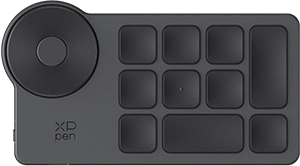
You can easily customize 40 shortcut keys through the driver settings and control them with one hand to elevate your productivity. The physical dial provides comfortable damping for incredible fingertip inspiration.
The integrated driver enables you to simultaneously modify the settings for the drawing display and ACK05 shortcut remote. Additionally, you can also adjust the brightness, color temperature, and contrast ratio within the driver.
Suit Your Preferred Working Posture
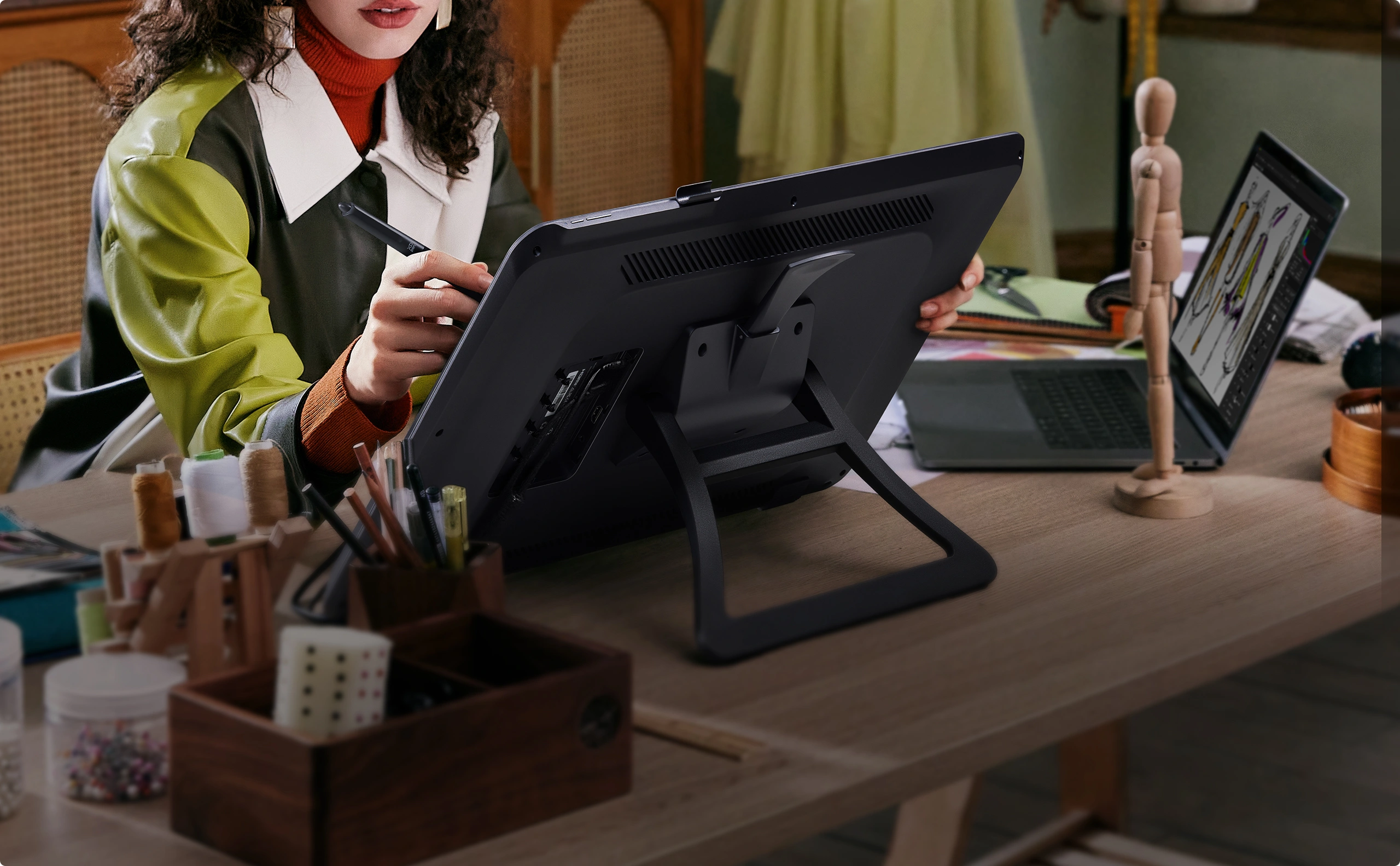
ACS02 Stand
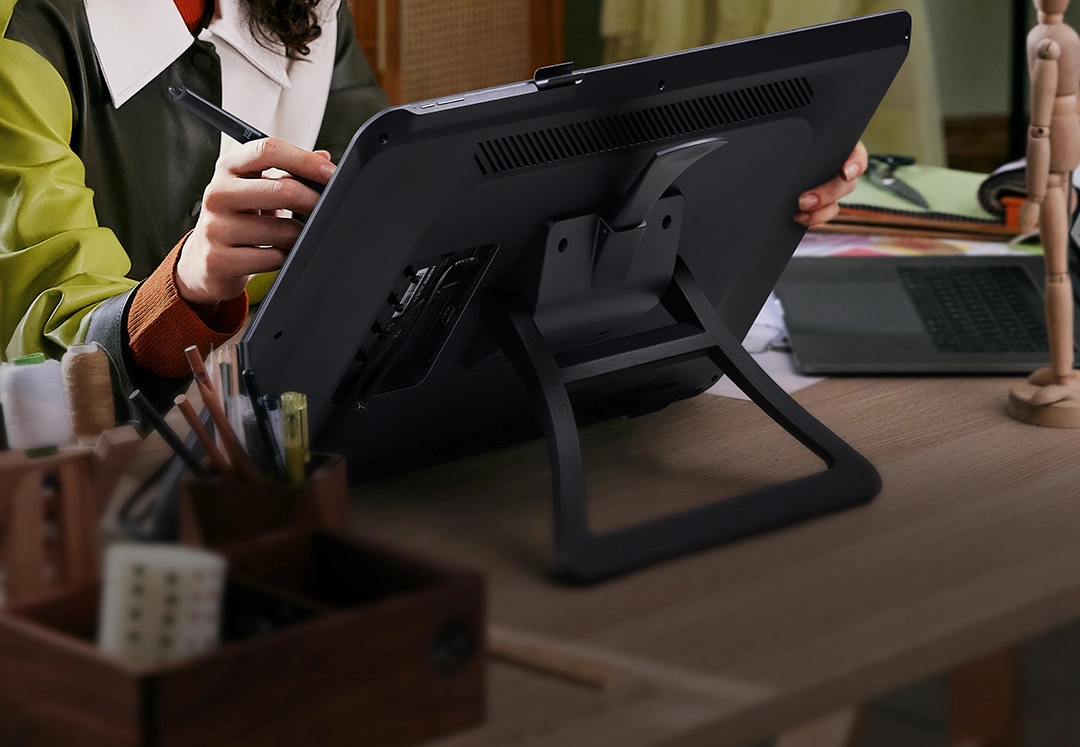
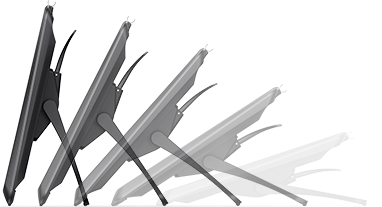
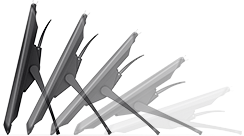
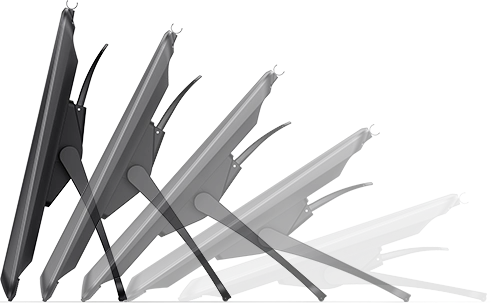
Every Artist Pro 22 (Gen 2) is equipped with an ACS02 Stand, which is an ideal companion for supporting the display. The stand features a one-handed angle adjustment that ranges from 15° to 88°, enabling you to draw in the most comfortable position. Whether for educational, entertainment, or professional purposes, it is an excellent option!
ACS15 Ergo Stand
Looking for a more professional stand? The ACS15 Ergo Stand is the perfect solution! It offers precise adjustments for height and angle, along with various options to choose from. You can also create off-desk and enjoy free rotation.

* ACS15 Ergo Stand is an optional accessory. To be released soon.
ACS15 Ergo Stand
Looking for a more professional stand? The ACS15 Ergo Stand is the perfect solution! It offers precise adjustments for height and angle, along with various options to choose from. You can also create off-desk and enjoy free rotation.
* ACS15 Ergo Stand is an optional accessory. To be released soon.
Cater to Diverse Creation Demands
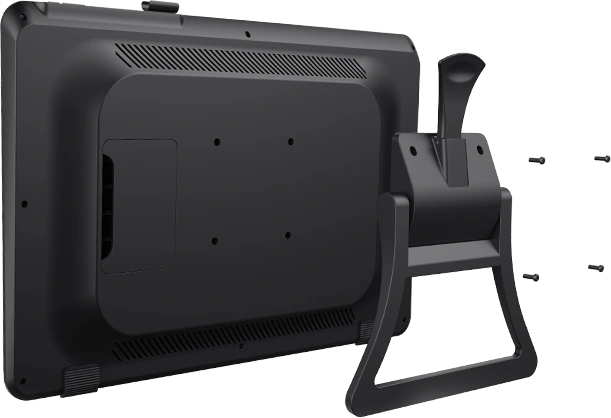
With a standard 100mm * 100mm VESA port, the display can be easily mounted on a variety of compatible stands, allowing for flexible tilt angle adjustments to optimize desk space.
Caring for Your Creation Comfort
The ergonomic wrist rest is edge-fitting for your hands. Don't worry about wrist fatigue anymore.


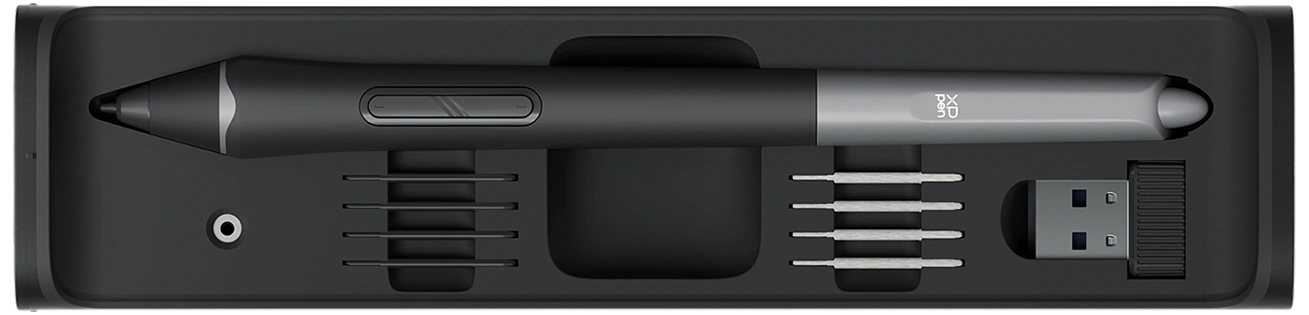
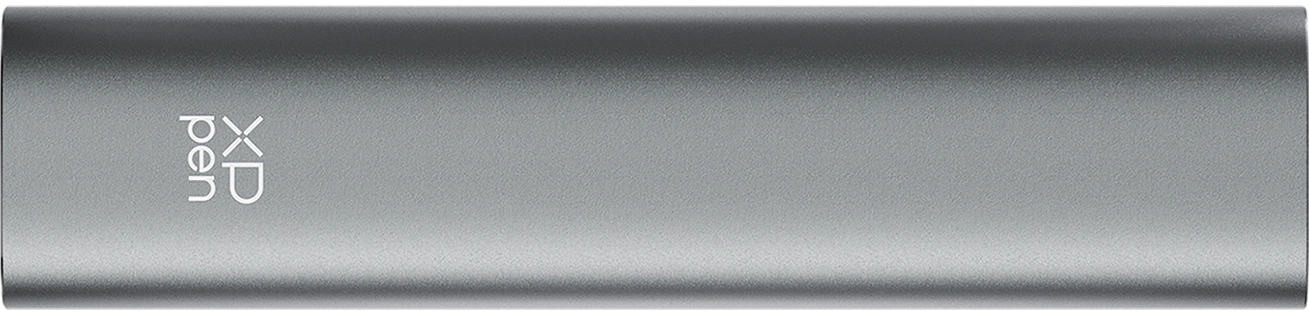
The pen case can store one stylus, one receiver, four standard pen nibs, and four felt nibs.
Additionally, it comes with a nib replacement tool for convenient nib switch whenever needed.
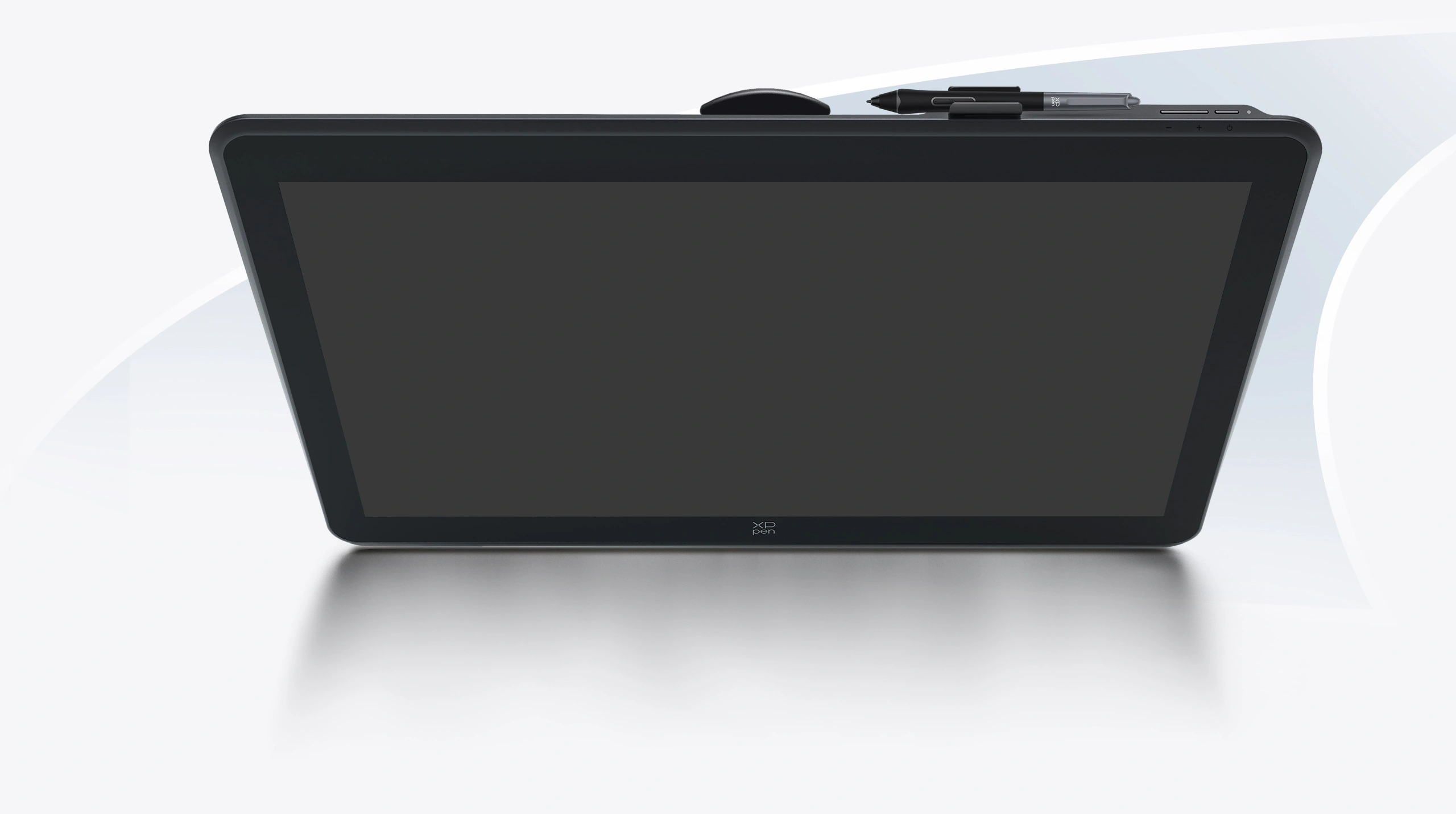
The pen clip is positioned at the top of the display and can hold up to three pen nibs. It can be easily detached or installed without the need for any tools, making it convenient for artists to begin or pause their drawing as desired.
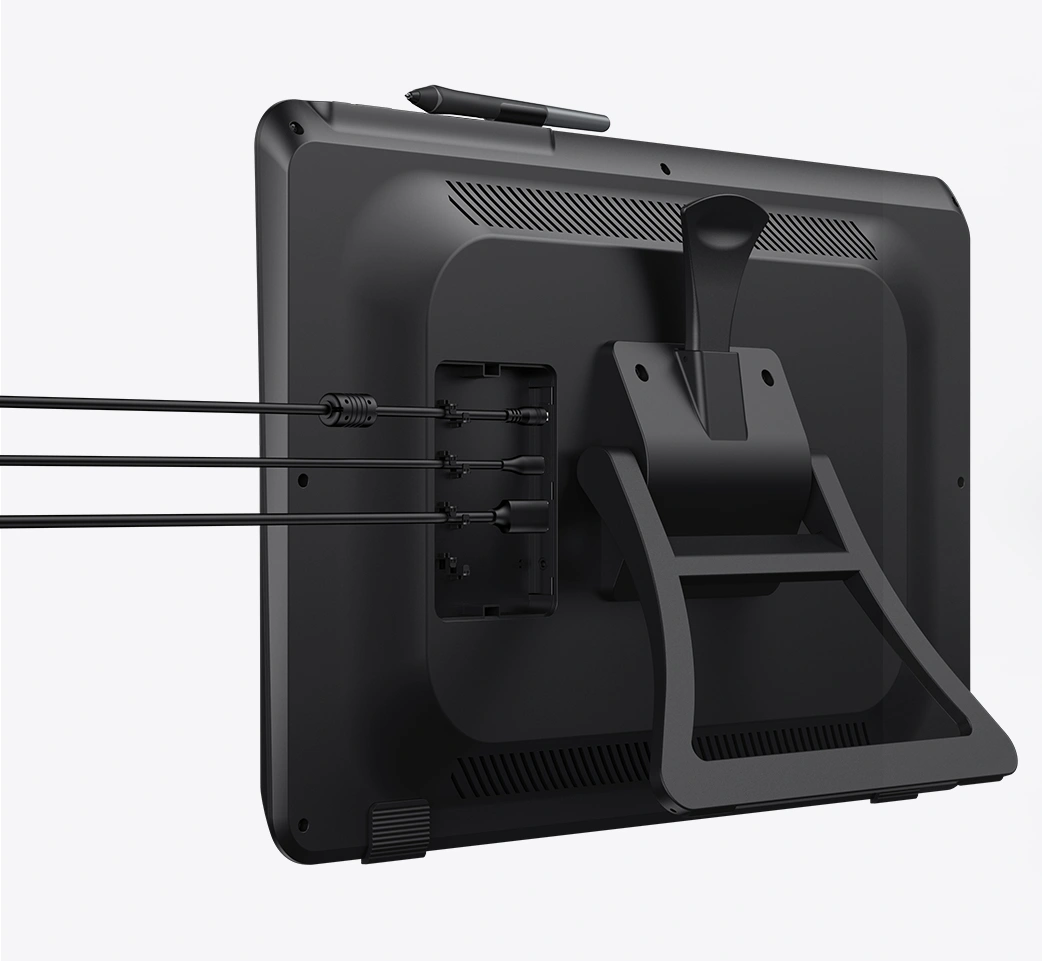
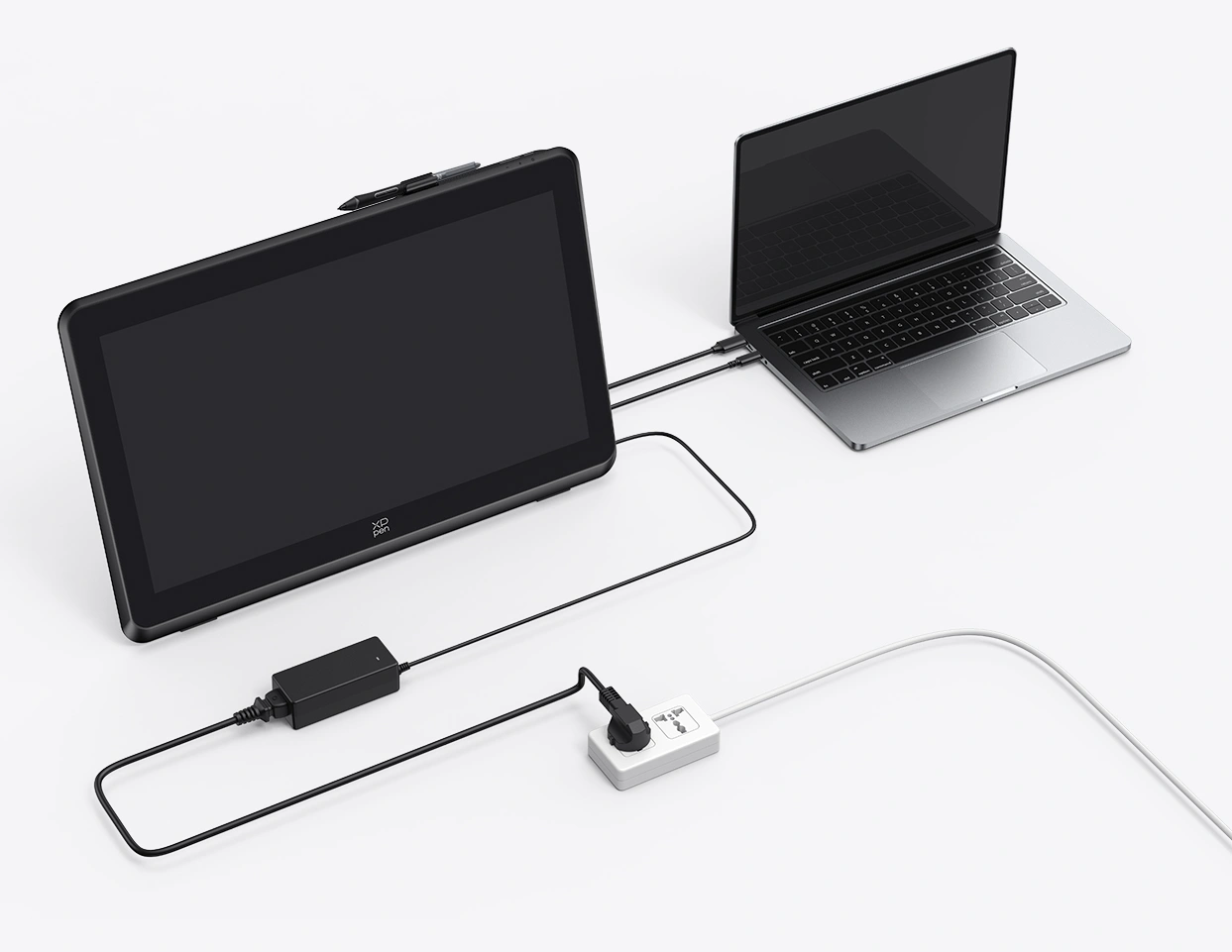
Connect the drawing display to a computer using a full-featured USB-C or HDMI cable.
The built-in cable harness module and cable cover enhance the stability and reliability of the connection.
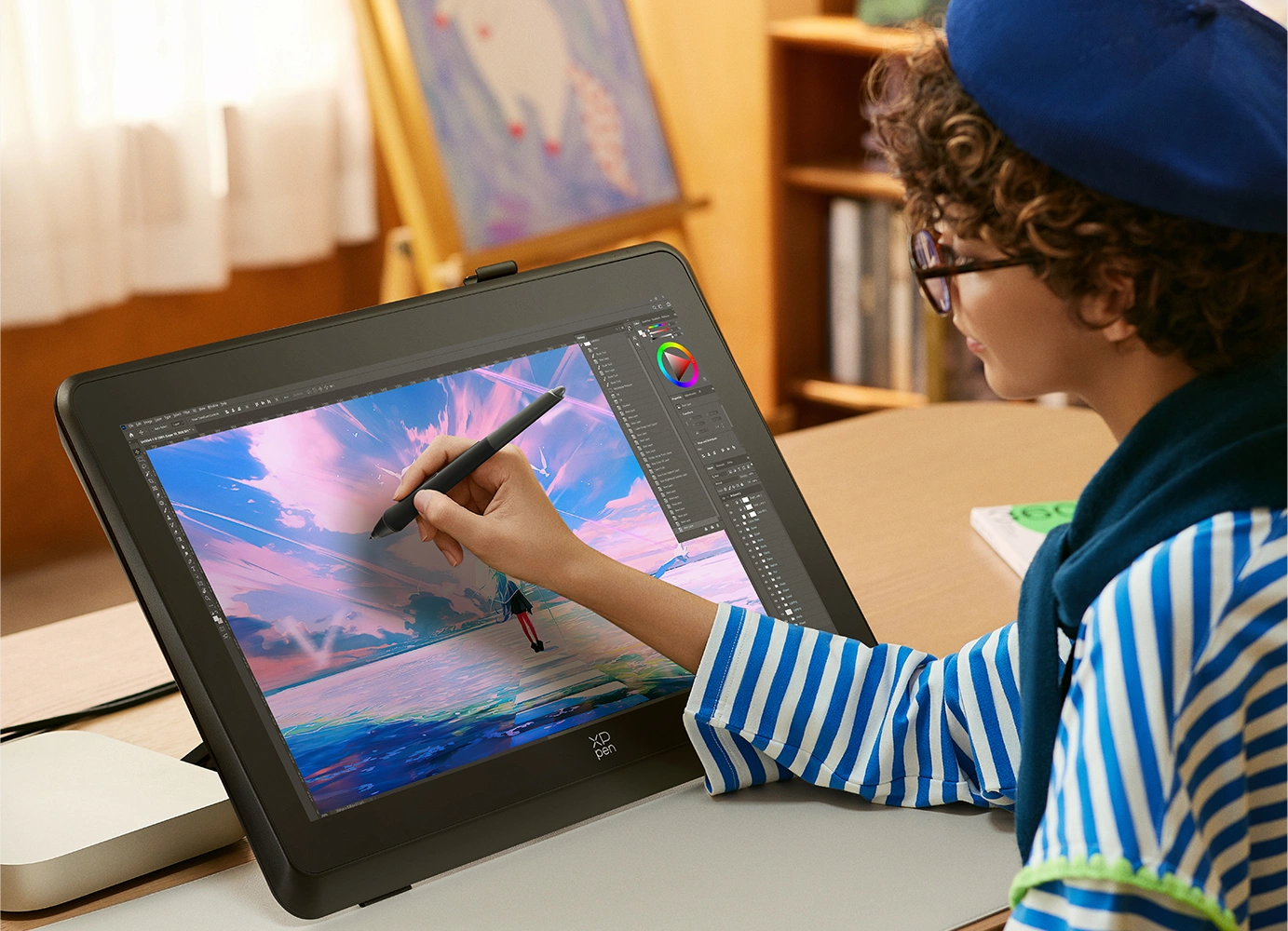
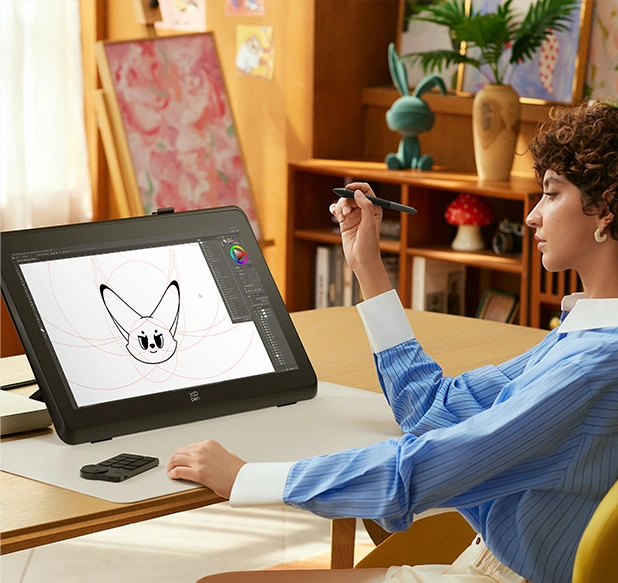
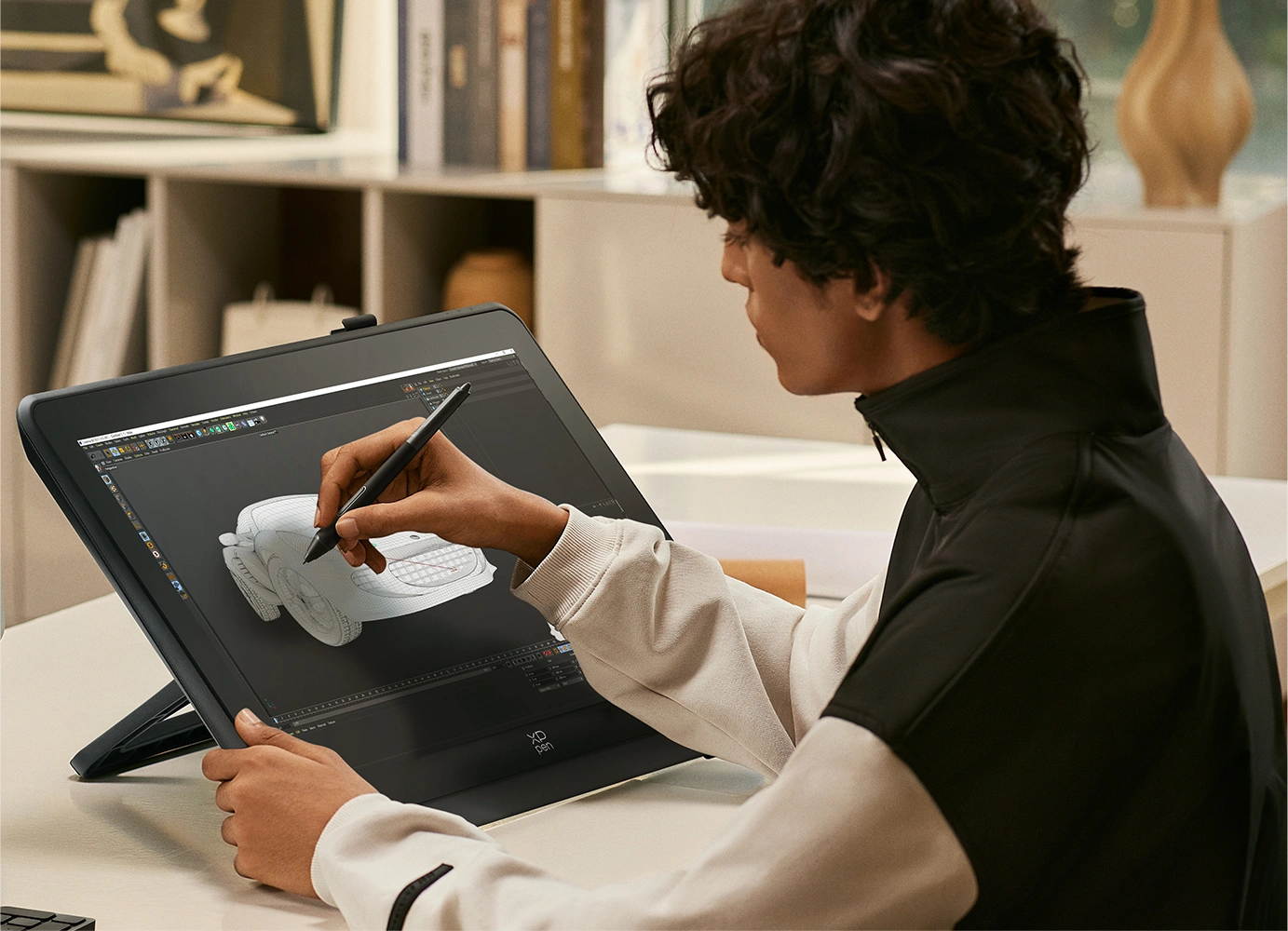
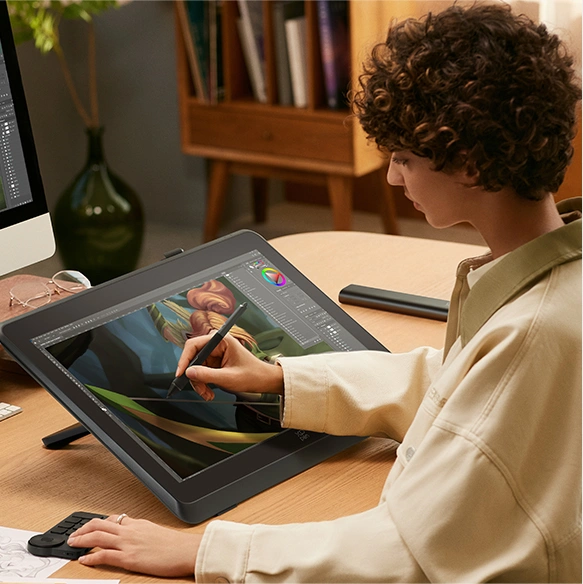
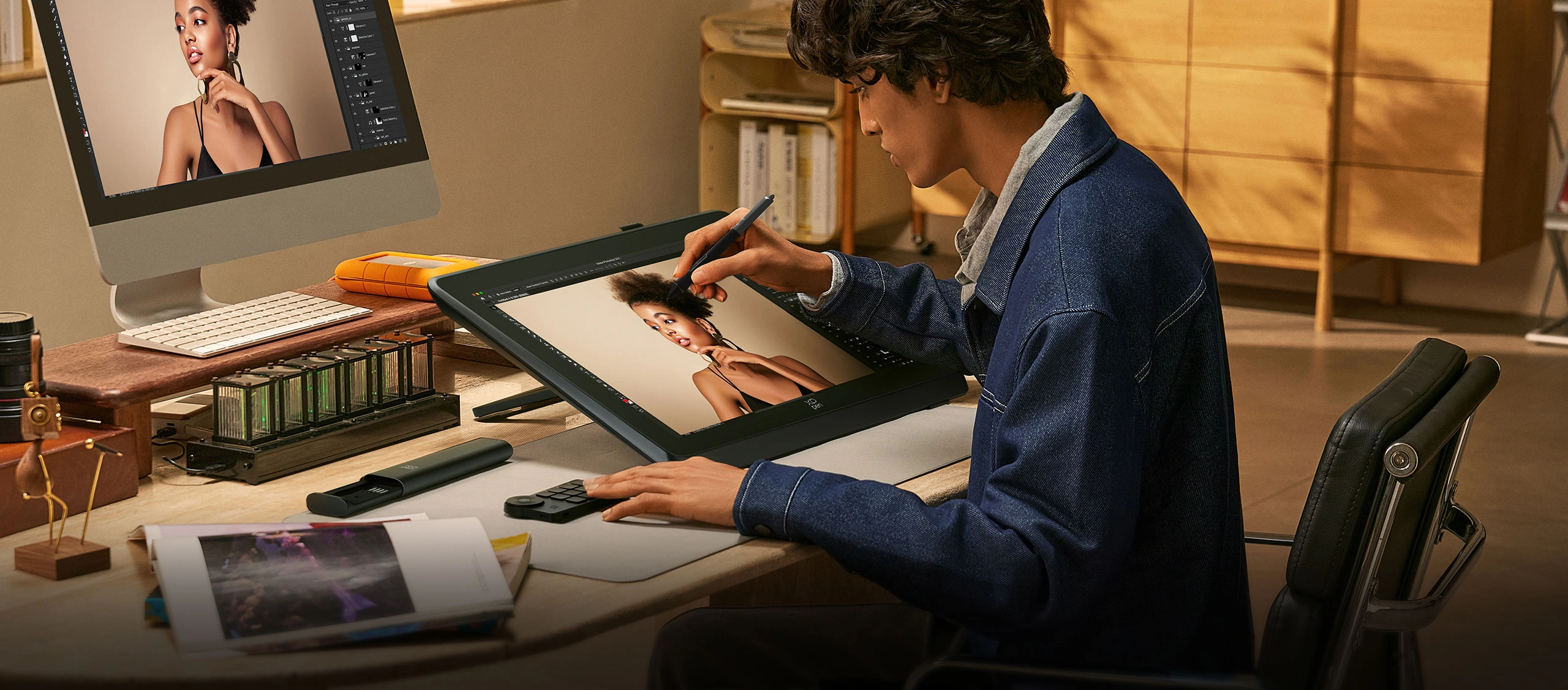
The Artist Pro 22 (Gen 2) is designed to meet the diverse needs of creative professionals across various fields.
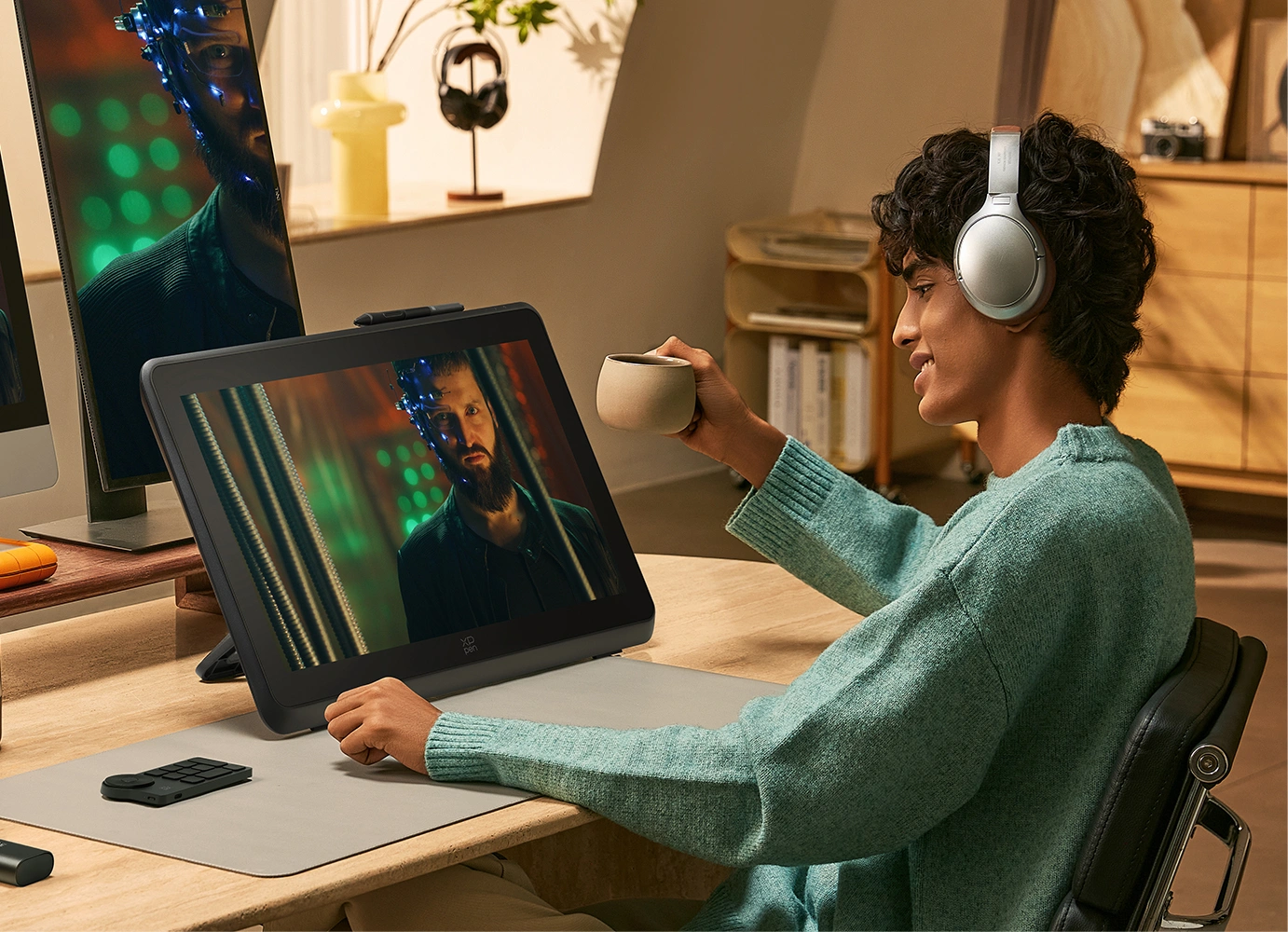
Its 2.5K resolution delivers an immersive experience for gaming, films, and other forms of entertainment.
16K ultrasensitive pressure levels. The delicate and smooth strokes make drawing feel natural and effortless—just like drawing on paper.
The 21.5-inch display provides spacious space for design, with high color accuracy and consistency, making it ideal for teamwork.
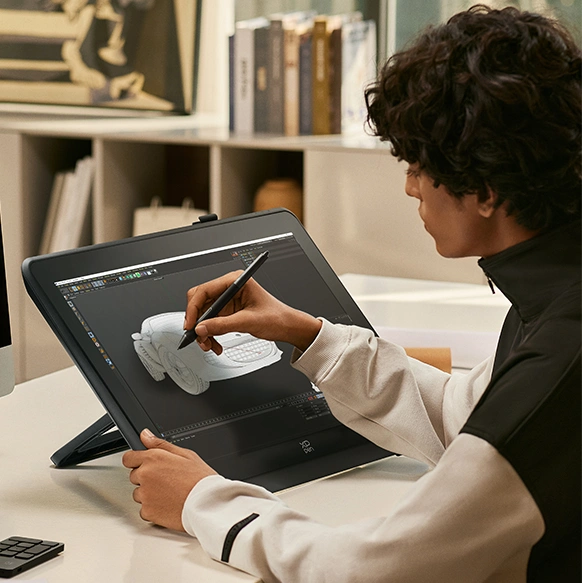
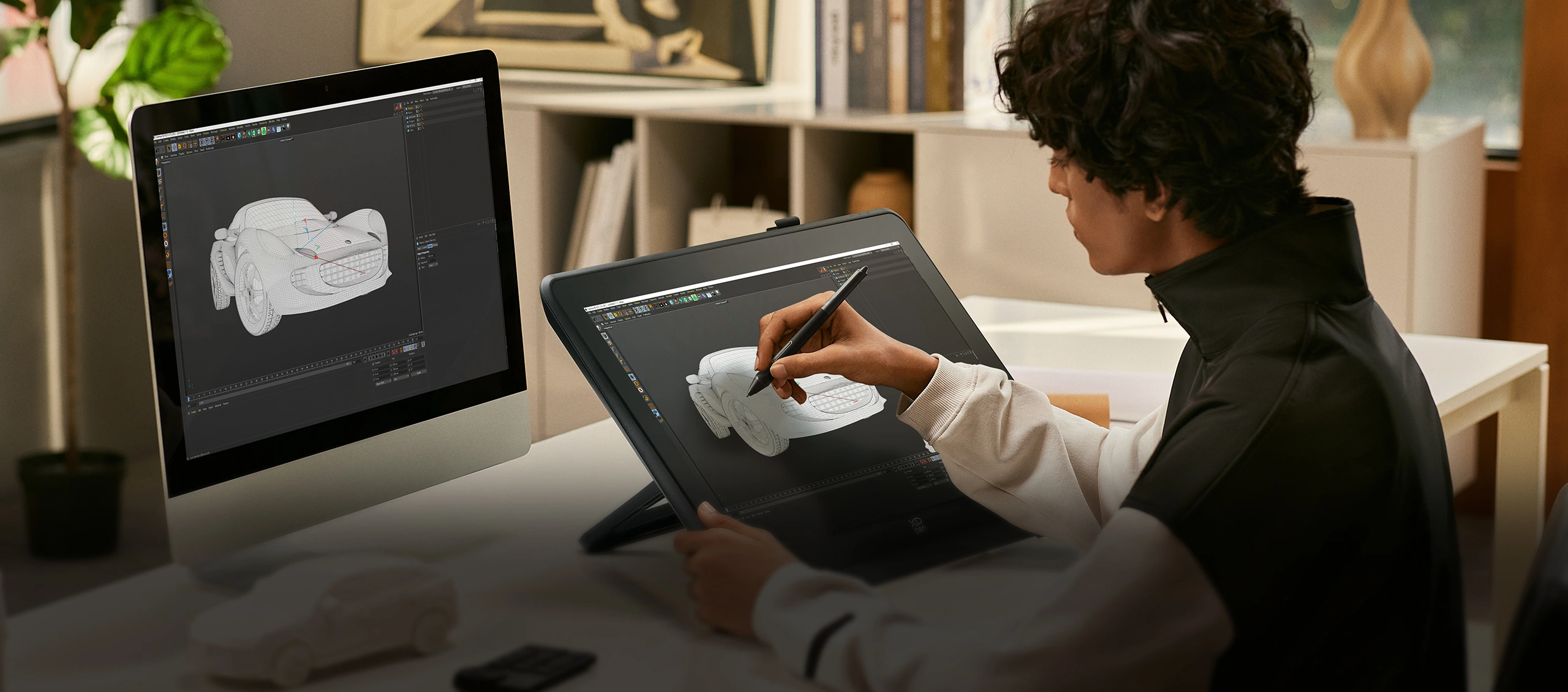
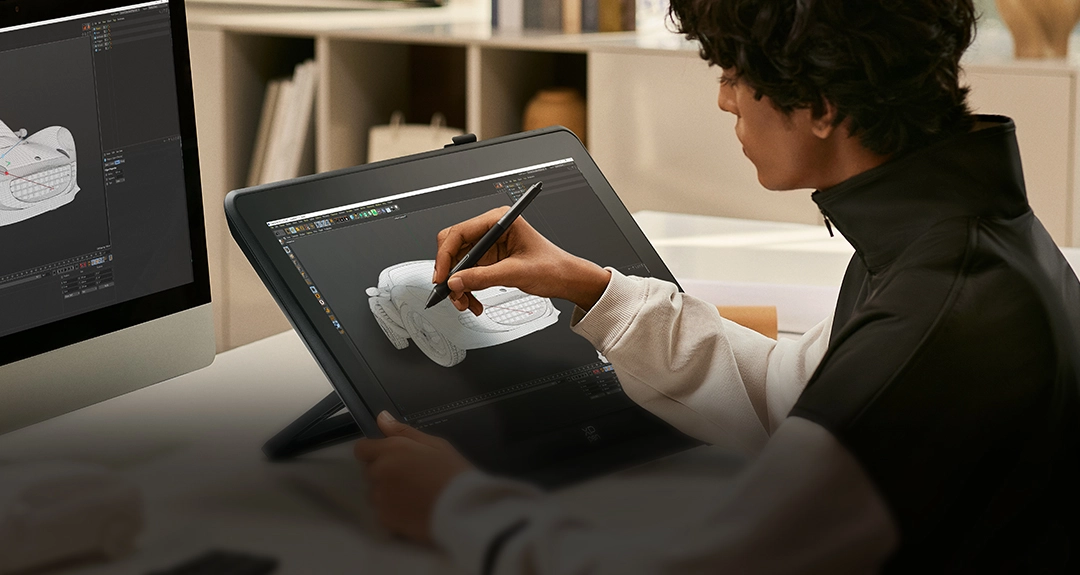
The 2.5K display significantly improves the efficiency of 3D modeling in architectural design by offering an optimal visual representation of intricate details.
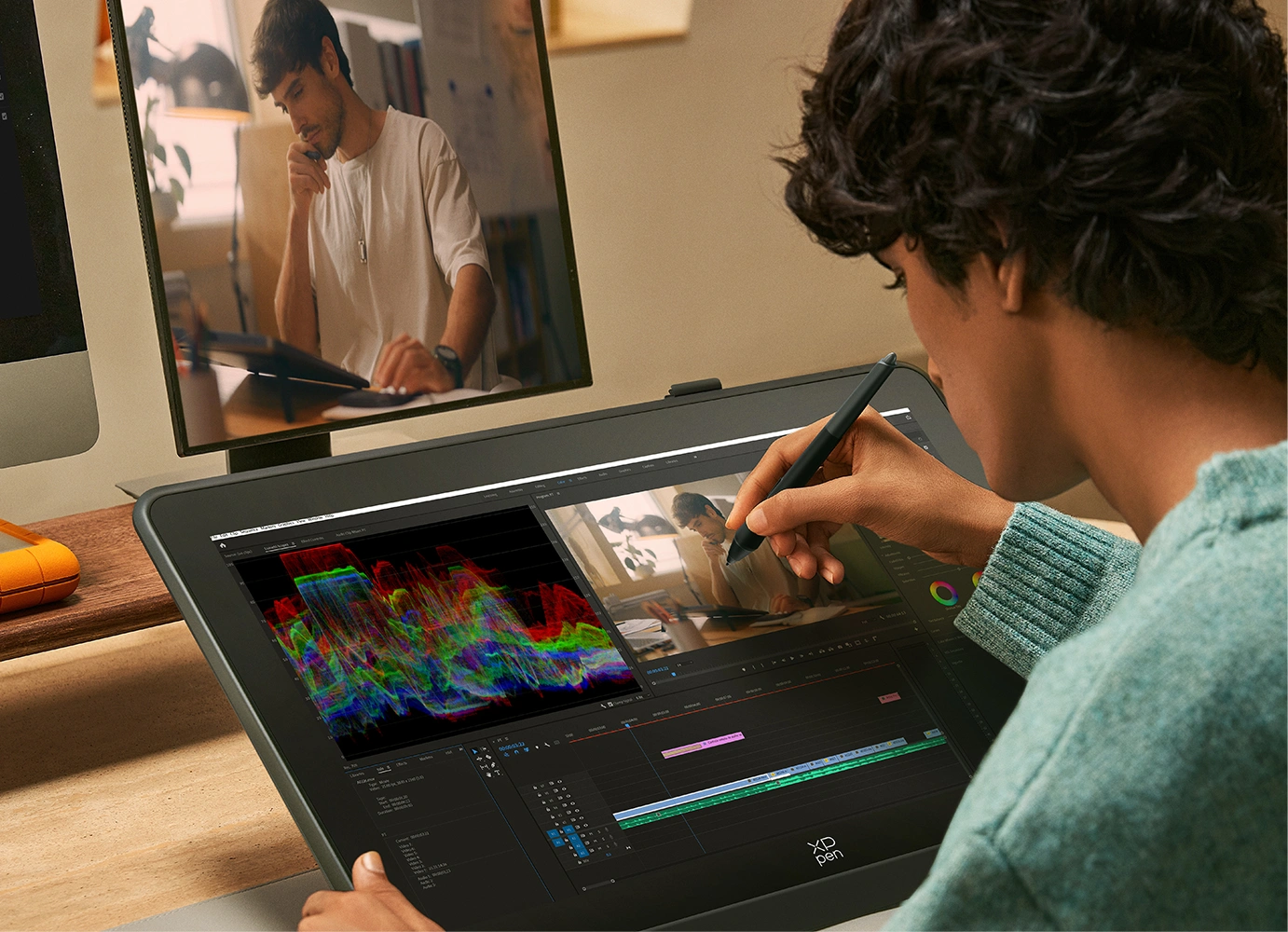
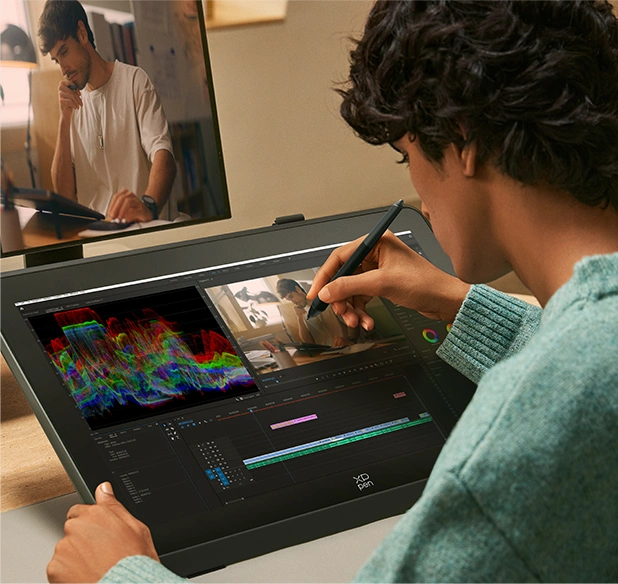
Preview your video on the native 2.5K display to ensure every detail is vividly presented and edit videos with the powerful 16K stylus.
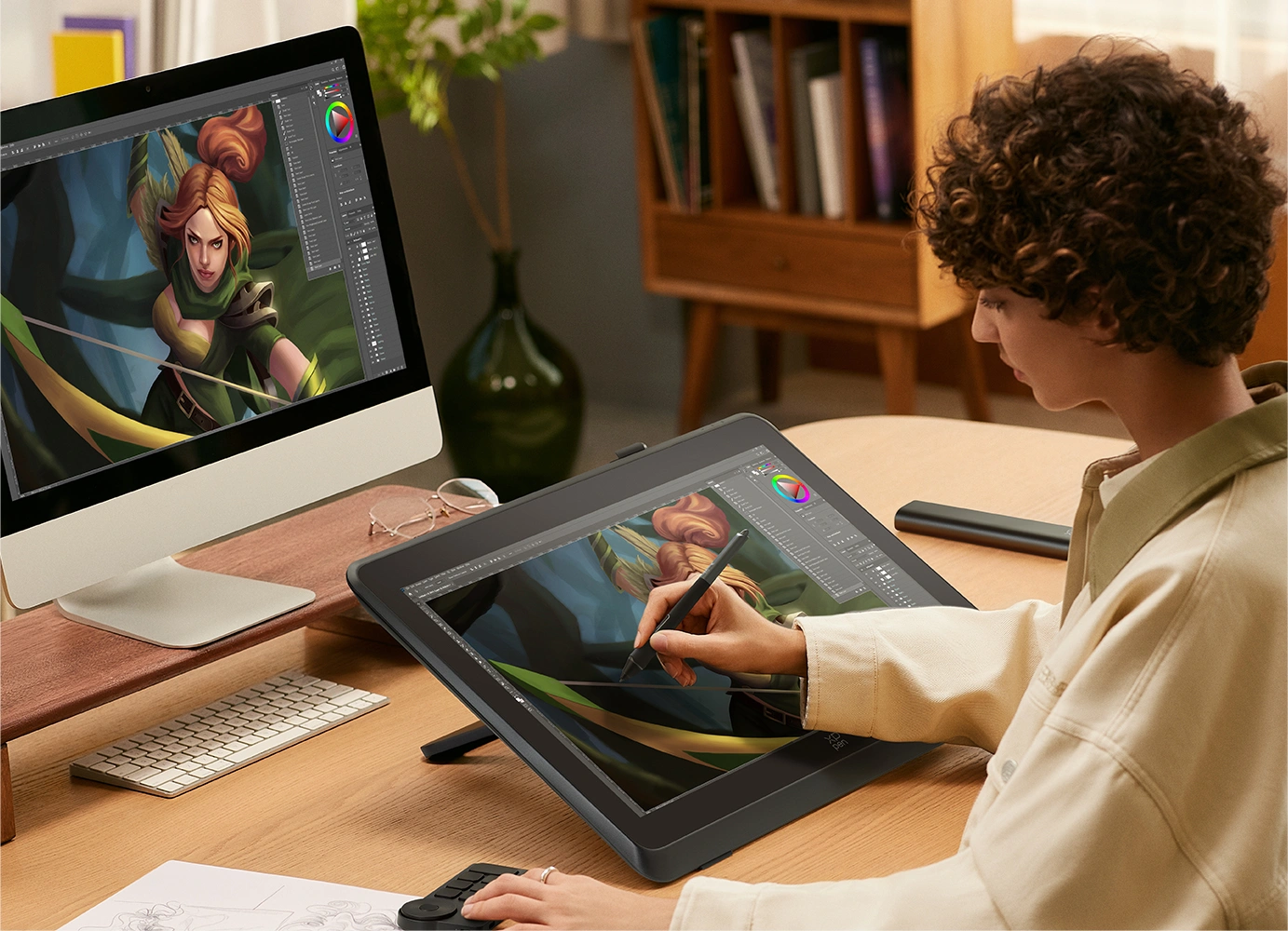
Separate your creation into two displays for a larger field of view. Double the efficiency and unleash full creativity.
2.5K QHD ensures the immersive experience of playing games and watching movies.
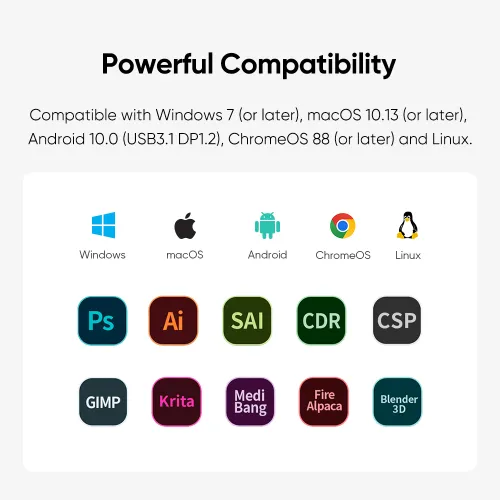
Compatible with mainstream systems and software
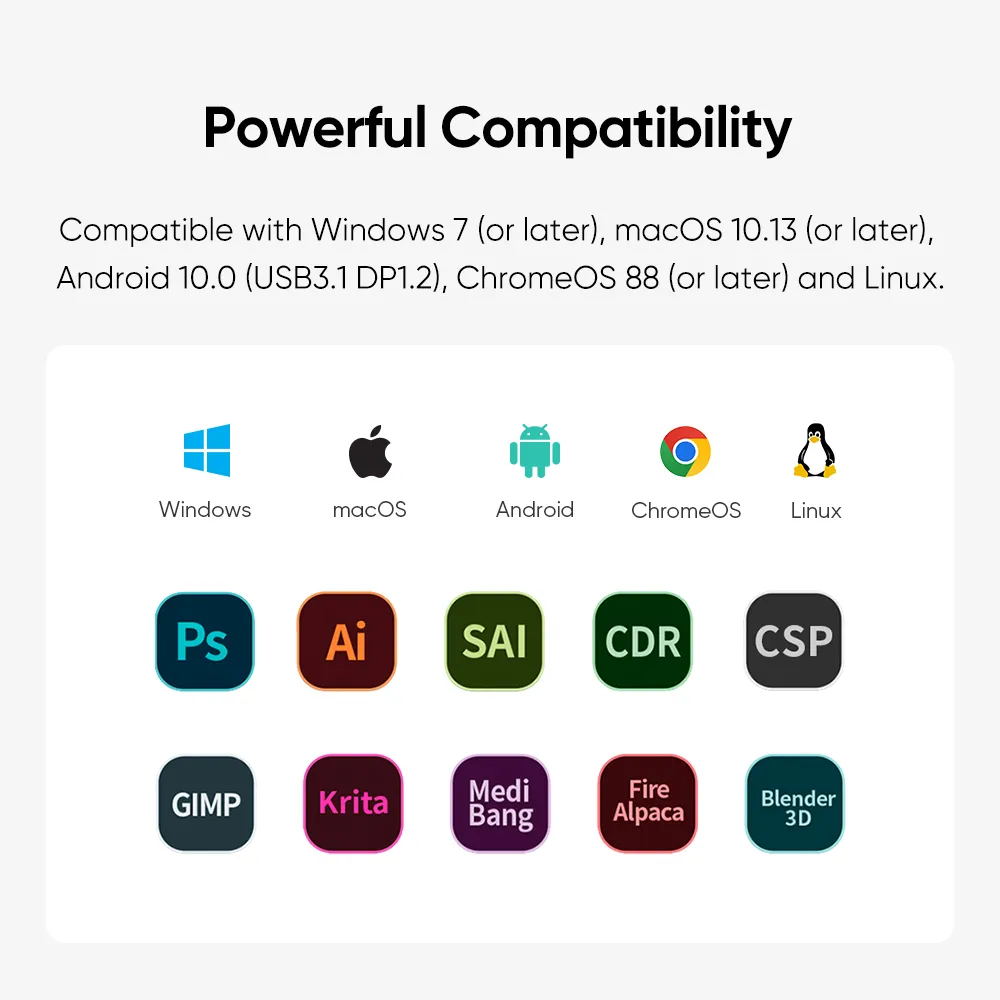
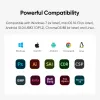
Works smoothly with various systems and software. Compatible with Windows 7 (or later), macOS 10.13 (or later), Android (USB3.1 DP1.2), ChromeOS 88 (or later) and Linux.
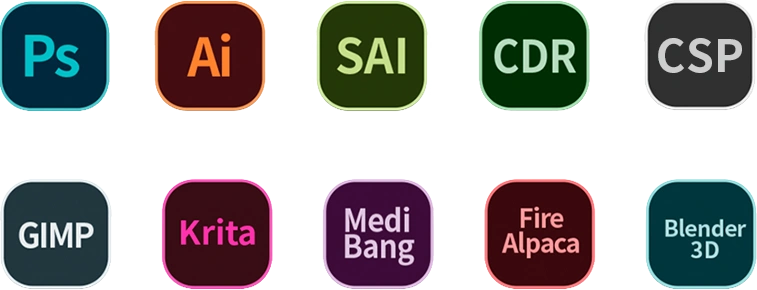
Compatible with popular digital art software such as Adobe Photoshop, Illustrator, SAI, CDR, Clip Studio Paint, GIMP, Krita, MediBang, FireAlpaca, Toonboom, Maya, and Blender3D, etc.
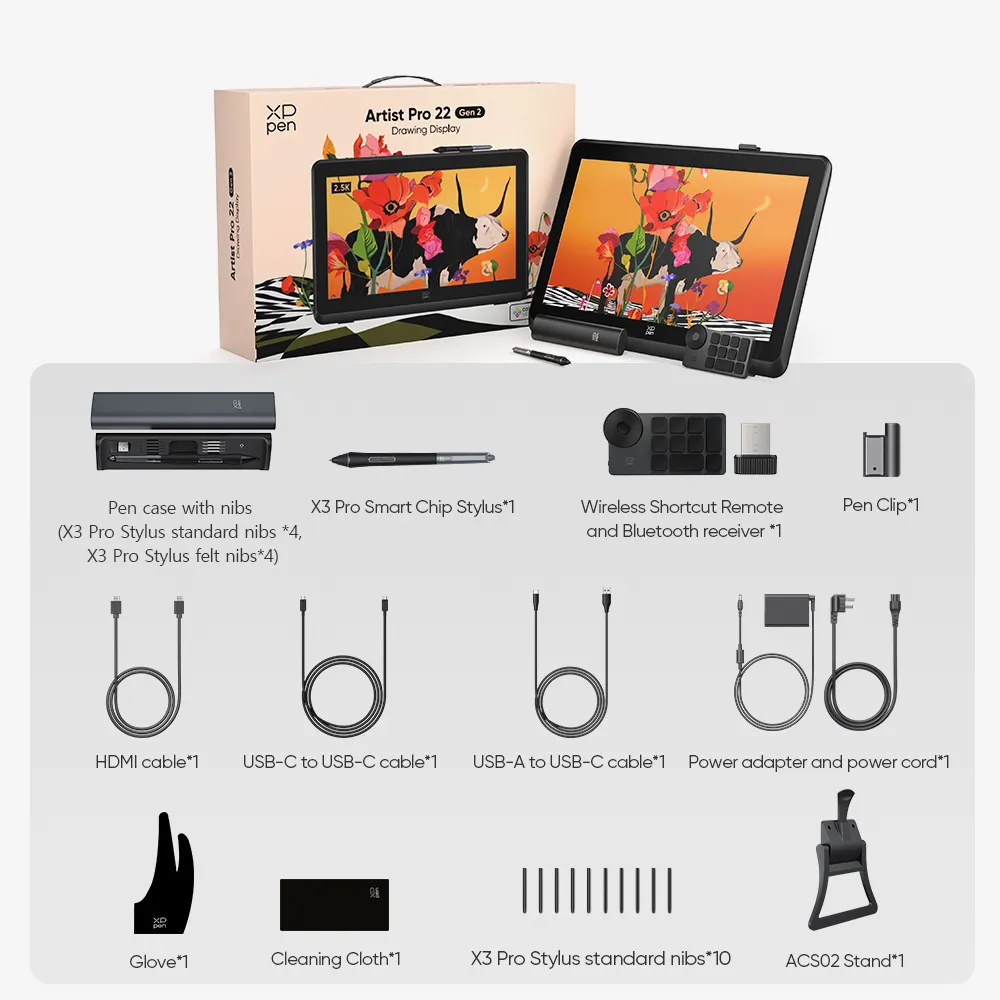
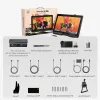
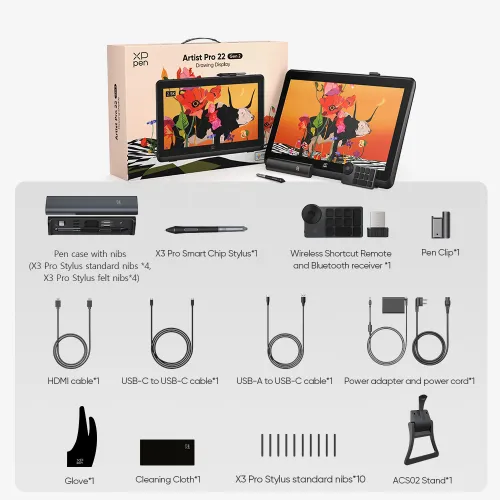
1 x Drawing Display
1 x Pen case with nibs (X3 Pro Stylus standard nibs*4, X3 Pro Stylus felt nibs*4)
1 x X3 Pro Smart Chip Stylus
1 x Wireless Shortcut Remote and Bluetooth receiver
1 x Power adapter and power cord
1 x HDMI cable
1 x USB-C to USB-C cable
1 x USB-A to USB-C cable
10 x X3 Pro Stylus standard nibs
1 x Glove
1 x Cleaning Cloth
1 x Pen Clip
1 x ACS02 Stand
| Linux OS | Version | Package Format | Supported Software |
| Arch | Arch Linux2019.12.01(64-bit) | .deb, .sh | GIMP, Krita |
| Centos | Centos7.0(64-bit) | .rpm, .sh | GIMP |
| Centos8(64-bit) | .rpm, .sh | GIMP, Krita | |
| Debian | debian-9.5.0-amd64-netinst(64-bit) | .deb, .sh | GIMP, Krita |
| elementary OS | elementary OS 5.0(64-bit) | .deb, .sh | GIMP, Krita |
| ezgo Linux | ezgo14(64-bit) | .deb, .sh | GIMP, Krita |
| Fedora | Fedora32(64-bit) | .rpm, .sh | GIMP, Krita |
| Mageia | Mageia-7.1(64-bit) | .rpm, .sh | GIMP, Krita |
| Manjaro | manjaro-xfce-20.1.2-201019(64-bit) | .deb, .sh | GIMP |
| Mint | linuxmint-18.2-cinnamon-64bit | .deb, .sh | GIMP, Krita |
| OpenSUSE | openSUSE-Tumbleweed(64-bit) | .rpm, .sh | GIMP, Krita |
| Pop!_OS | pop-os_19.10(64-bit) | .deb, .sh | GIMP, Krita |
| Red Hat | Red Hat7(64-bit) | .rpm, .sh | GIMP |
| Ubuntu | Ubuntu14.04(64-bit) | .deb, .sh | GIMP, Krita |
| Ubuntu16.04(64-bit) | .deb, .sh | GIMP, Krita | |
| Ubuntu17.04(64-bit) | .deb, .sh | GIMP, Krita | |
| Ubuntu18.04(64-bit) | .deb, .sh | GIMP, Krita | |
| Ubuntu19.04(64-bit) | .deb, .sh | GIMP, Krita | |
| Ubuntu20.04(64-bit) | .deb, .sh | GIMP, Krita |
| Function | Krita 4.3.0 | Gimp 2.10.20 | Inkscape 0.92 |
| Pen Pressure Sensitivity | |||
| Tilt | |||
| Mouse Function | |||
| Eraser Button (Stylus:PH01, P06) | |||
| Switch between Pen and Eraser Modes | |||
| *If you have any further queries, please do not hesitate to contact us at service@xp-pen.com. | |||
Linux OS
Function
*If you have any further queries, please do not hesitate to contact us at service@xp-pen.com.


 No consulting
Get the latest on XPPen products, free trials, and more.